

Submitting a help request
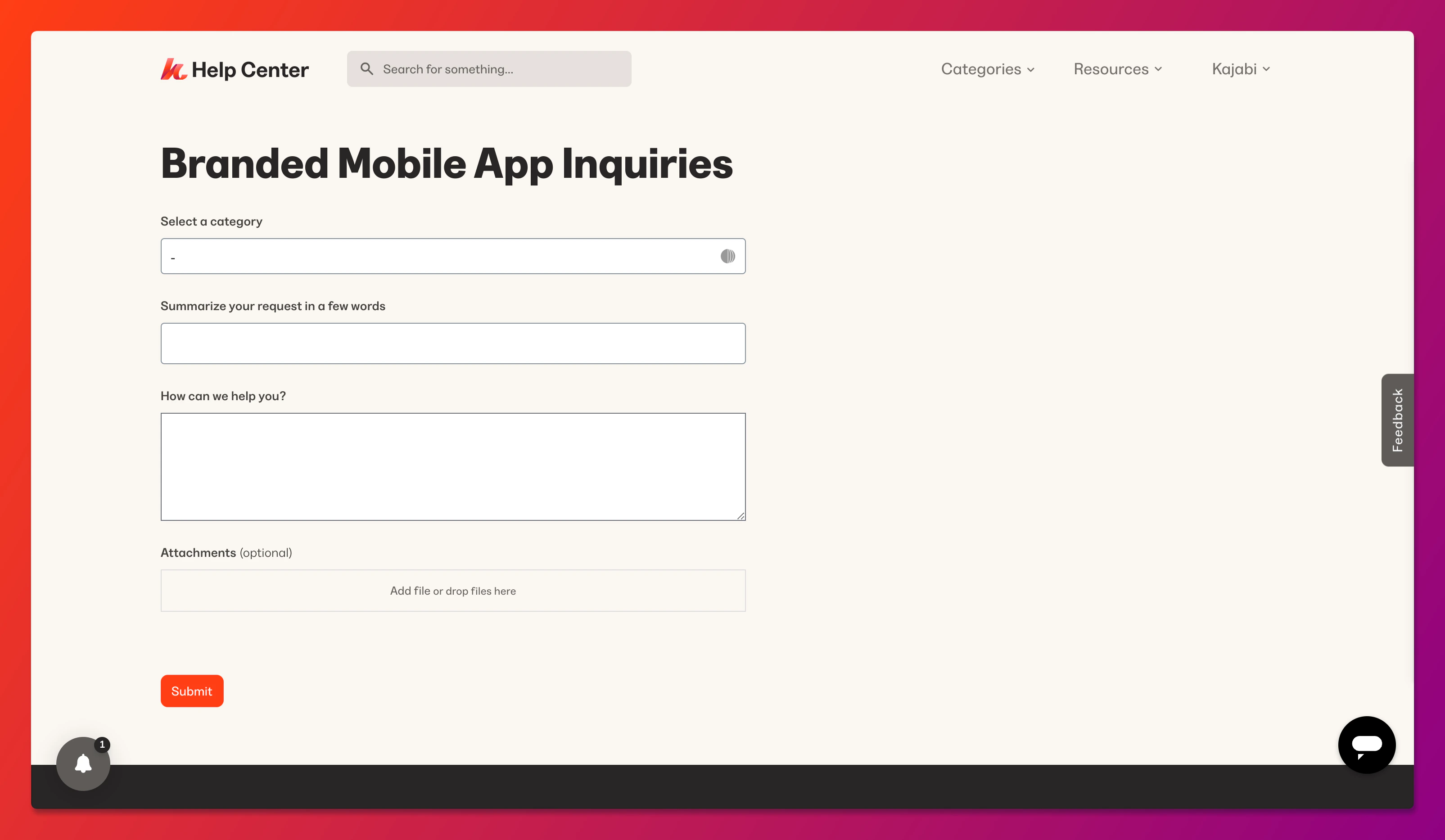
On the form:- Choose Branded App Issues as the support category
- Enter the email address and a brief summary of the request
- Use the “What best describes your request?” dropdown menu to indicate if you’re reporting a rejection from Apple or Google
- Provide the full rejection information Apple or Google sent you along with any screenshots they included
- Click Submit to send the help request
Note:
For the fastest assistance with this issue, please use the procedure above to submit the help request. You can alternatively access the support form by clicking Help & Feedback at the lower left of the Kajabi dashboard and selecting Send us an email, or by clicking Submit a Request on the Kajabi Help Center.