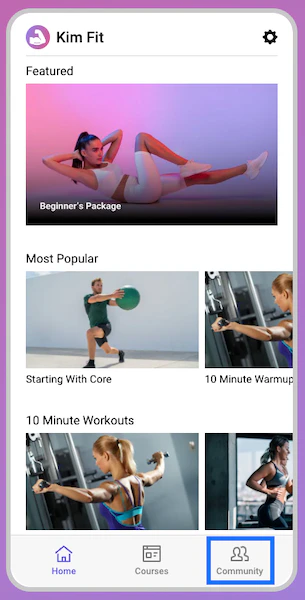
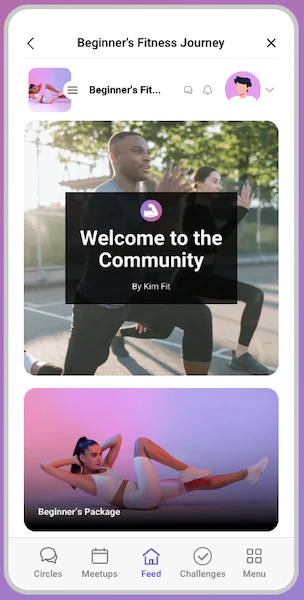
Open Community directly from a Branded App for seamless navigation.
Community is accessible directly from a Branded App, allowing seamless navigation without switching between apps. With a single tap, you or your customers can open Community from inside the Branded App.
To return to the Branded App, click either the back arrow or the X at the top of the Community webview screen to close the window and return to the app.