

What is the welcome screen?
The app welcome screen is the first screen an app user will see after they download and open the app. It provides users with the option to either sign up for a member account or log into an existing account. Enhance the Branded App user experience and grow your audience by customizing the welcome screen with your own branding and enabling users to create a member account directly from the welcome screen.Note:
The welcome screen feature is disabled by default. If you choose not to set up a welcome screen for the Branded App, then only existing members will be able to log into the app (they’ll see the default login screen instead).
Set up the welcome screen
Note:
The Sign Up button on the welcome screen will only be enabled if you’ve added at least one widget to the custom home screen. This prevents people who sign up for the app from seeing an empty state in the app. To remove the Sign Up button, you must remove all widgets from the home screen. Learn how to customize the Branded App home screen.
- Select Branded Mobile App from the Kajabi dashboard. If you’ve fully completed the app setup, you should see the app Design settings.
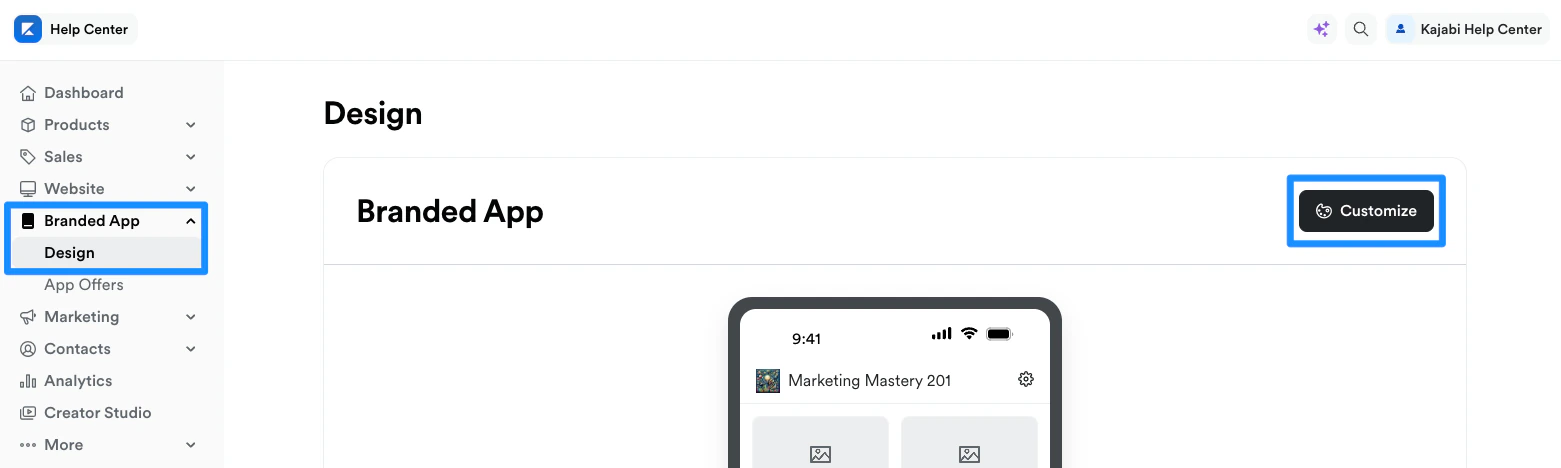
- Select the Design tab.
- Click Customize:
- Open the phone icon:
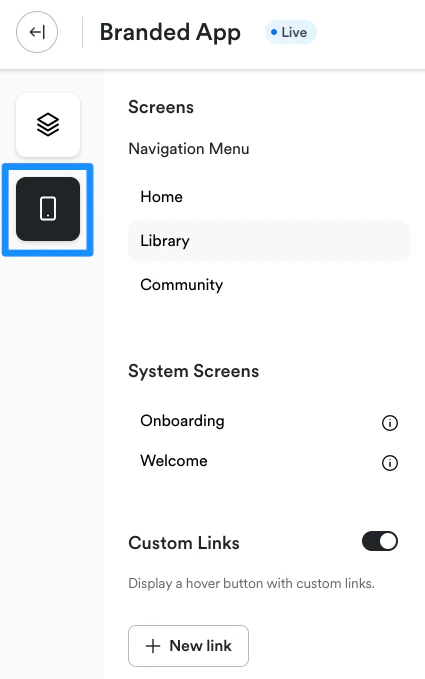
- Navigate to System Screens.
- Select Welcome:
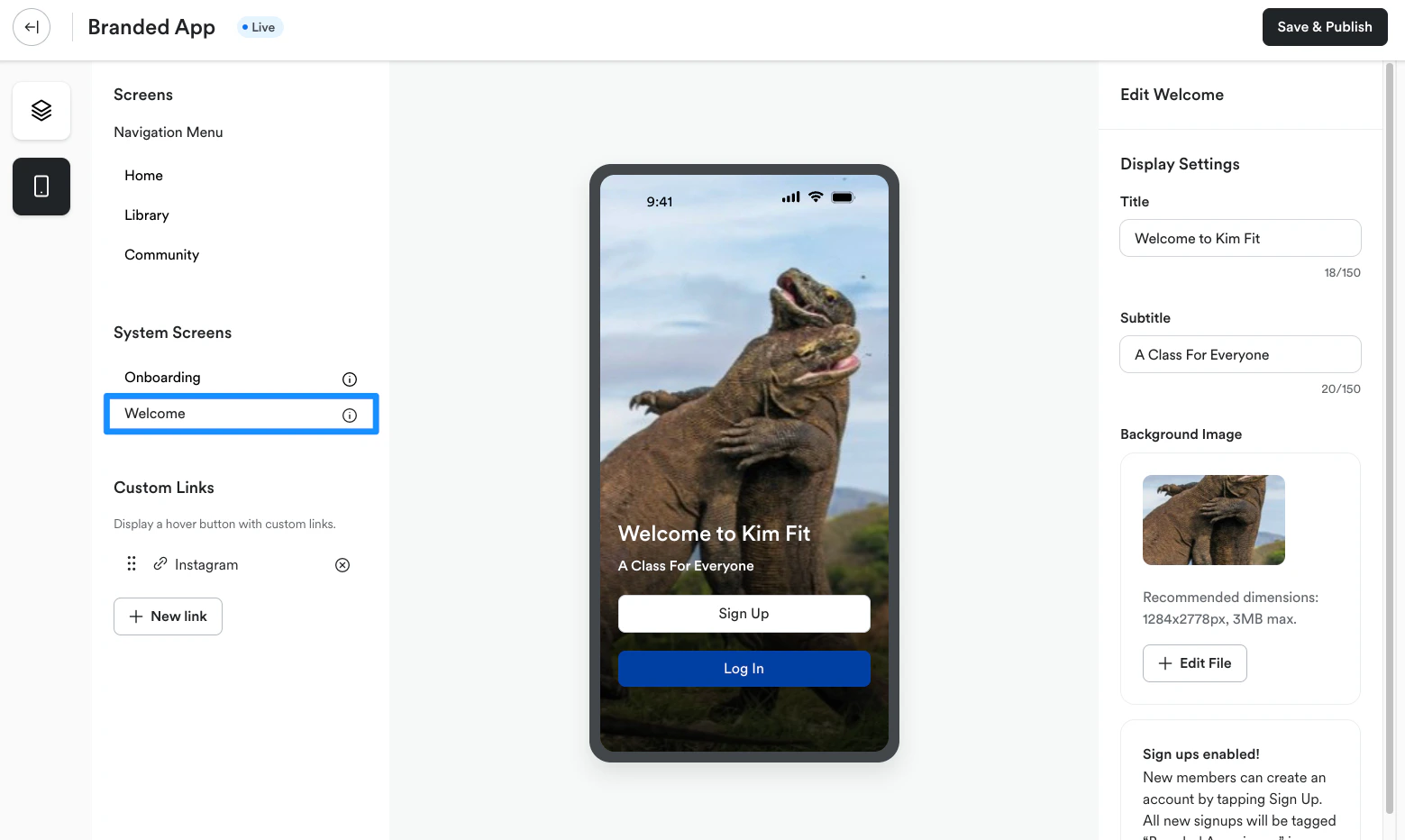
- Enter a Title and Subtitle to display on the welcome screen.
- Under Background Image, click Select file.
- Follow the prompts to upload the desired Background image. We recommend using an image file size of 1284 x 2778 px (3 MB max file size).
- Review the changes on the preview.