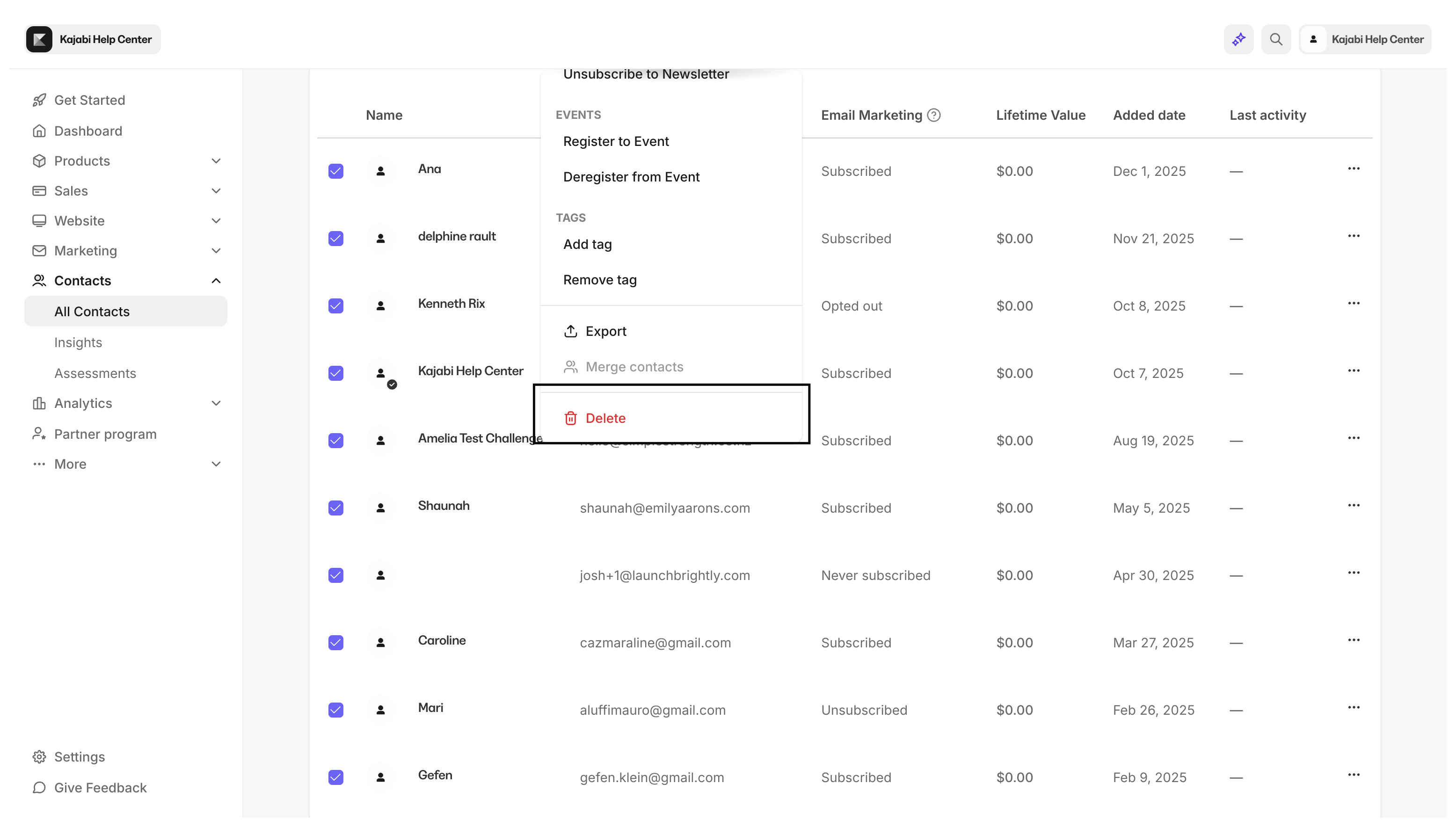
Perform a bulk action
To toggle the bulk action options in the Contacts tab:- Open the Contacts tab from the Dashboard.
- Filter your contacts to narrow your List or select custom segments.
- Check Select All.
- Open the Actions dropdown menu.
- Select the action you wish to apply.
- Follow the prompts.
- Click Submit:
Offers
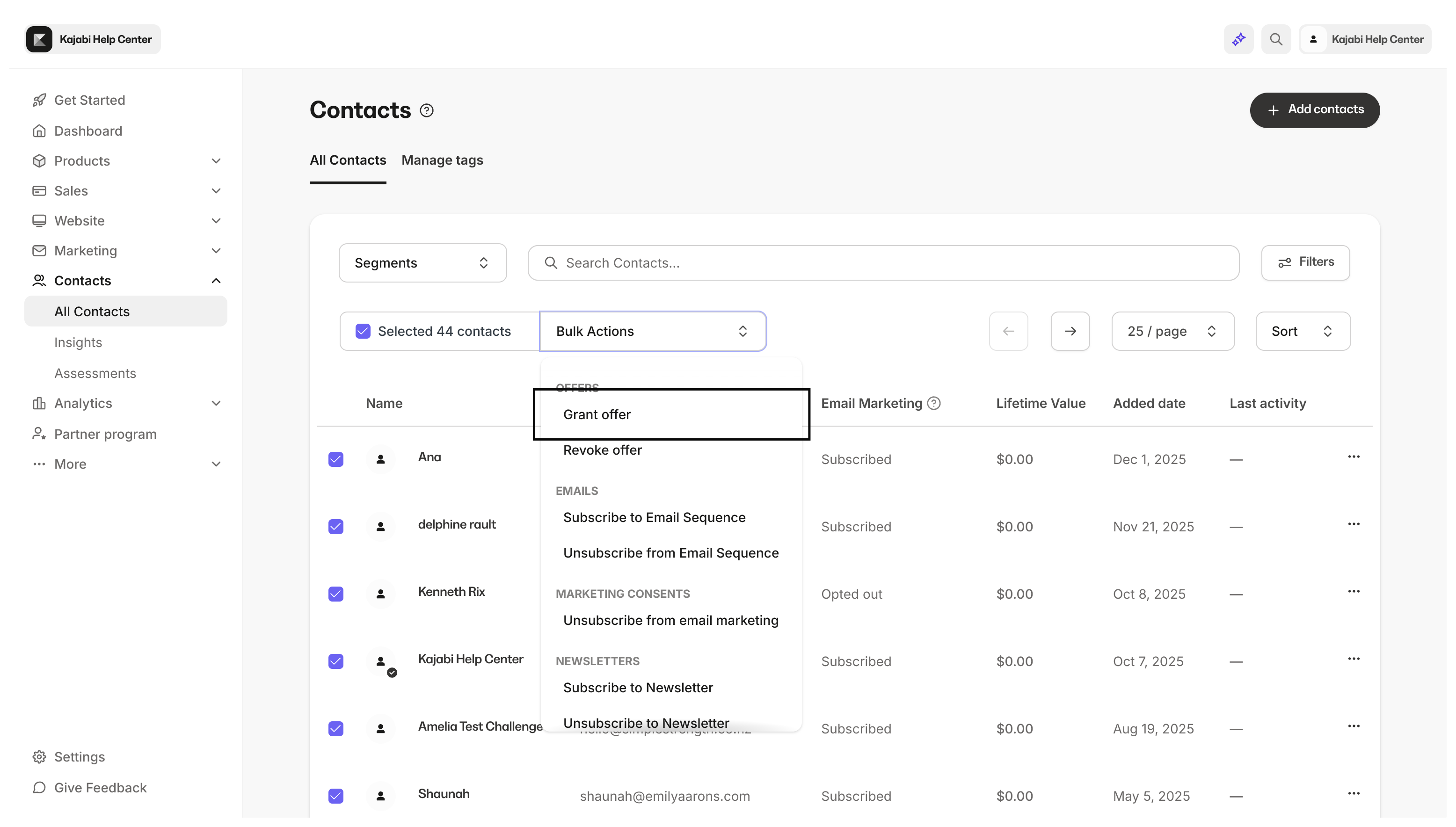
Email Sequences
- Subscribe to or Unsubscribe from an Email Sequence
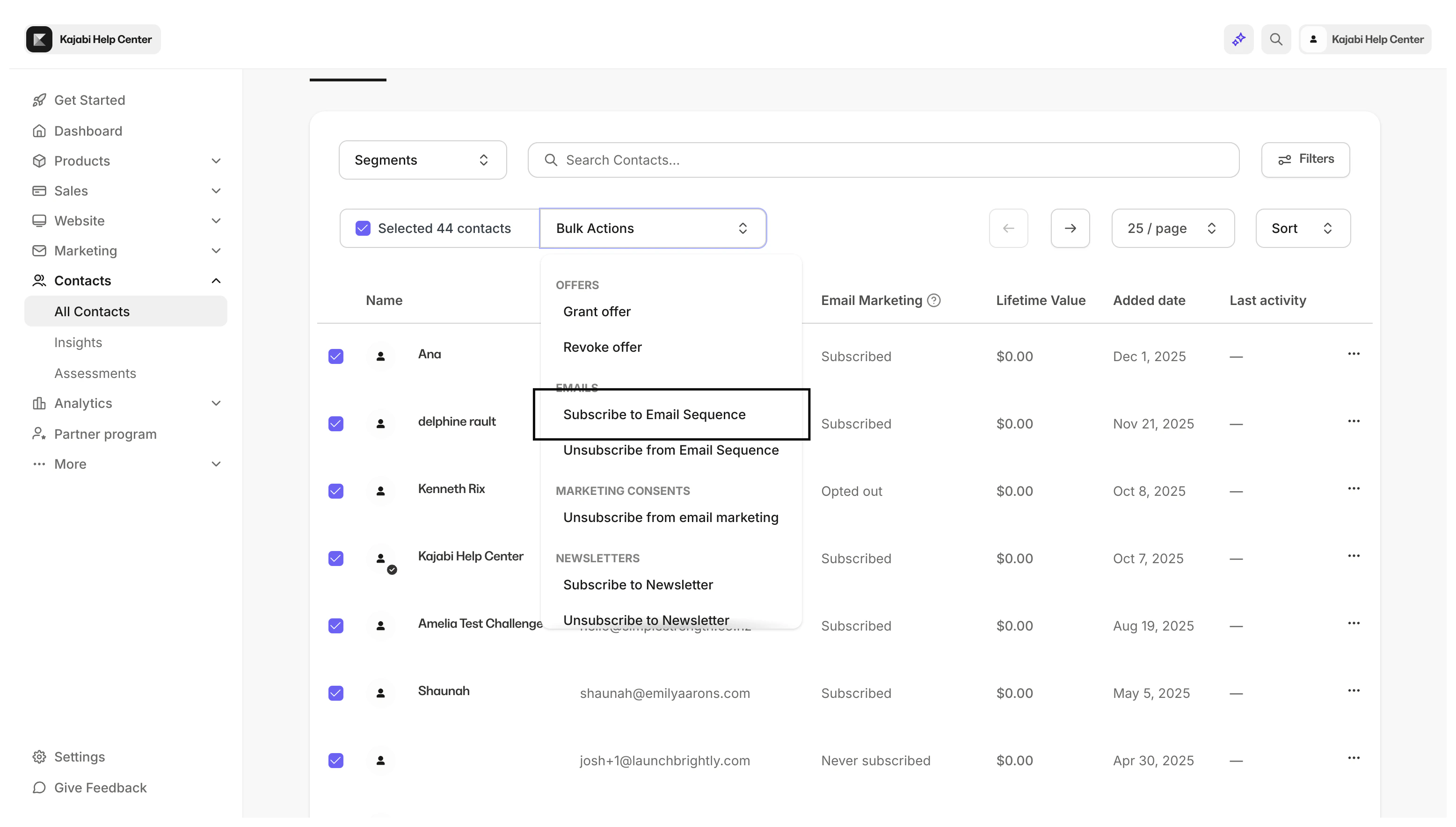
Events
- Register to or Deregister from an Event
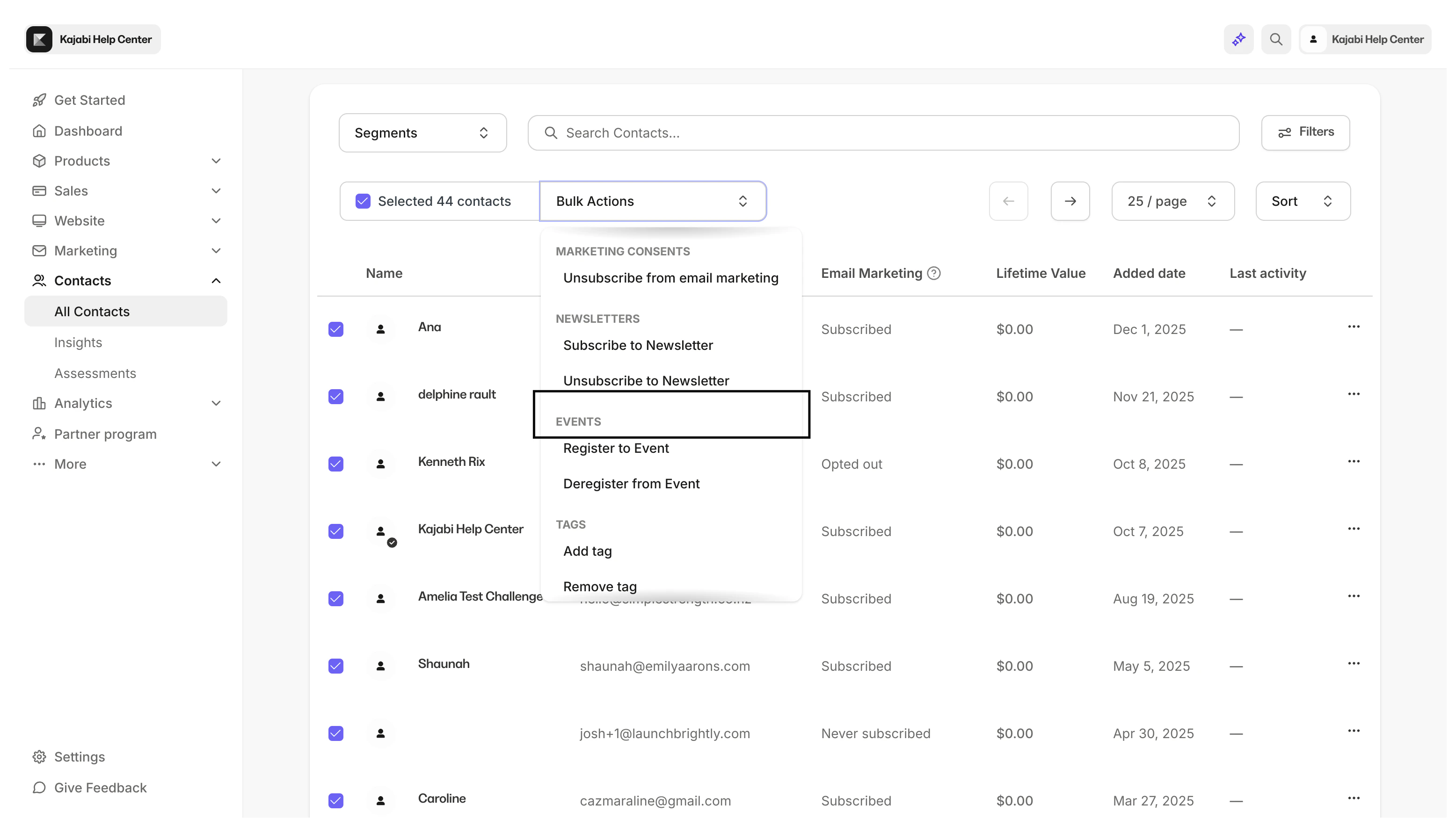
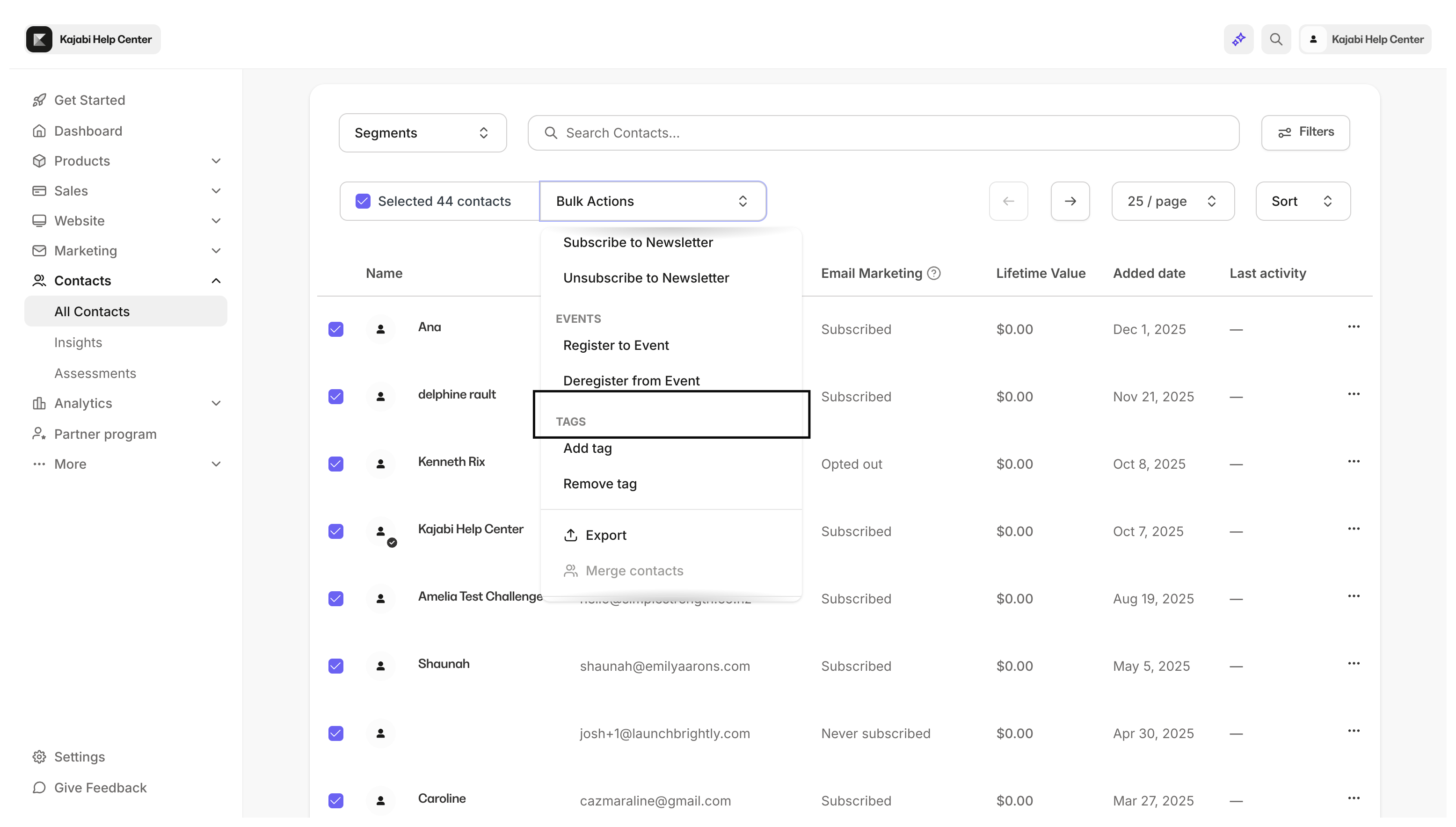
Tags
- Add or remove Tags
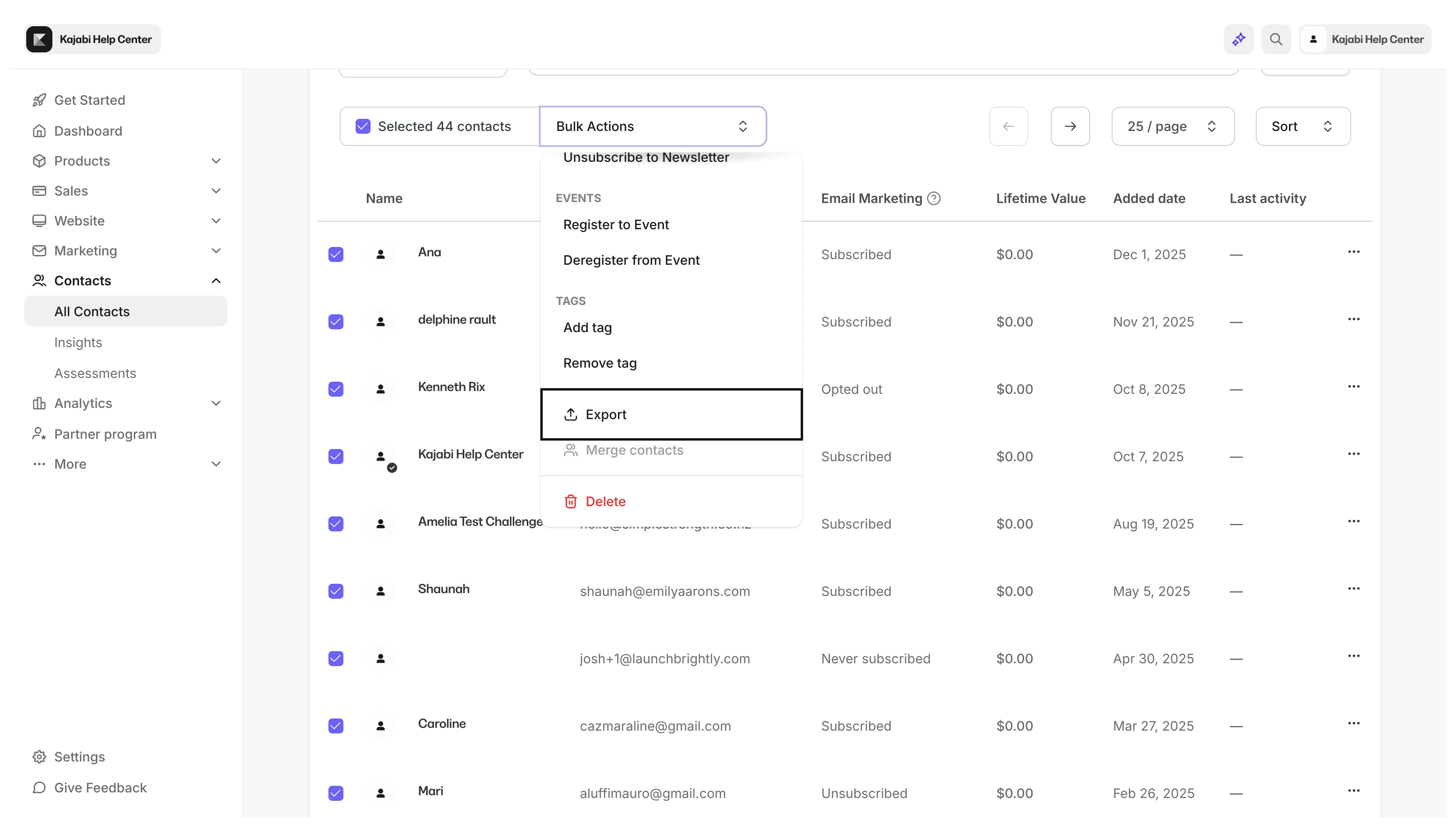
Export
- Export a CSV of your entire list or a segmented selection
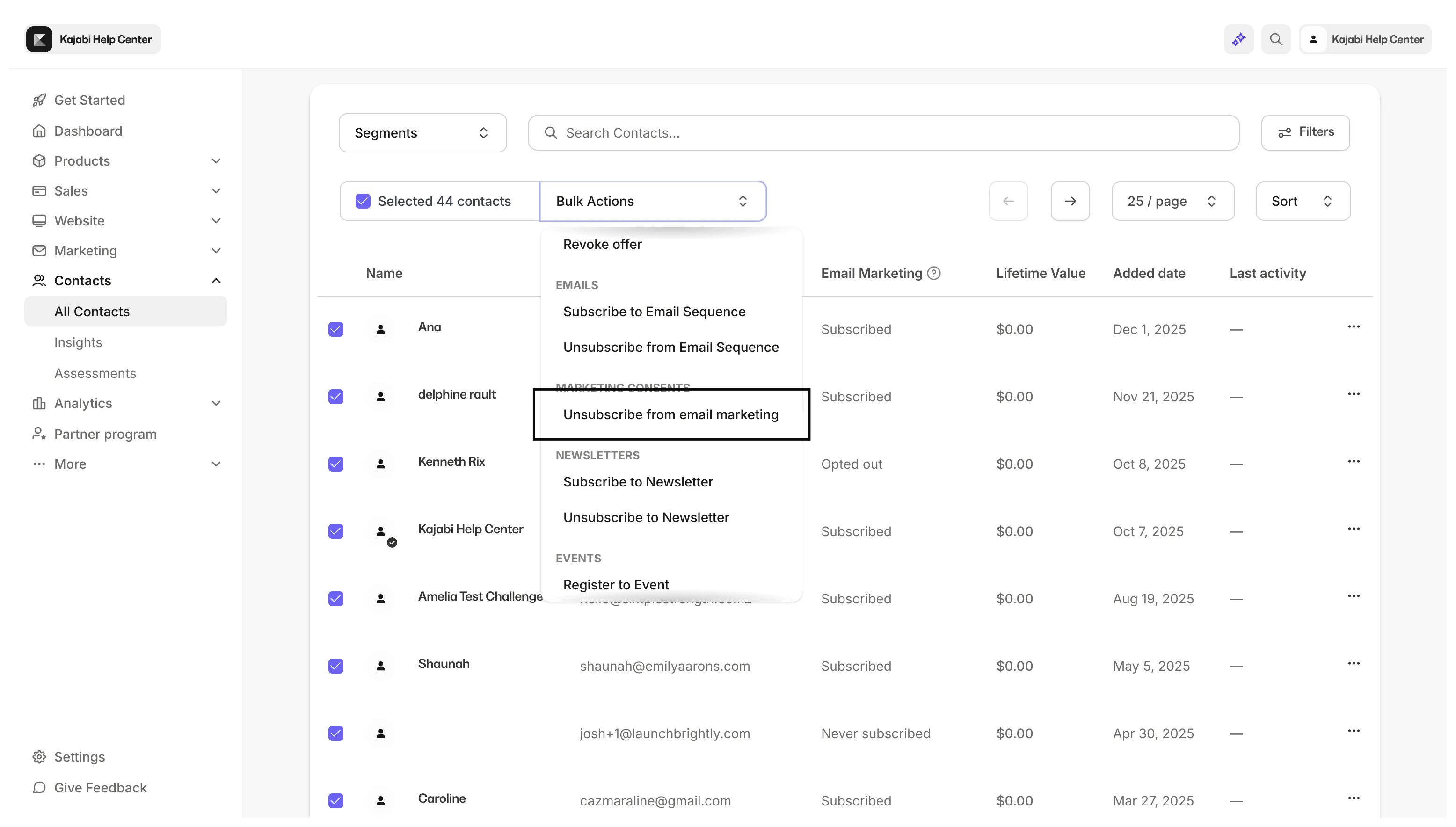
Unsubscribe
- Unsubscribe contacts from all email marketing.
Note:
Bulk unsubscribes and bulk deletions export the list to the email address associated with your Kajabi account to recover your unsubscribed or deleted contacts if needed. Be sure to download the CSV within three days of unsubscribing or deleting, after which the link will expire.
Delete
- Permanently remove contacts