What is email address validation and contact exclusion?
Email Address Validation and Contact Exclusion are two separate processes designed to ensure that your mailing list contains high-quality contacts that will ultimately boost your sender reputation. Identifying and excluding high-risk contacts from receiving your marketing emails will help preserve your email deliverability rates to ensure that more of your emails consistently land in your recipients’ inboxes.Email address validation
Email Address Validation is the process of validating your contacts’ email addresses submitted to your site when importing Contacts, Form submissions, and Offer purchases. Validating email addresses is an automatic process that occurs when an email address is submitted to your site.Contact exclusion
With Contact Exclusion, Kajabi analyzes your contacts and flags high-risk, inactive email addresses and contacts and excludes them from receiving your marketing emails. If a high-risk contact is added to your site, but they visibly engage with your emails they will not be excluded from receiving your marketing emails. What is the benefit of excluding contacts? Sending emails to high-risk or inactive email addresses can be detrimental to your email deliverability and sender reputation. This can put you at risk of being flagged for spam and can result in more emails landing in your recipients’ spam folder, and worse, severely impact your sender reputation if a high-risk or inactive email address is a spam trap. Understand spam traps and how to avoid them for more details. Excluding contacts protects your sender reputation and helps you maintain a healthy mailing list to help you feel confident in knowing that your emails are landing in your recipients’ inboxes. These two processes have been built into Kajabi to improve your email deliverability by helping you build a good sender reputation with a healthy mailing list.Note: Excluding contacts is an automatic process Kajabi will perform for you. If you are looking to stop specific contacts from receiving marketing emails, you can manually unsubscribe them or permanently delete them from your list.
Email address characteristics
Undeliverable: the address is invalid and emails sent to it cannot be delivered. This can occur if:- Mailbox is invalid.
- Domain does not exist.
- similar email addresses submitted have proven malicious or undeliverable in the past,
- the email address mailbox may be configured incorrectly,
- or the email address may become undeliverable in the near future.
What can happen if you send email campaigns to high-risk email addresses?
Sending emails to high-risk email addresses can damage your sender reputation. This can also result in low click-to-open rates and a decrease in overall engagement.Understand email address validation messages
Kajabi validates your contacts’ email addresses as email addresses are submitted onto your site. This process is visible to you when adding potentially high-risk email addresses into your Contacts tab. Potential Email Address Validation Message: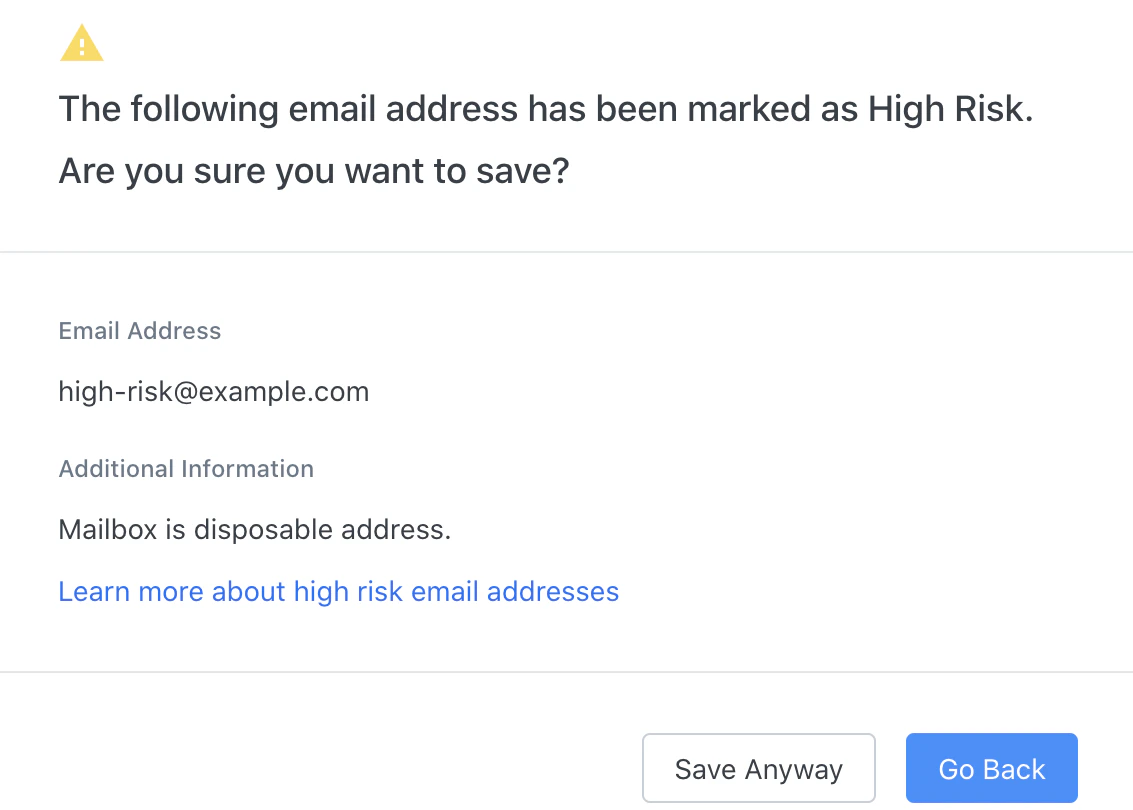
High risk domain, Subdomain mailer, TLD risk
The domain, subdomain, or TLD (top-level domain, e.g, .com, .org, etc.) is suspicious or proven malicious, or undeliverable in the past. This is based on historical sending data.Mailbox is disposable address
The address is disposable (one-time use or kept live for 10 minutes). This address will typically receive the first email it is sent, but will bounce subsequent emails.Mailbox does not exist, No mx, Unknown provider
The mailbox may not exist, may be configured incorrectly, or the mailbox is on a server our email partner has never sent to before and cannot be verified.Note: Email Addresses with this message are likely to be considered undeliverable instead of high risk.
Mailbox is role address
The email address is a role-based address (e.g., info@companyname.com). Role-based email addresses are unlikely to interact with your marketing emails and can harm your sender reputation.Excluded contacts
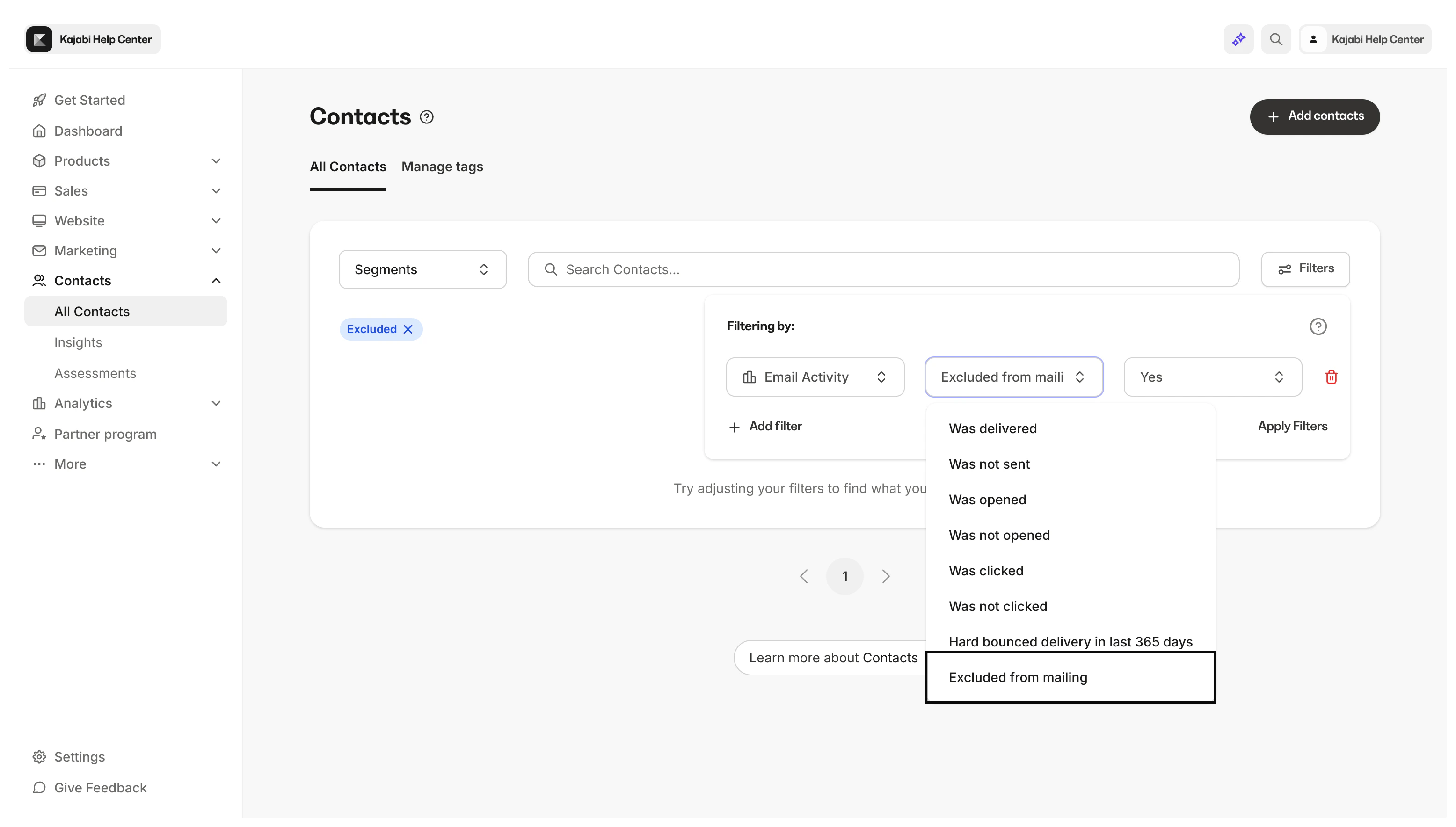
Excluded contacts are email addresses that have subscribed to your marketing emails, but have been identified as high-risk and inactive. Kajabi excludes the contacts that are high-risk and inactive from receiving your marketing emails to protect your sender reputation and improve your email deliverability.Identify excluded contacts
Excluded contacts will be marked as “Excluded” in the Email Marketing Status column of your Contacts tab: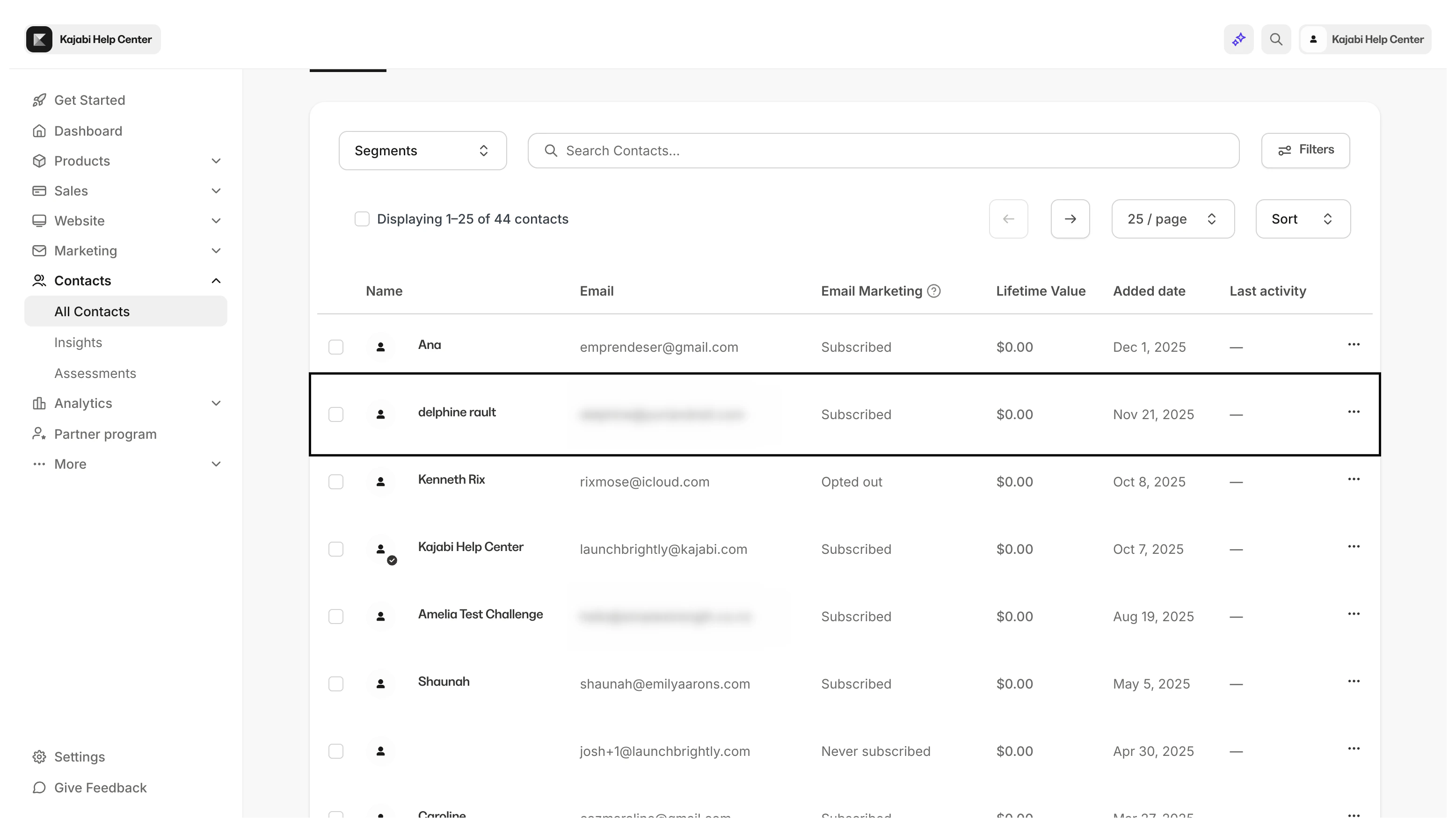
Excluded segment
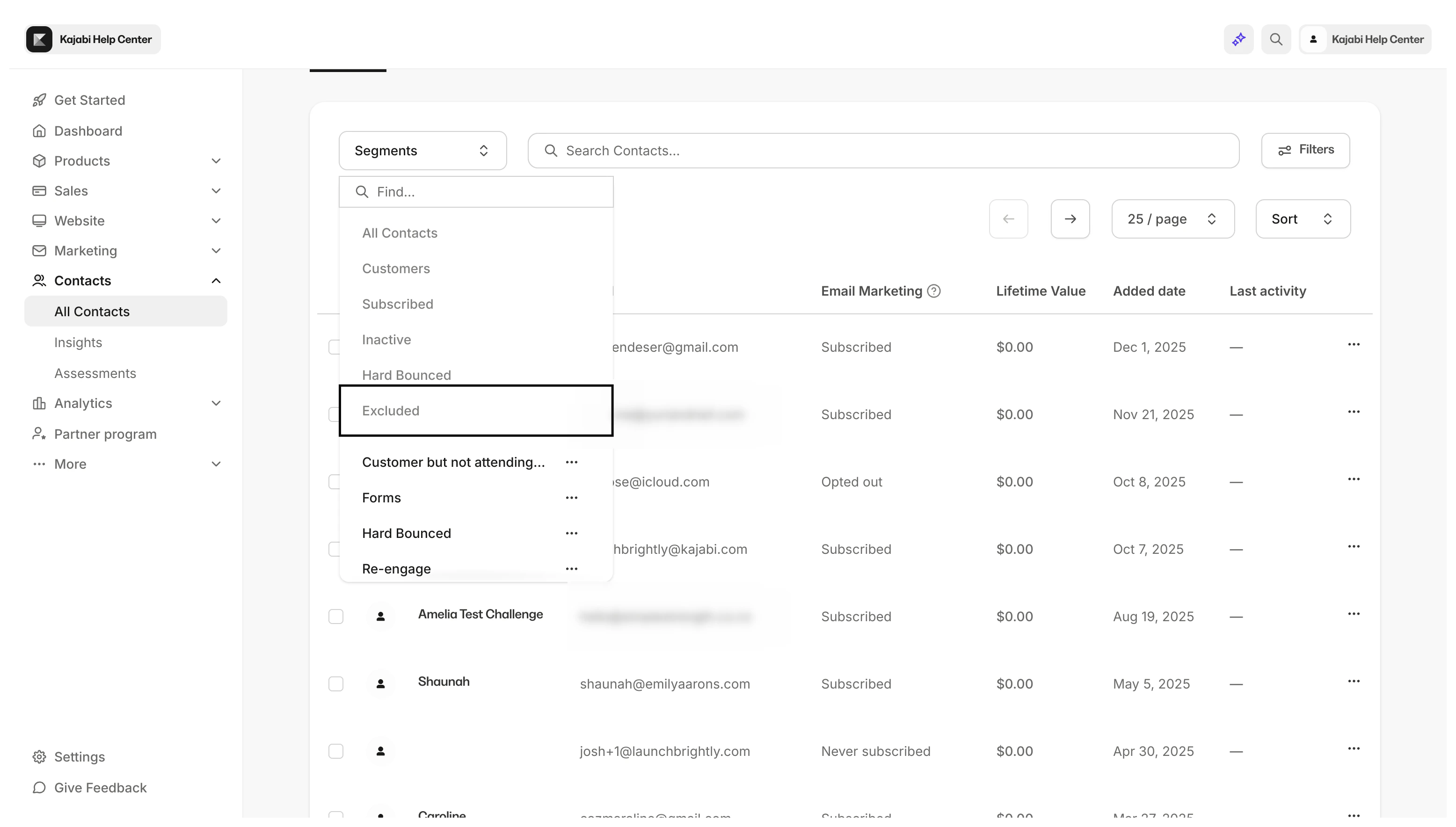
Excluded filter