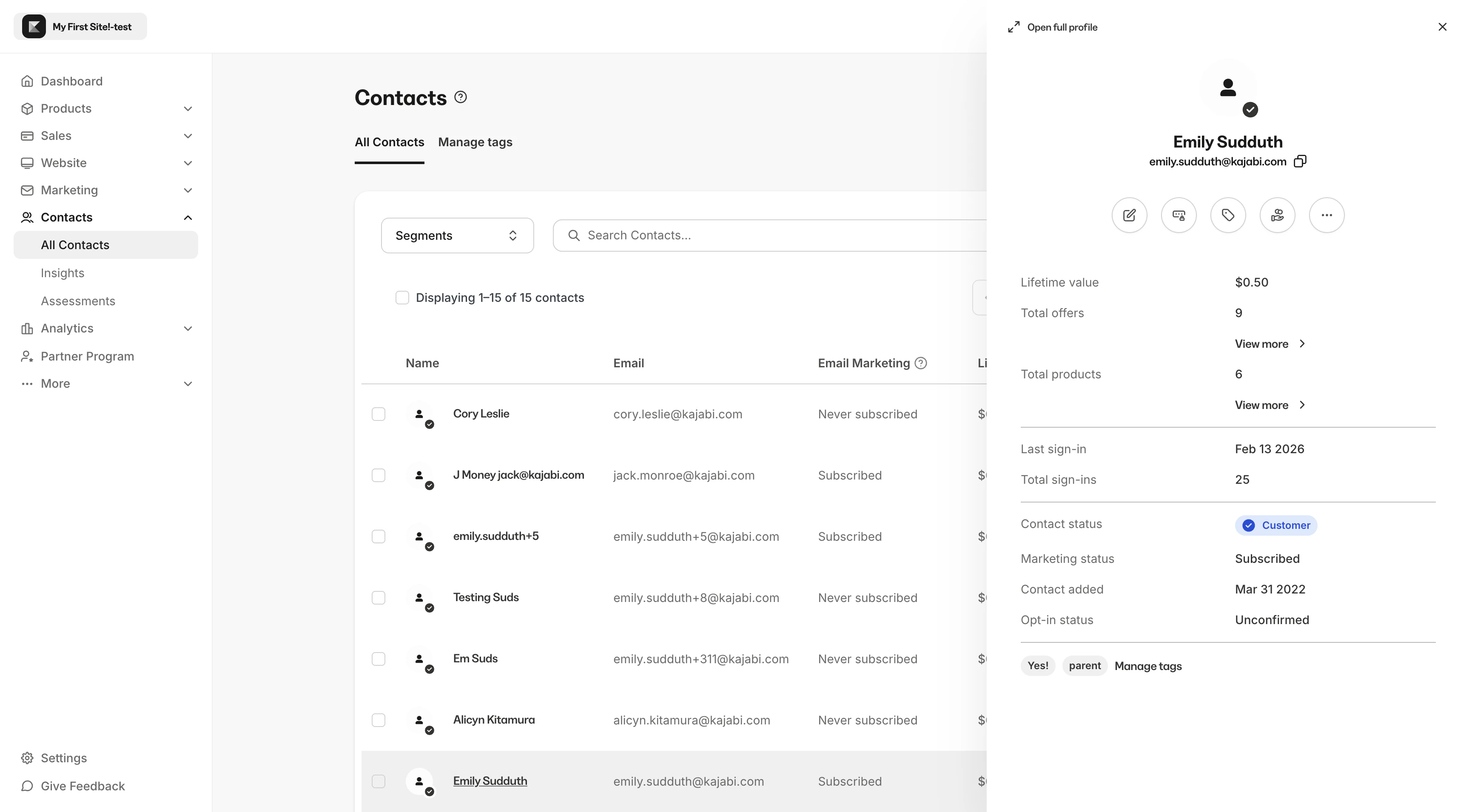
Preview contacts and perform quick actions without leaving the filtered contact list.
The Contact Preview allows you to preview and perform quick actions without having to enter into the full Contact Profile page.With this feature you can filter your list, view your contacts, and perform your most common actions without resetting your filtered list.
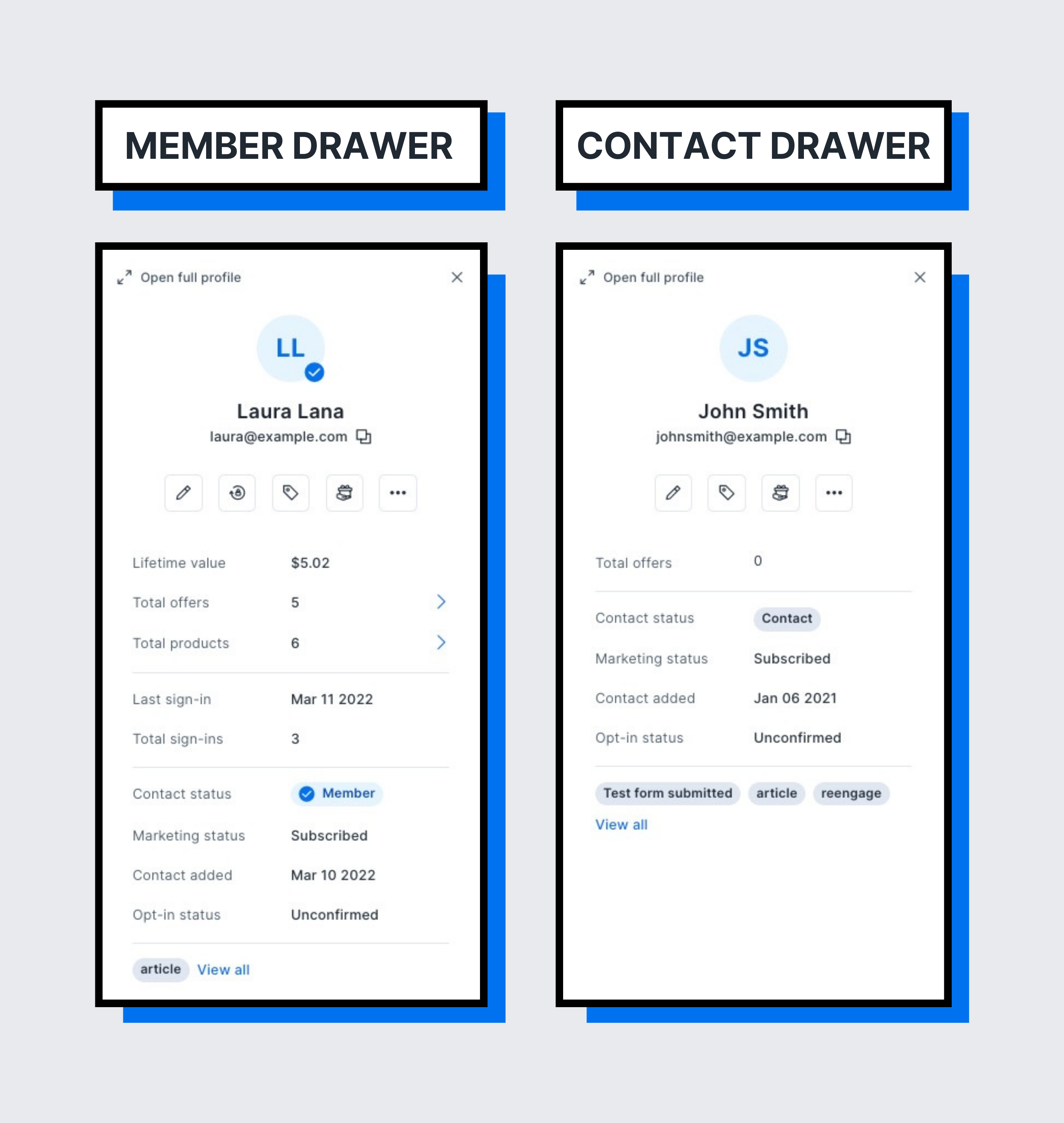
Customer contact preview vs. non-customer contact preview
The Contact Preview will provide different options depending on the type of contact you view. If you open the Contact Preview for a Customer you can perform more actions through the Contact Preview than you will find in the Contact Preview of a Non-Customer.
The Customer contact preview contains more information and quick actions compared to the Non-Customer contact preview as a result of their Customer status.
The Non-Customer contact preview allows you to perform the applicable quick actions to your non-customer contact and provides an efficient method of viewing important contact information.With the Non-Customer contact preview you can: