

Change a customer’s start date
- Open the Contacts tab from your Dashboard.
- Select All Contacts:
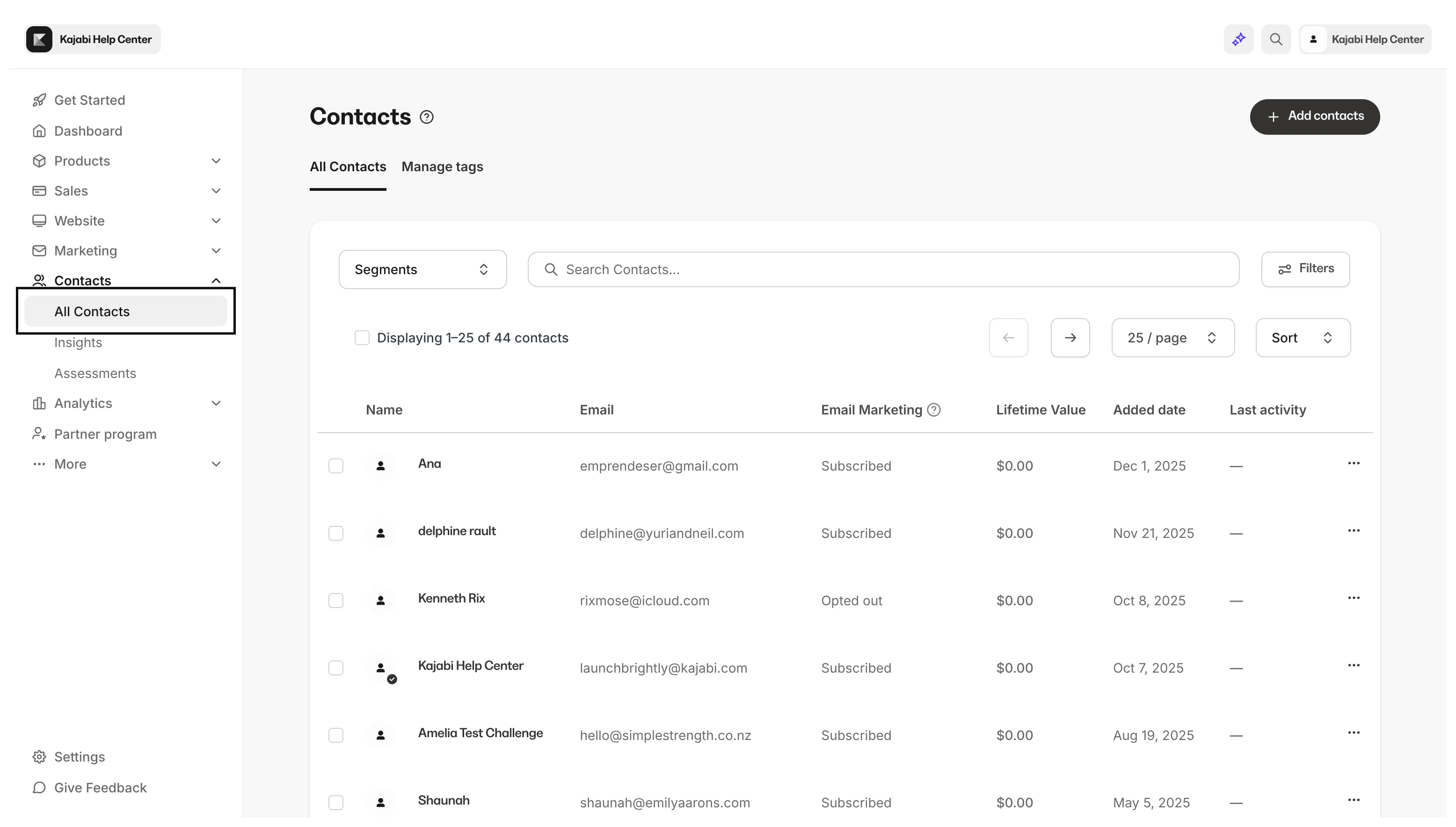
- Search the Customer’s name or email address.
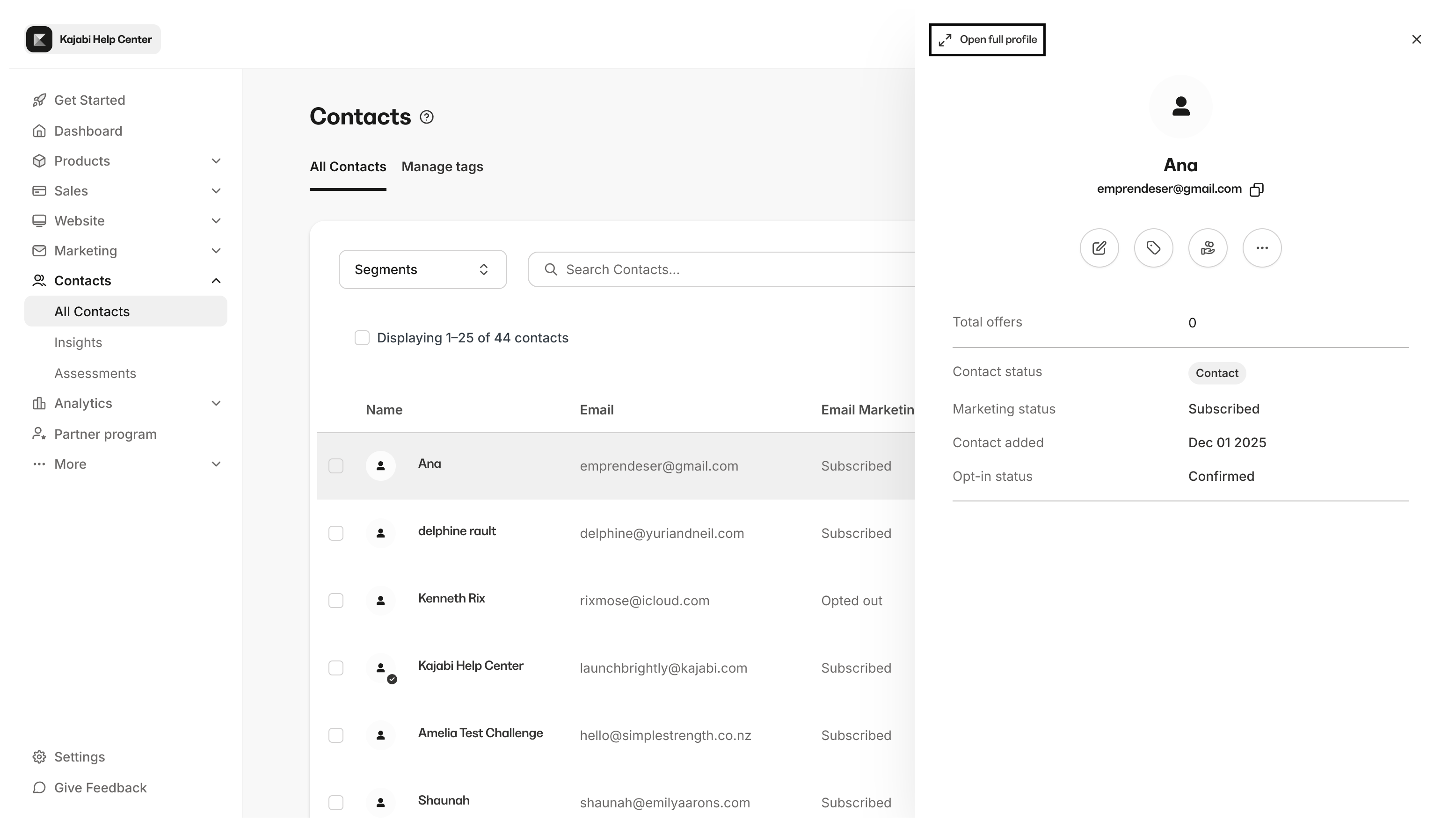
- Select the Customer you want to change to open their profile.
- Click Open Full Profile:
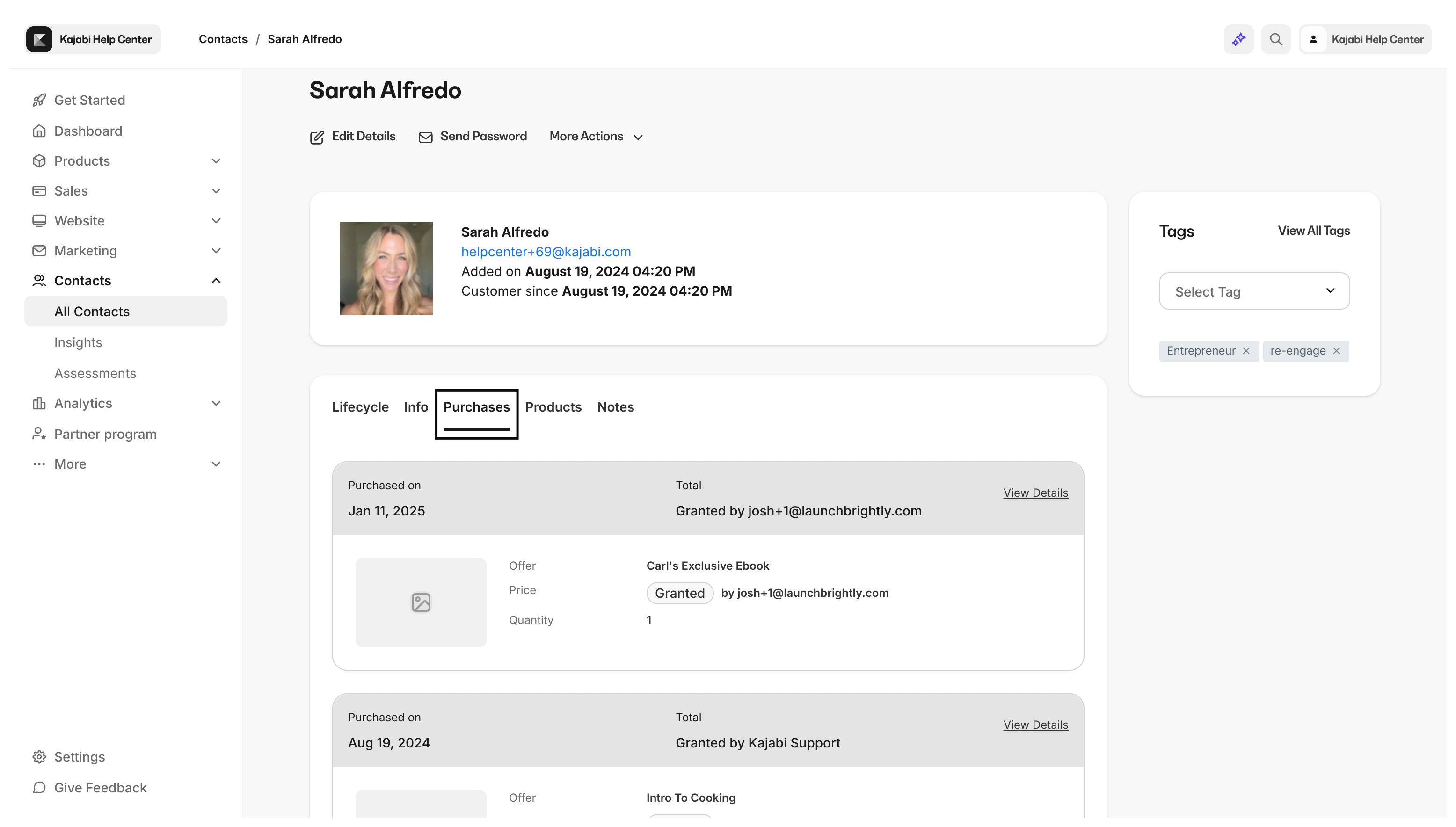
- Select the Purchases tab in the top menu:
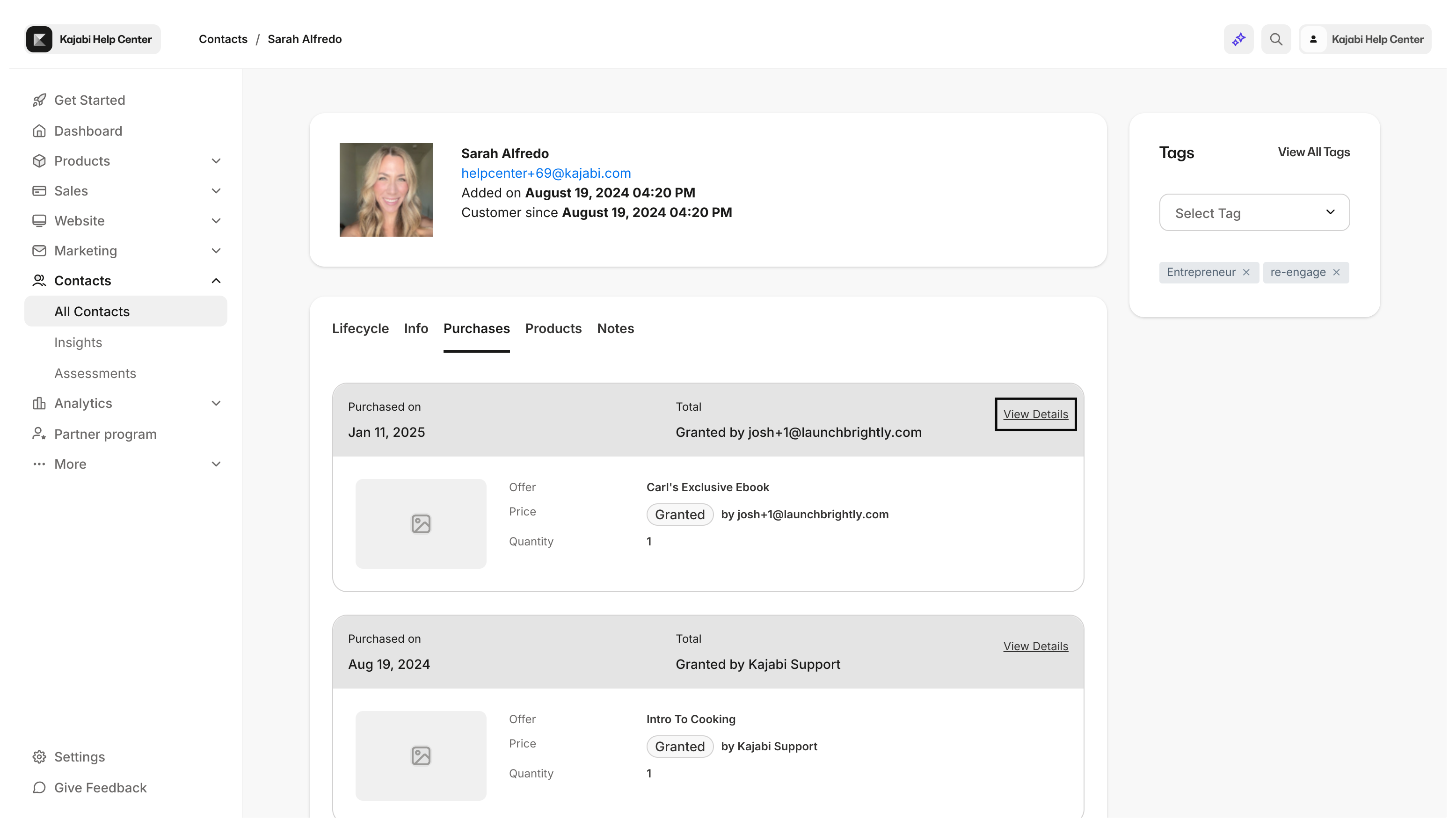
- Click More Info next to the Offer you want the change applied to:
- Click on the
…icon to open more options. - Select Edit access start date.
Note: Changing the Start Date has no affect on the payment structure set up in the Offer.