

Note:
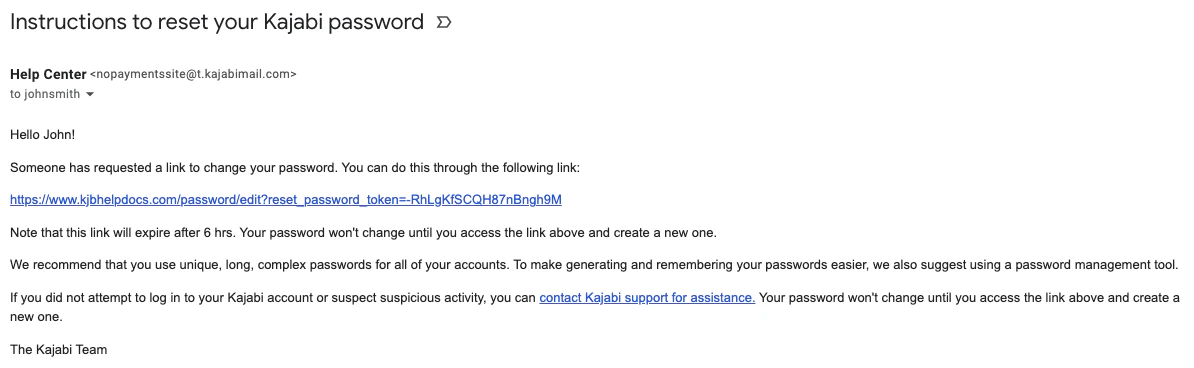
The password reset link will expire after 6 hours and should be reset in a timely manner. However, if the password reset link has expired by the time your Customer clicks the link, simply repeat the steps to send a password reset link.
Customer can’t log into a site
If your Customer forgets their login, they can click Forgot Password on the site login page and Kajabi will send a password reset link to their email inbox: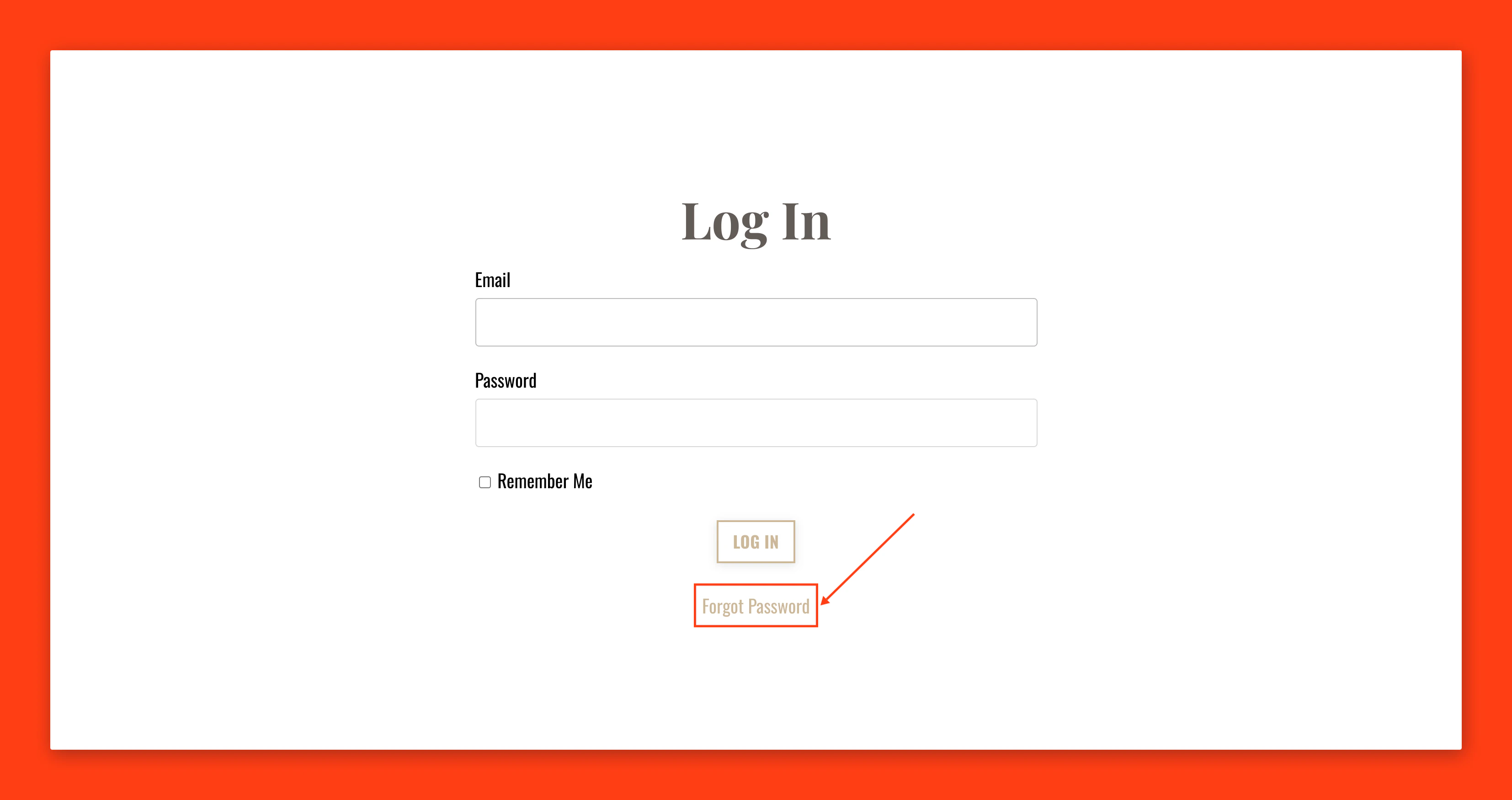
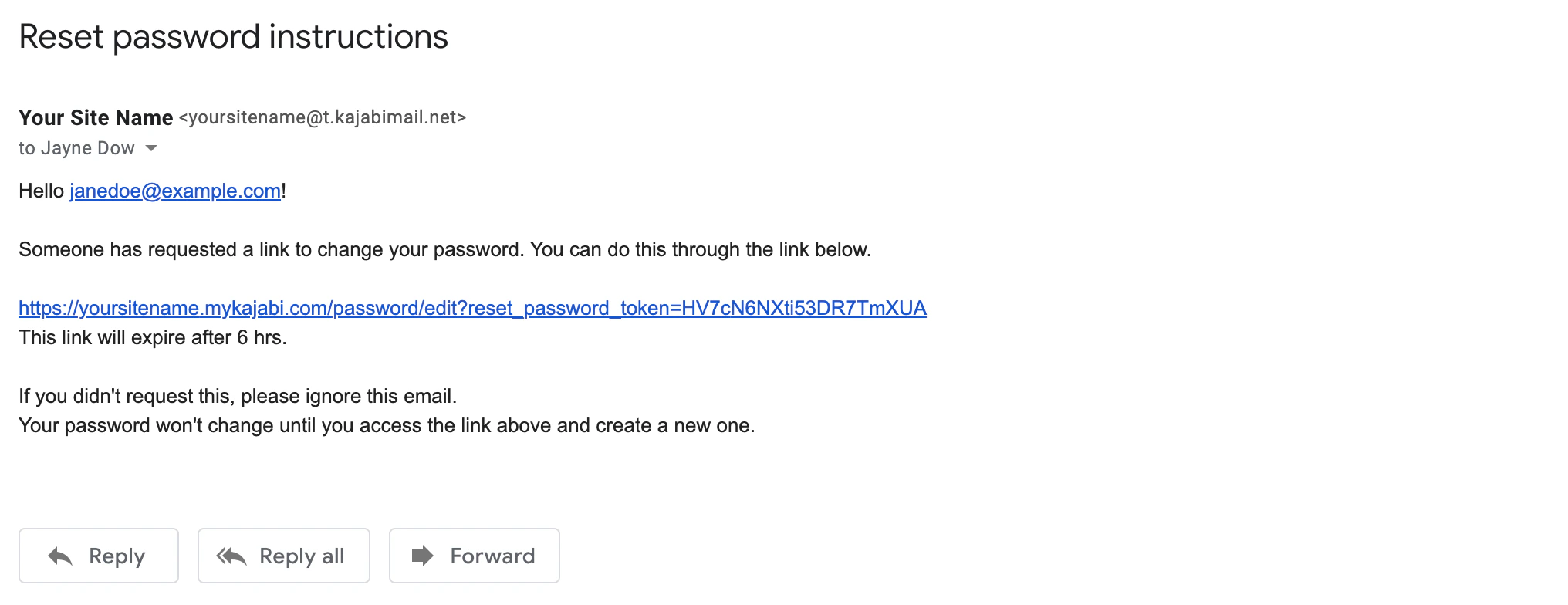
Send password to customer email
Manually send a password reset email to a Customer
- Open the Contacts tab from the Dashboard.
- Select the Customer’s name to open their Profile.
- Click Reset Password.
- Confirm by clicking Send email:
Note:
Don’t see the Send Password option in your Admin account? This indicates that the Contact is not yet a Customer. Learn about the difference between a Contact and a Customer.
Change a customer’s password
Provide your Customer with a temporary password to help them log in to your site. Your Customer can then change their password within their Account Settings. Learn how your Customer can update their account information.Manually create a password for a Customer
- Open the Contacts tab from the Dashboard.
- Select the Customer’s name to open their Profile.
- Click the
…icon to open More Actions. - Select Change Password.
- Enter the Customer’s temporary password.
- Click Save to apply:
Note:
Don’t see the Change Password option in your Admin account? This indicates that the Contact is not yet a Customer. Learn about the difference between a Contact and a Customer.