Subscription status
The subscription status is located in the Email Marketing column in your Contacts tab: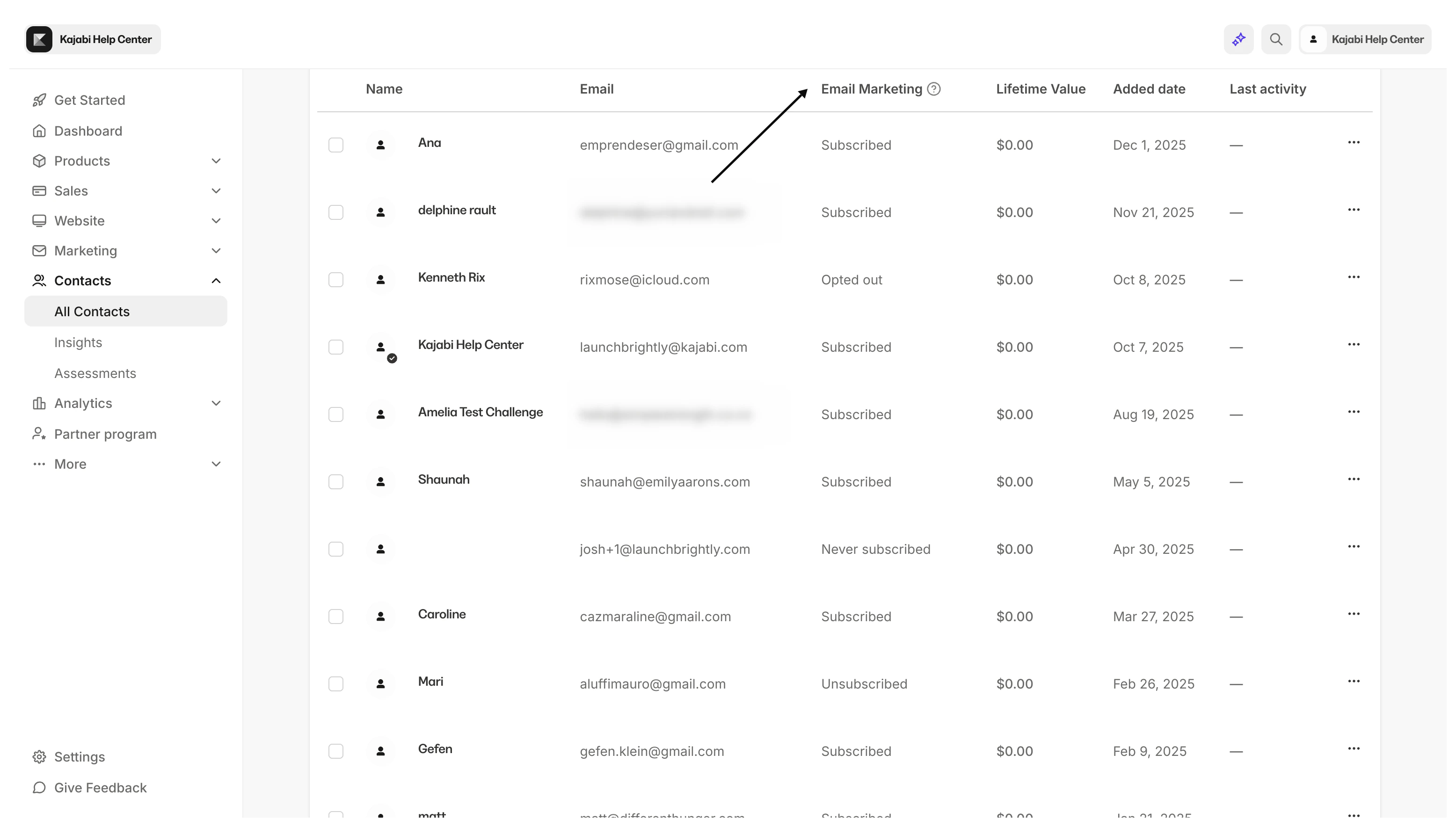
Subscribed
Subscribed contacts are subscribed to receive your marketing emails. Their subscription status will display in your Contacts tab as “Subscribed” under the Email Marketing column: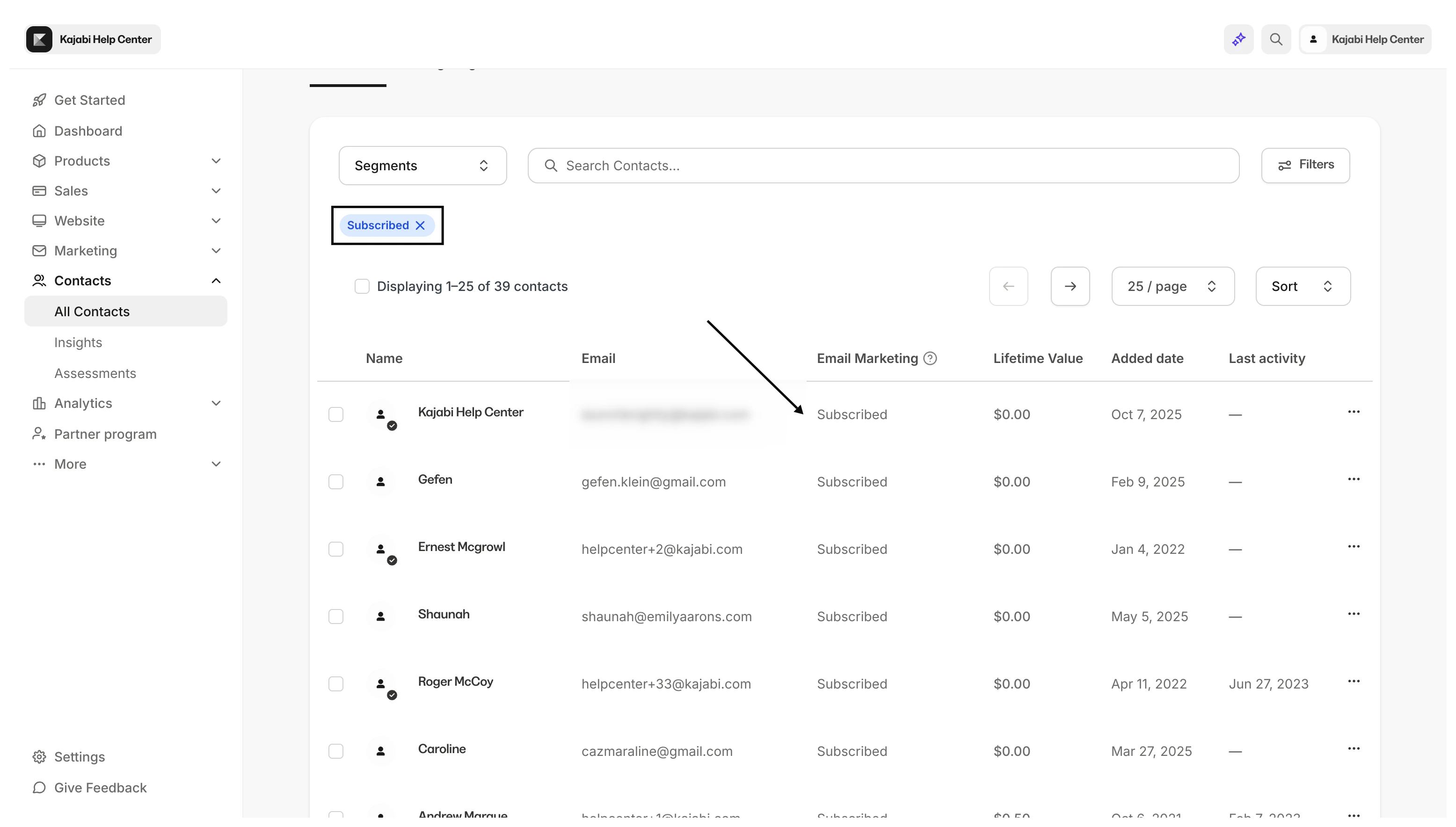
Unsubscribed
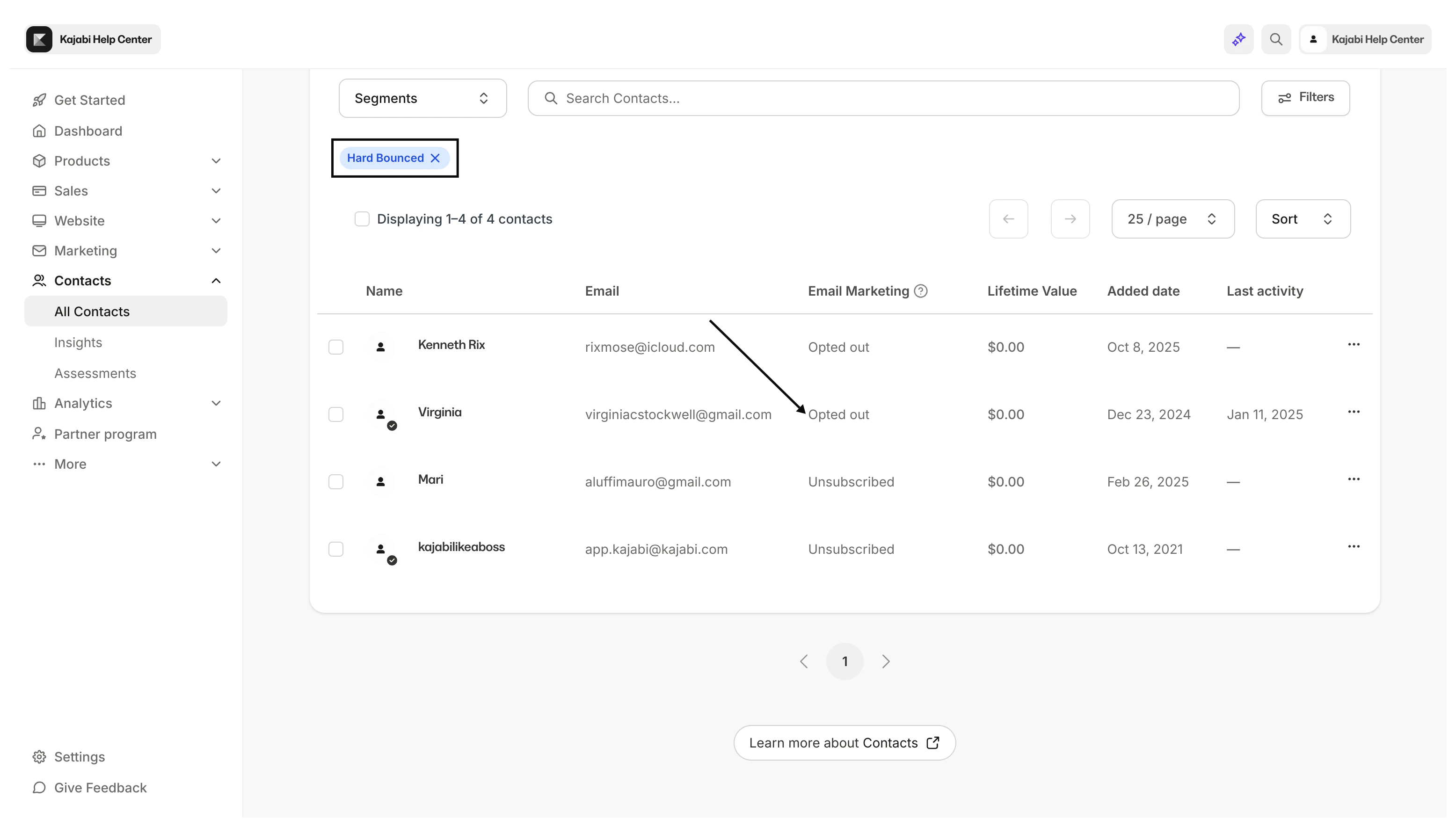
Unsubscribed contacts will not receive your marketing emails. There are many ways a contact can be unsubscribed from your marketing emails. To help you understand the unsubscribe action, Kajabi includes the following indicators in the Email Marketing column:- Manual Unsubscribe: You or one of your authorized users unsubscribed the contact. Or the contact manually unsubscribed from your email marketing by updating their email preferences from their account.
- Opted out: Contact opted out from receiving your marketing emails by clicking unsubscribe in the footer of the email received.
- Bounced: Automatically unsubscribed as a result of a hard-bounced email.
- Marked spam: Contact marked the email as spam in their inbox.
- Never Subscribed: Contact was added to the Contacts tab without ever subscribing to marketing emails.
Note: By default, Forms are set up as a Double-Opt-In. If your contacts have completed an opt-in Form but do not appear in your Contacts tab, they may need to confirm their intention to subscribe from their email inbox. Enable and disable Double Opt-Ins for Forms.
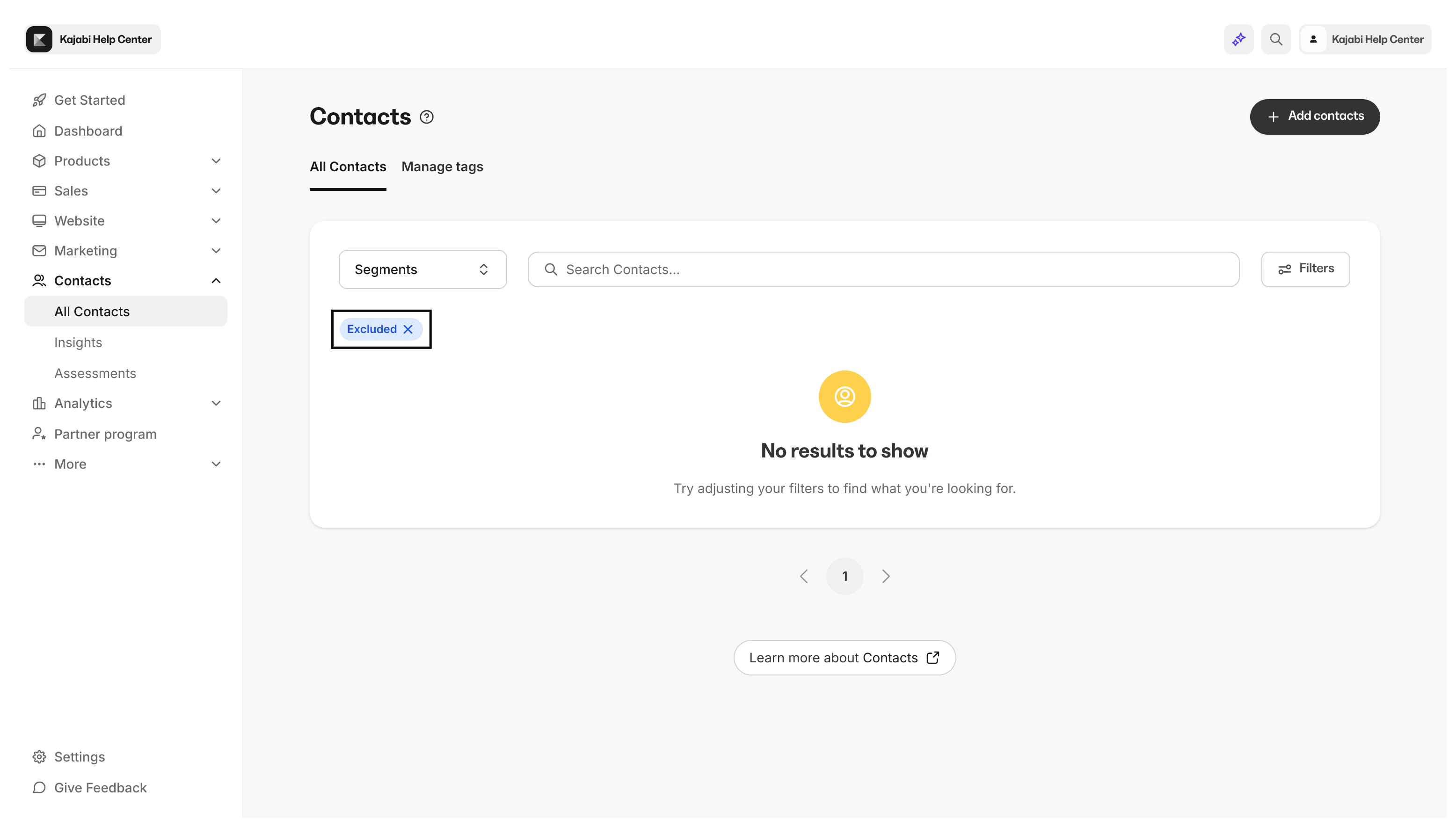
Excluded
Excluded contacts are subscribed to your marketing emails but are ineligible to receive your marketing emails due to their lack of engagement and high-risk status. Understand contact exclusion.