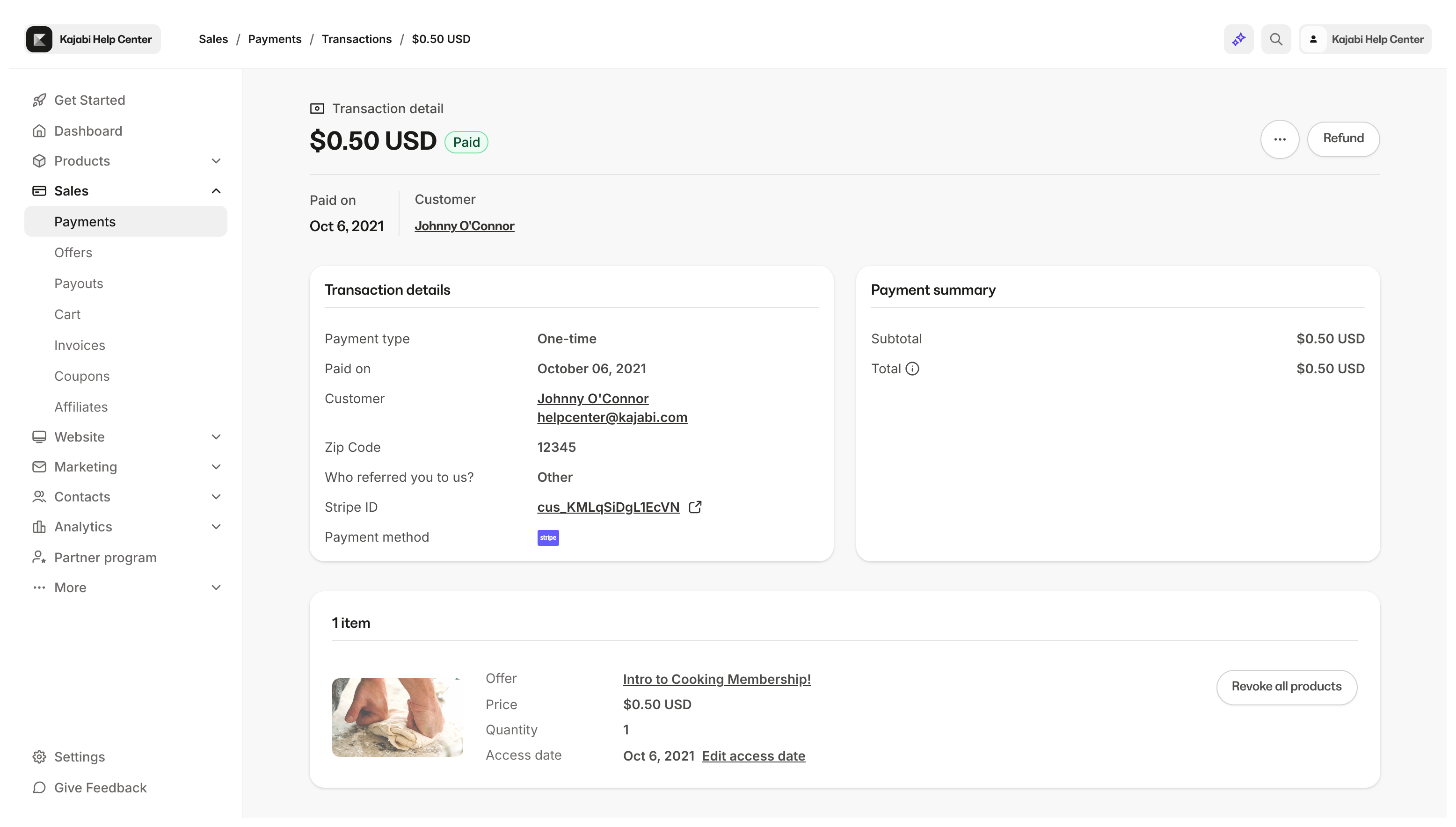
What is the purchase information page?
Manage your customer’s purchases and granted Offers from your Contacts tab. On the purchase information page:- View the overview information for the Offer purchased or granted
- Review any transaction activity such as refunds, subscription charges, and payments if applicable
- Manage Product access for the list of Products that may be included with the Offer purchased or granted
- And manually cancel any future payments and revoke access from your Customer’s Purchase Information Page
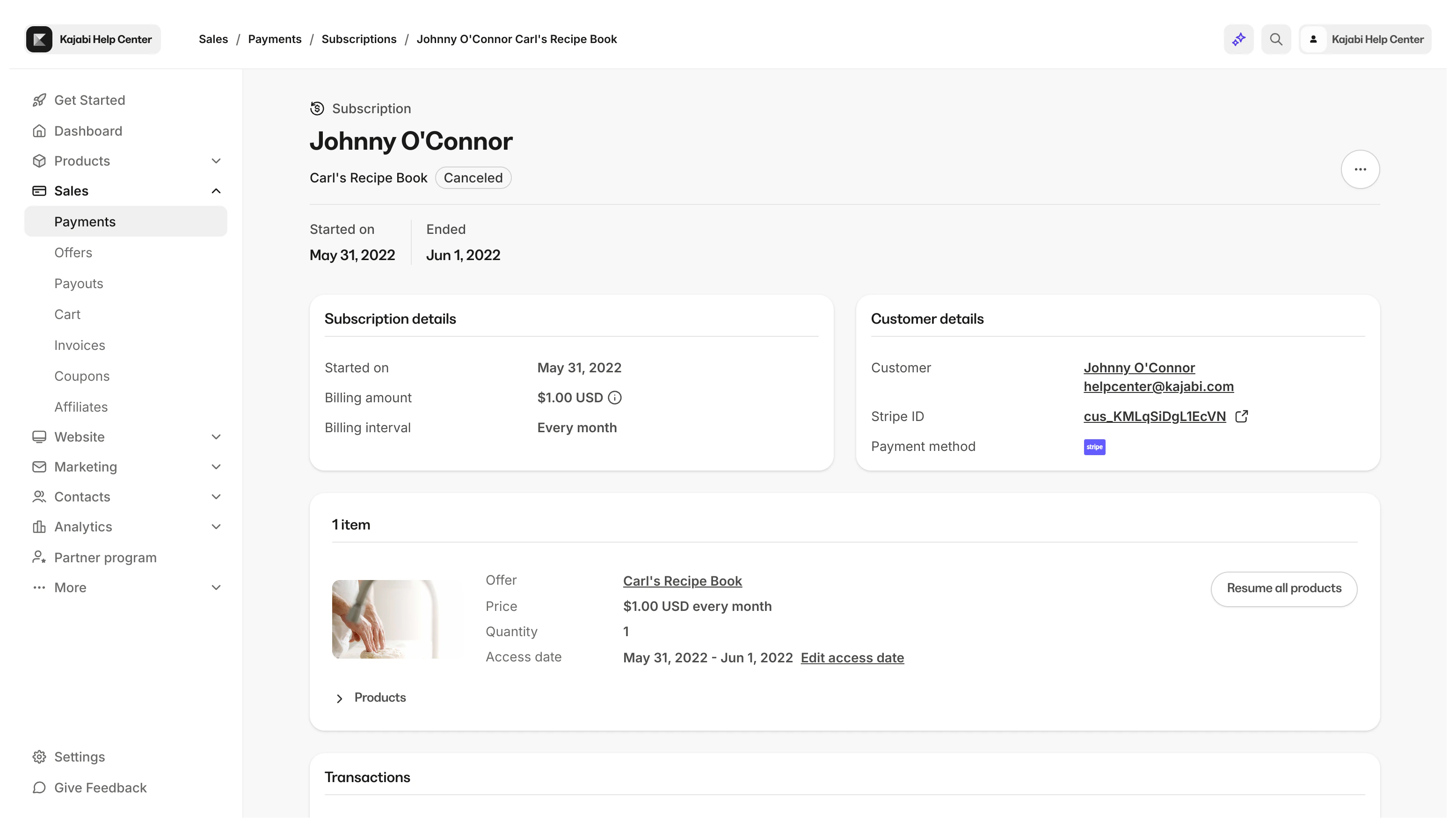
Access the Purchase Information Page
View a customer’s Purchase Information Page
- Open the Contacts tab from your Dashboard.
- Select the Customer you wish to view.
- Click into View More next to “Total Offers” from the Contact Preview.
- Locate the Offer you wish to view.
- Click More Info to open the Purchase Information Page for the Offer:
- Offer title
- Purchase date
- Purchase amount
- Subscription status
- Access status (if access has been revoked)
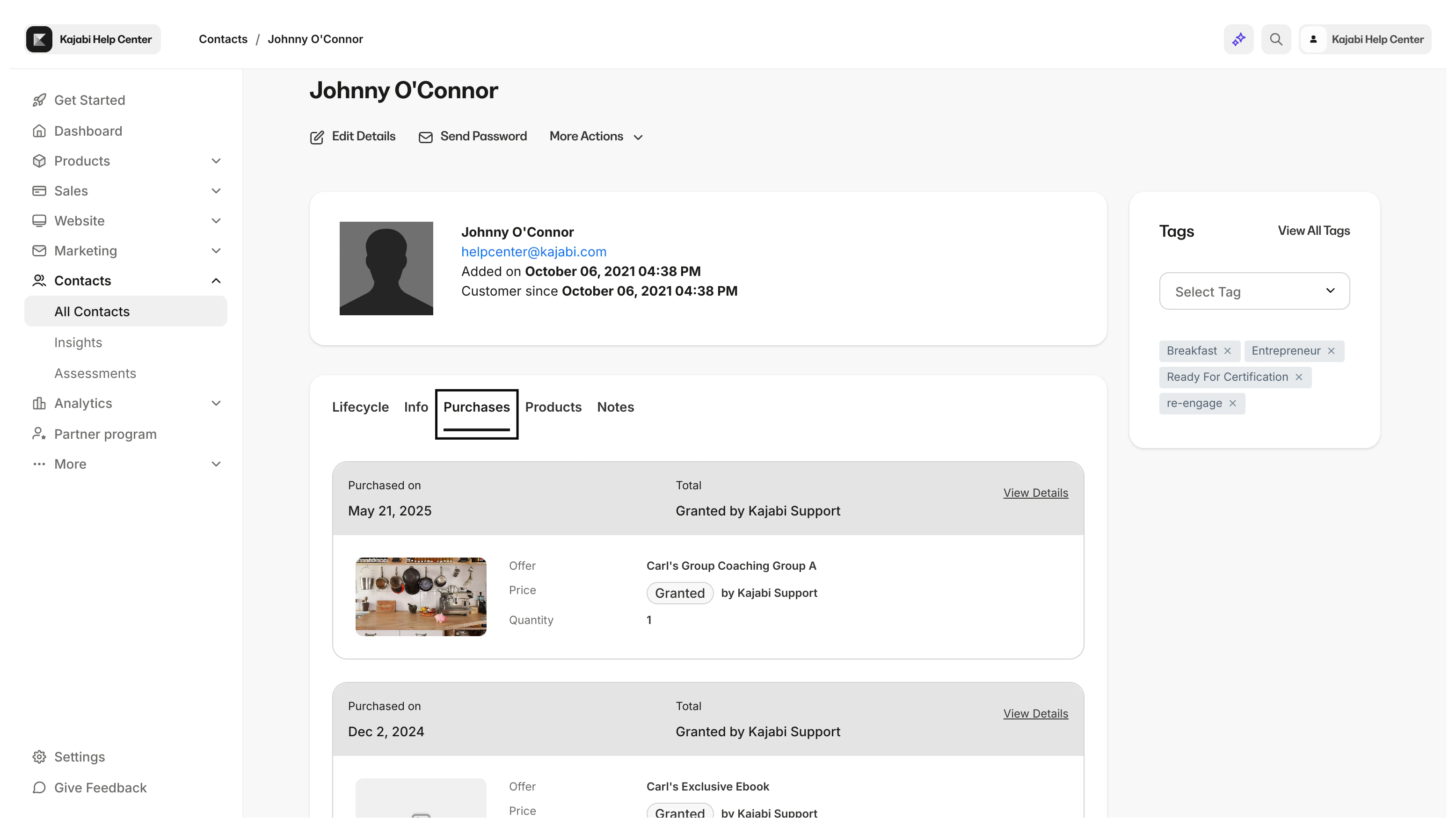
Purchase overview
View more information about the purchased or granted Offer in the Purchase Overview.The Purchase Overview can include
- Customer’s Name
- Customer’s Email
- Offer Title and Status: Active, Paid, Completed, Cancelled
- Their Kajabi Payments email if applicable
- Stripe Customer ID or PayPal Customer ID if applicable. (Click the View to navigate to your Stripe or PayPal account to view more payment information)
- Purchase Date
- Access Start Date. View start date details
- Access end date if applicable
- Price of the Offer when purchased
- Payment exchange rate if purchased via Kajabi Payments
- Fees if purchased via Kajabi Payments
- Net profit if purchased via Kajabi Payments
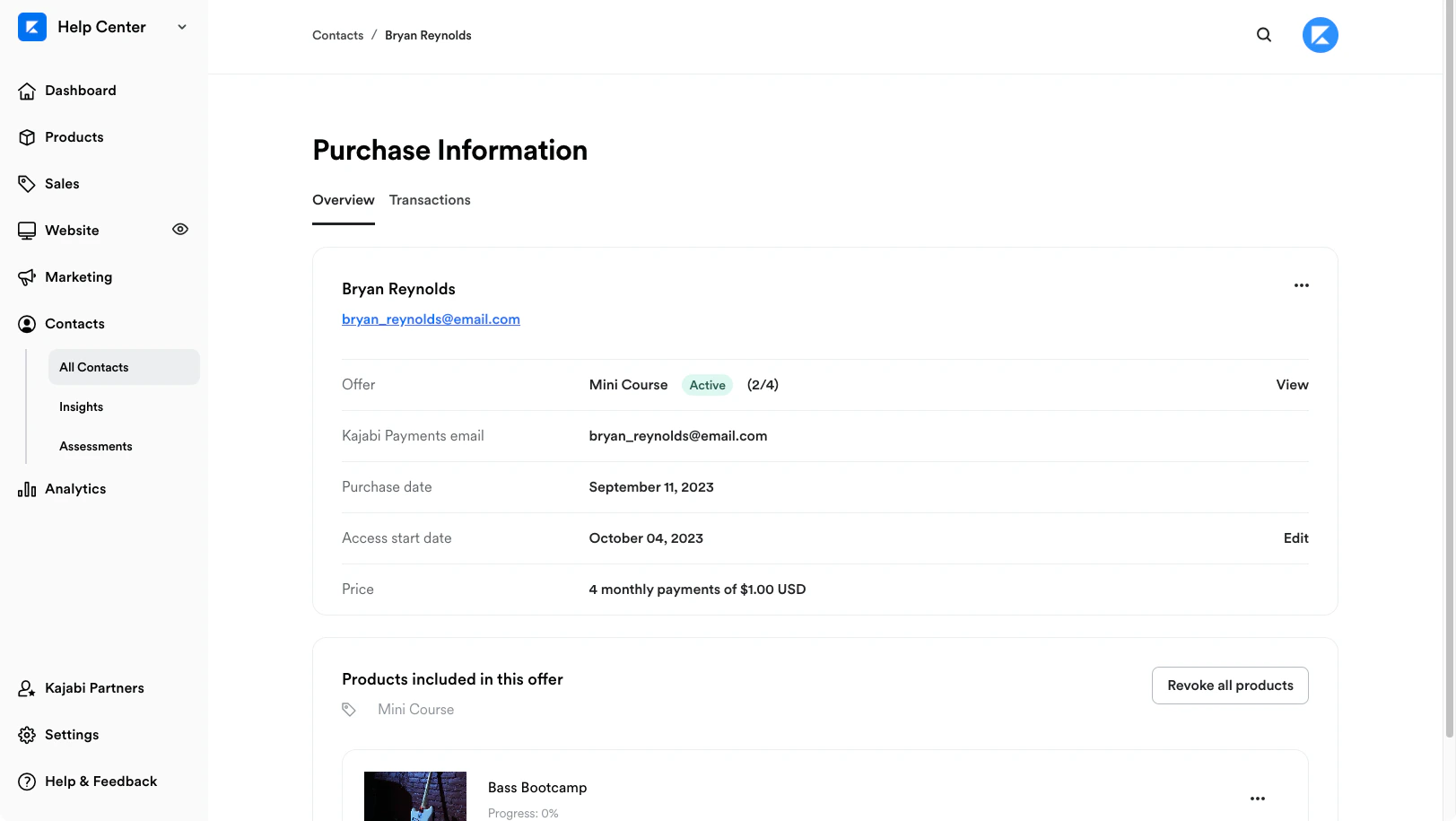
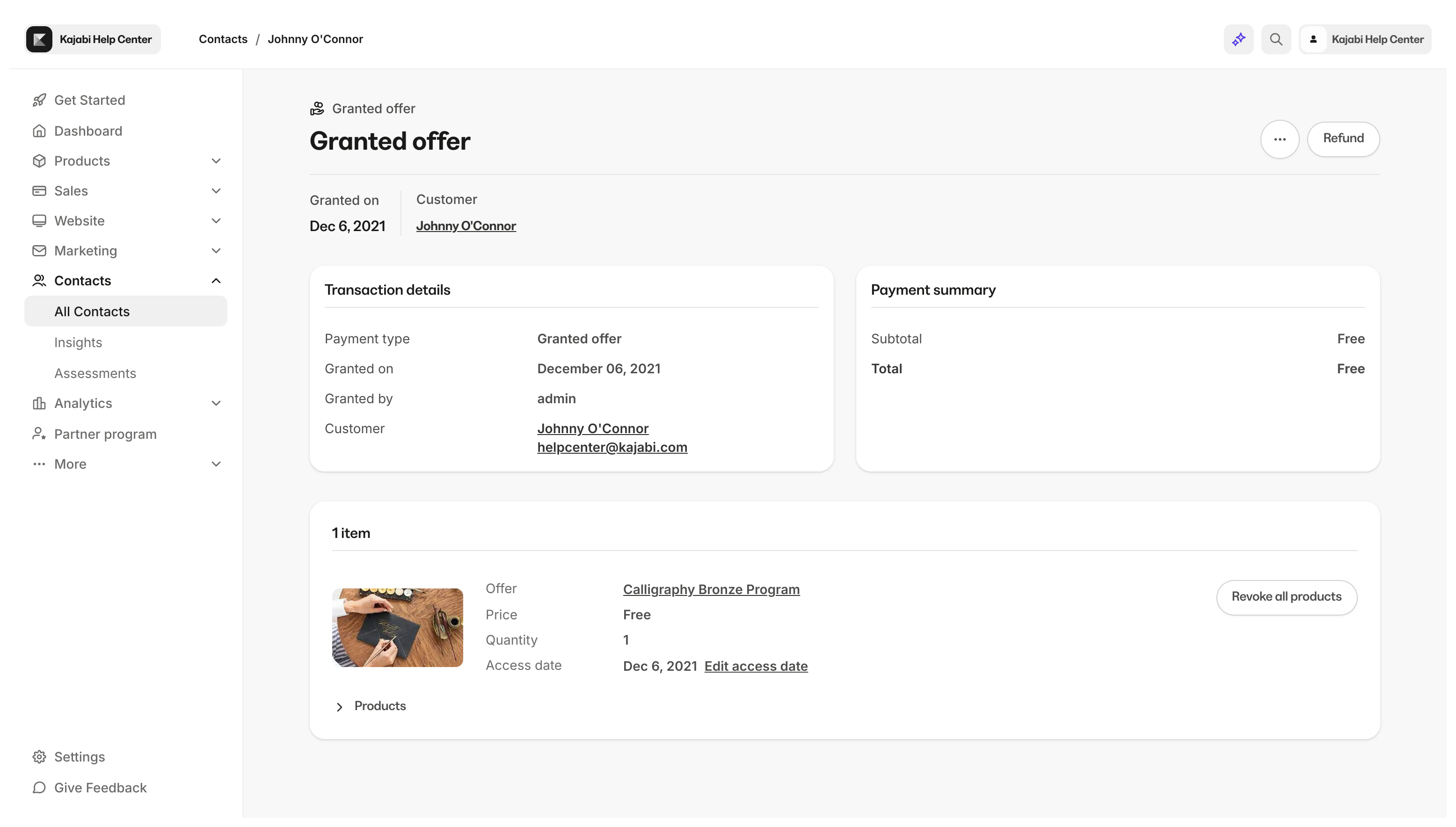
Granted Offers will display
- Customer Name
- Offer Title
- Purchase Created Date
- Access Start Date
- And the Price will be listed as “granted”
Transactions
The Transactions tab of your Purchase Information Page will display subscription transactions related to the purchased Offer. The Transactions tab will record when a subscription payment is successful, for upcoming payments, if a refund is given, failed payments, and the payment exchange rate if applicable. If you manage transactions from your Stripe or PayPal account, adjusted activity may not be displayed on the Purchase Information Page. Refer to your Stripe or PayPal account for more detailed information about your customer’s transactions. The Transactions page can also be used to resend and edit customer receipts, refund payments, as well as manually retry failed payments if processed through Kajabi Payments.Note:
The Transaction Activity will not display for Granted Offers and the payment exchange rate will not show for transactions processed before October 27th, 2023.
Products included in this Offer
View the Offer title and review the Product(s) included with the Offer purchased or granted. In the Products Included section of your Purchase Information Page, view a brief overview of the Product Access Start Date and your Customer’s Product Progress:
Cancel payments and access
The More Actions menu (…) of the Purchase Information Page Overview will vary depending on whether the Offer was purchased or granted.
If the Offer was purchased as a recurring subscription or multiple payments you will have the ability to Cancel Payments and Revoke Access directly from the Purchase Information Page. Cancel a customer’s subscription
However, if the Offer was granted or if the Offer does not contain any future payments (i.e., One-Time Payment Offer) you can Revoke Access to the entire Product offering for the Offer purchased or granted. Revoke product access from a customer