

Customize Email Sequences
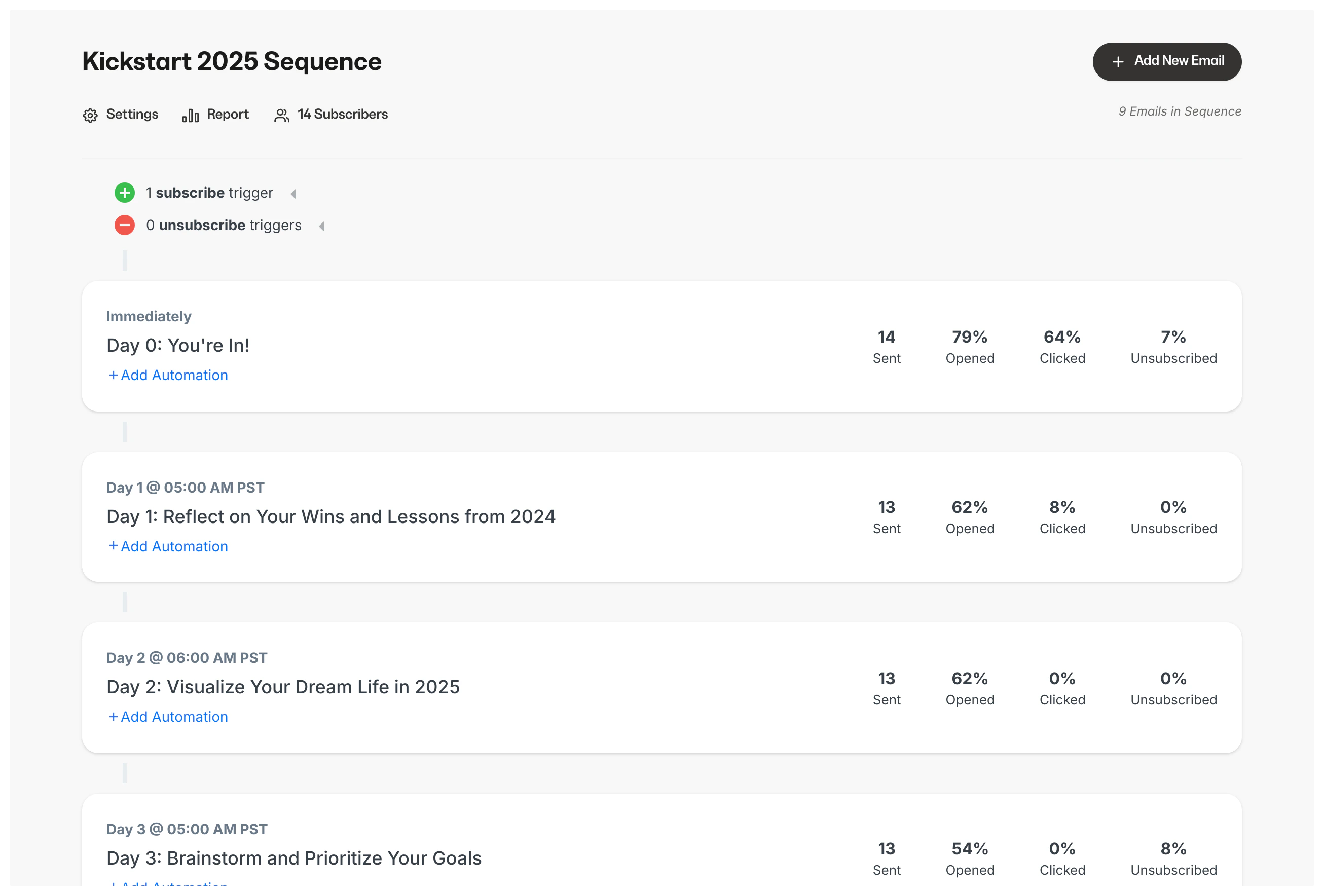
Enable custom send times per email in Email Sequences and send multiple emails on the same day. Learn to customize email send times.Note:
Email Sequences cannot send multiple emails set to send on Day 0 (i.e., immediately after subscribing to the sequence). If you wish to send multiple emails on the same day, you will need to set your send time for a future date.
Establish brand with automated email templates
Establish brand loyalty and recognition by adding a logo to the automated emails sent by Kajabi when a transaction occurs and display a button with your brand colors for the primary links in auto-generated email templates. Learn to add a brand logo and colors to email templates.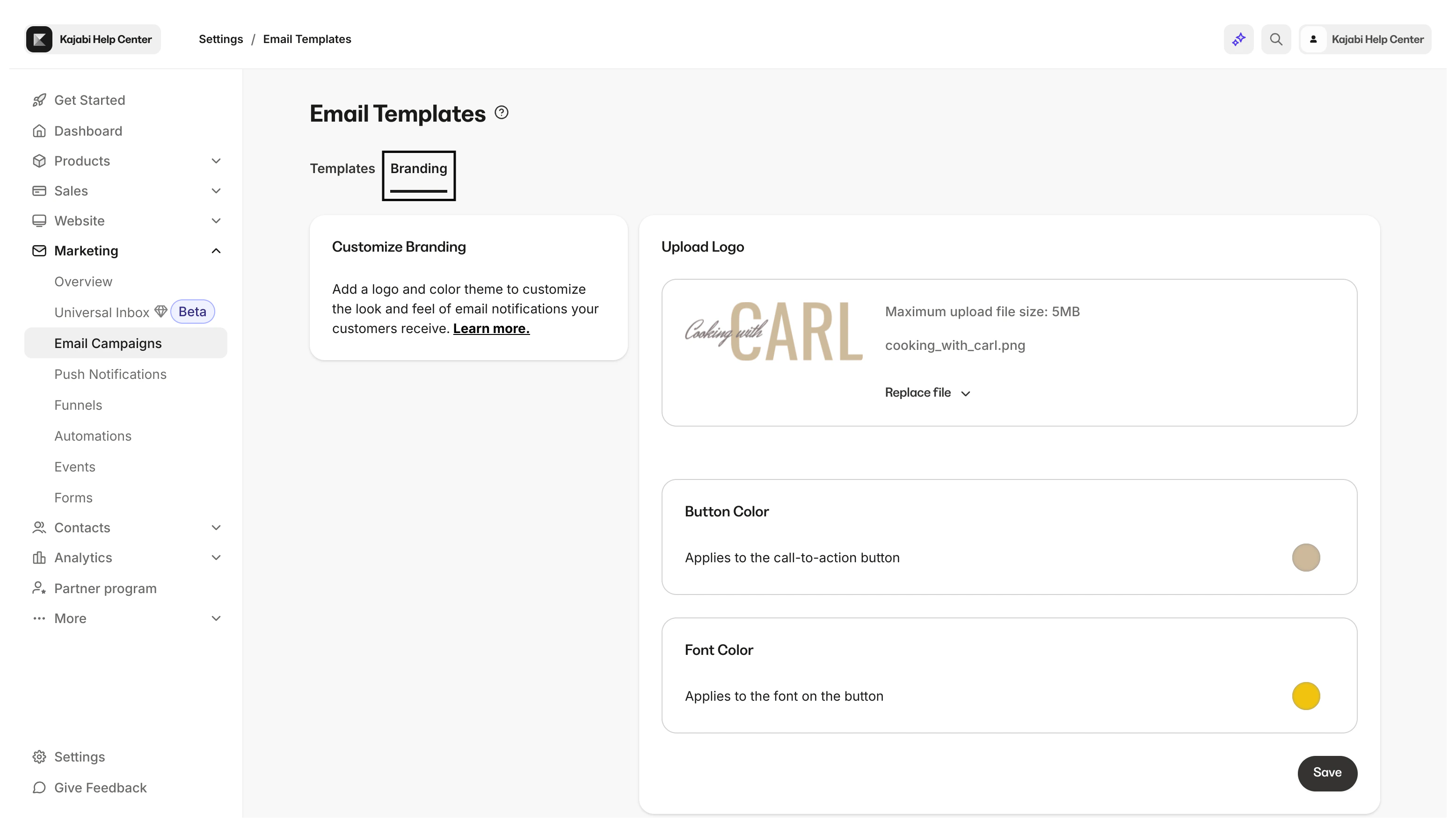
Note:
Any accounts created after March 7th will have buttons in most of the auto-generated email templates along with any existing accounts that have not customized the auto-generated email templates. Accounts created before March 7th with customized auto-generated email templates will not display a button to protect customizations. Learn to add a button to automated email templates.