

Overview
Kajabi email section types are responsive out of the box, meaning they automatically adjust to mobile devices. For example, your email stacks vertically on mobile instead of horizontally as it would on desktop.Preview emails on different devices
In the editor, you can simulate different device types and see how your emails will look to your recipients. At the top of the editor, you’ll see these options:
Control section settings for different devices
The section settings allow you to control, in detail, how your content adjusts to different devices. You can also hide certain elements if desired.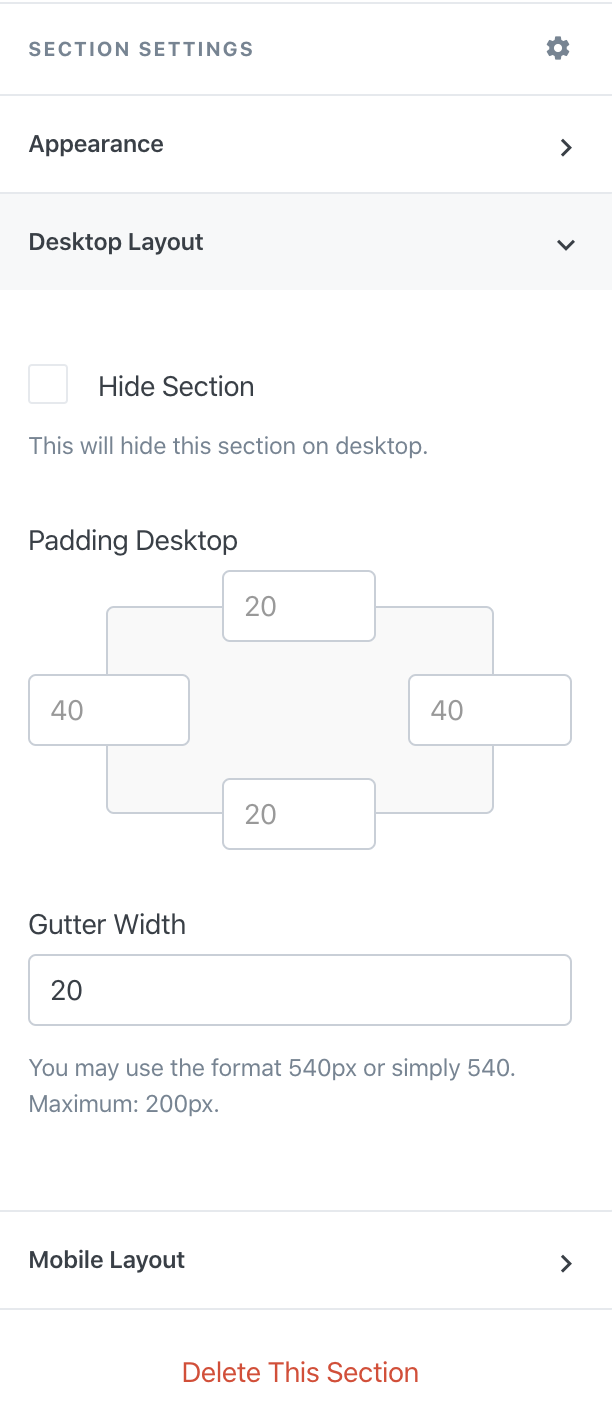
Note: We recommend sending yourself a test email to see exactly what your email will look like for your recipients.