

What is text formatting?
Text formatting controls the visual appearance of your text, such as the color of the text, whether it appears as italicized or bolded, and more. Behind the scenes, formatting is controlled by HTML and CSS code. But unless you’re updating your text source code in the Code Editor, you may not know which types of formatting have been applied: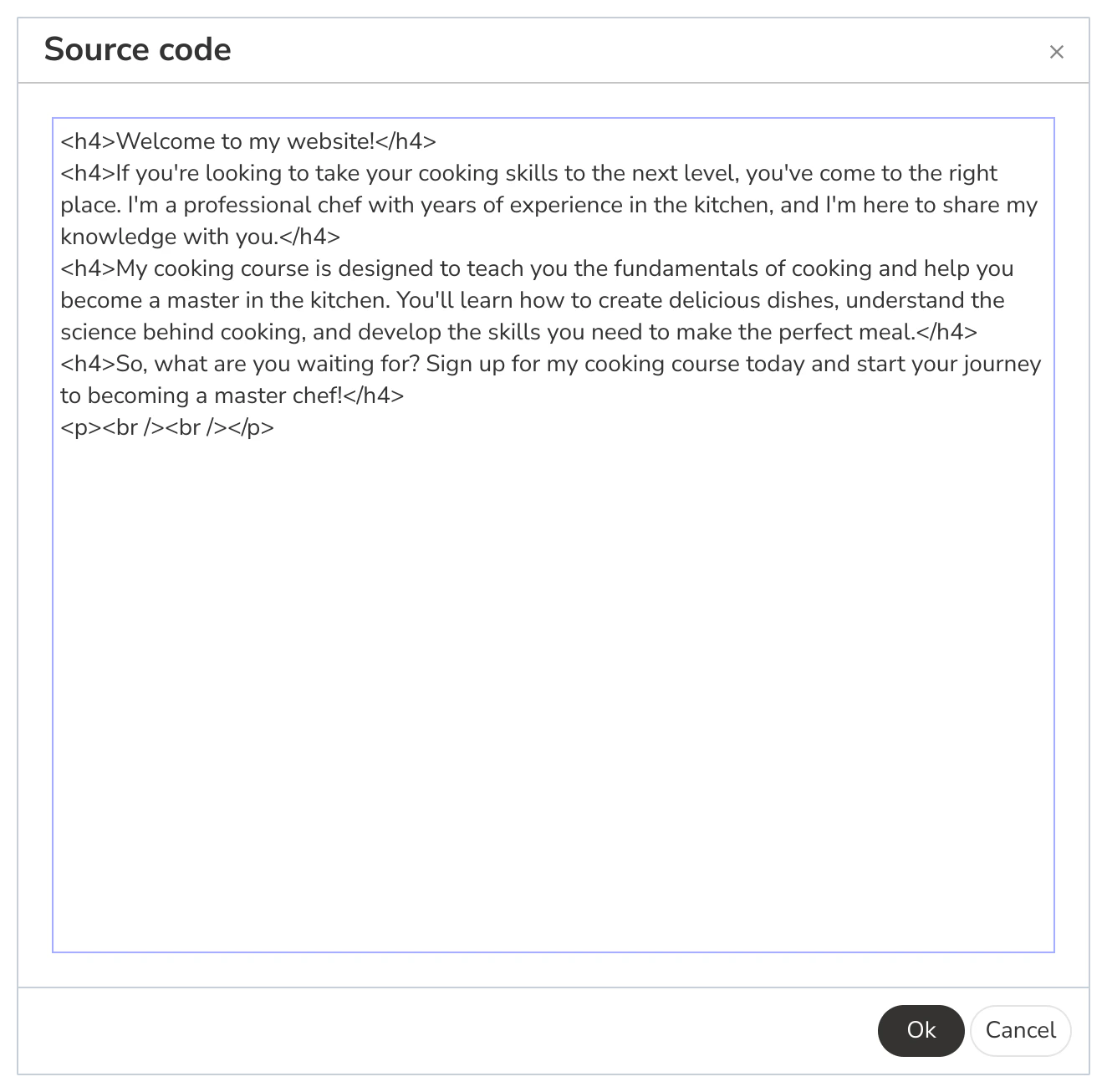
Remove formatting from text
The Clear Formatting button in the Kajabi Text Editor enables you to remove unwanted formatting from your text with a single click: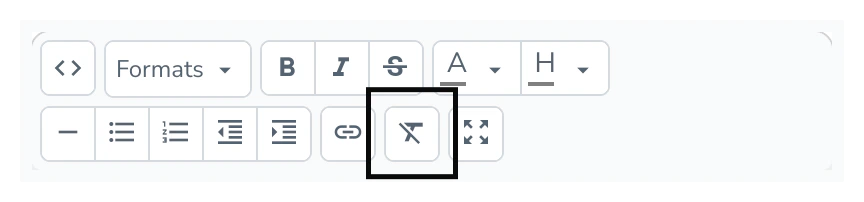
Web Page text
To clear the formatting from Web Page text:- Select the Website tab from the Dashboard.
- Select either Website Pages or Landing Pages.
- Open the Page where you want to unformat your text.
- Navigate to your Text Block and click Edit.
- In the sidebar Text Editor, select the text you want to unformat.
- Click the Clear Formatting button.
- Click Save to apply your changes:
Email text
To clear the formatting from Email text:- Select the Website tab from the Dashboard.
- Select the Marketing tab.
- Open the Email where you want to unformat your text.
- Navigate to your Email Content and click Edit content.
- Navigate to your Text Section and click Edit.
- In the sidebar Text Body Editor, select the text you want to unformat.
- Click the Clear Formatting button.
- Click Save to apply your changes:
Note:
The Clear Formatting button is only available in the Email Visual Editor. You will not see this feature if you create your Email using the Classic Editor.