Custom font
Select a custom font
Note:
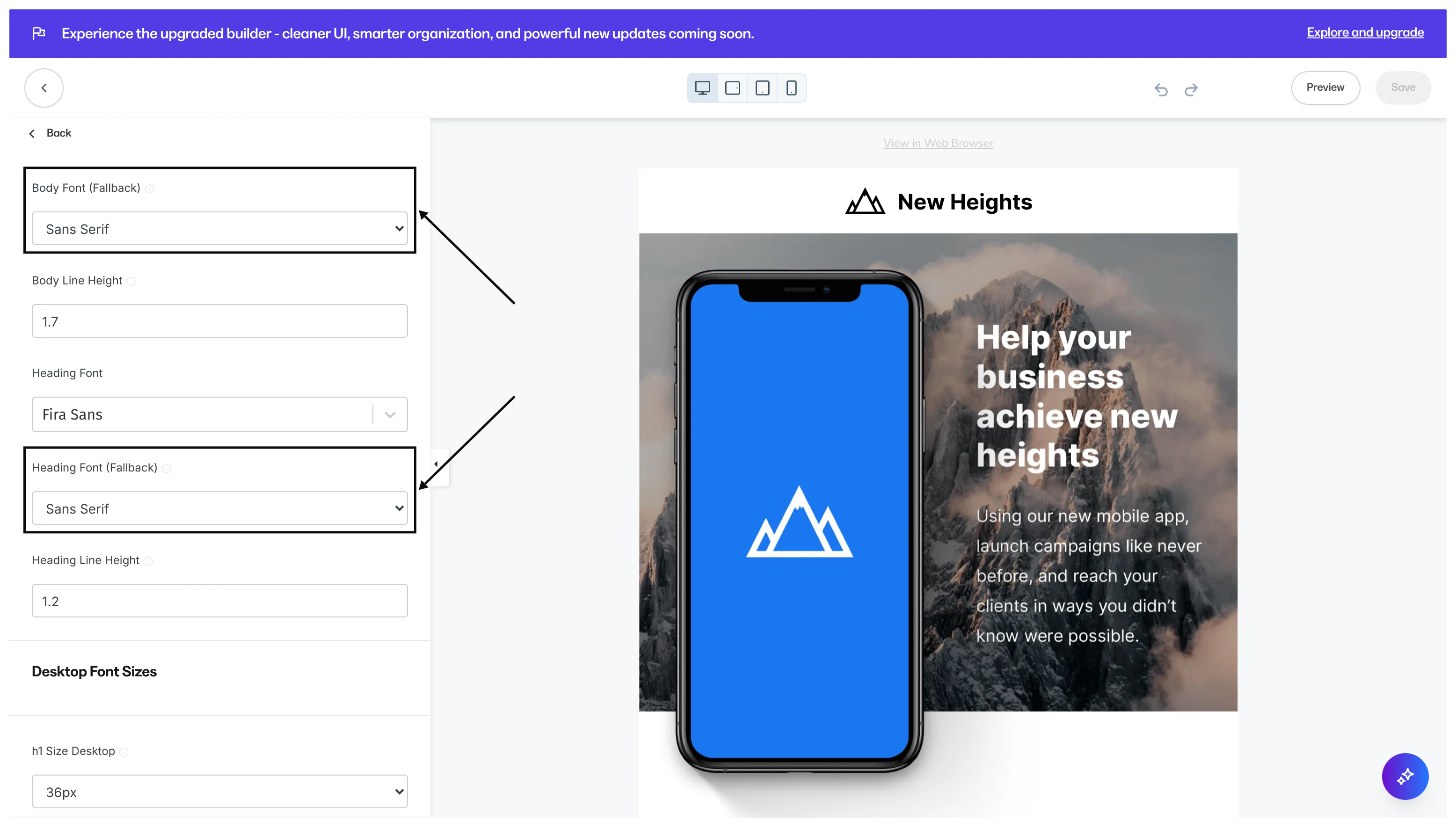
Custom Fonts are only supported in modern email clients. Ensure the readability of your email content across different email clients by selecting a Fallback Body and Heading Font.
- Open the Settings tab in the Editor.
- Click Typography.
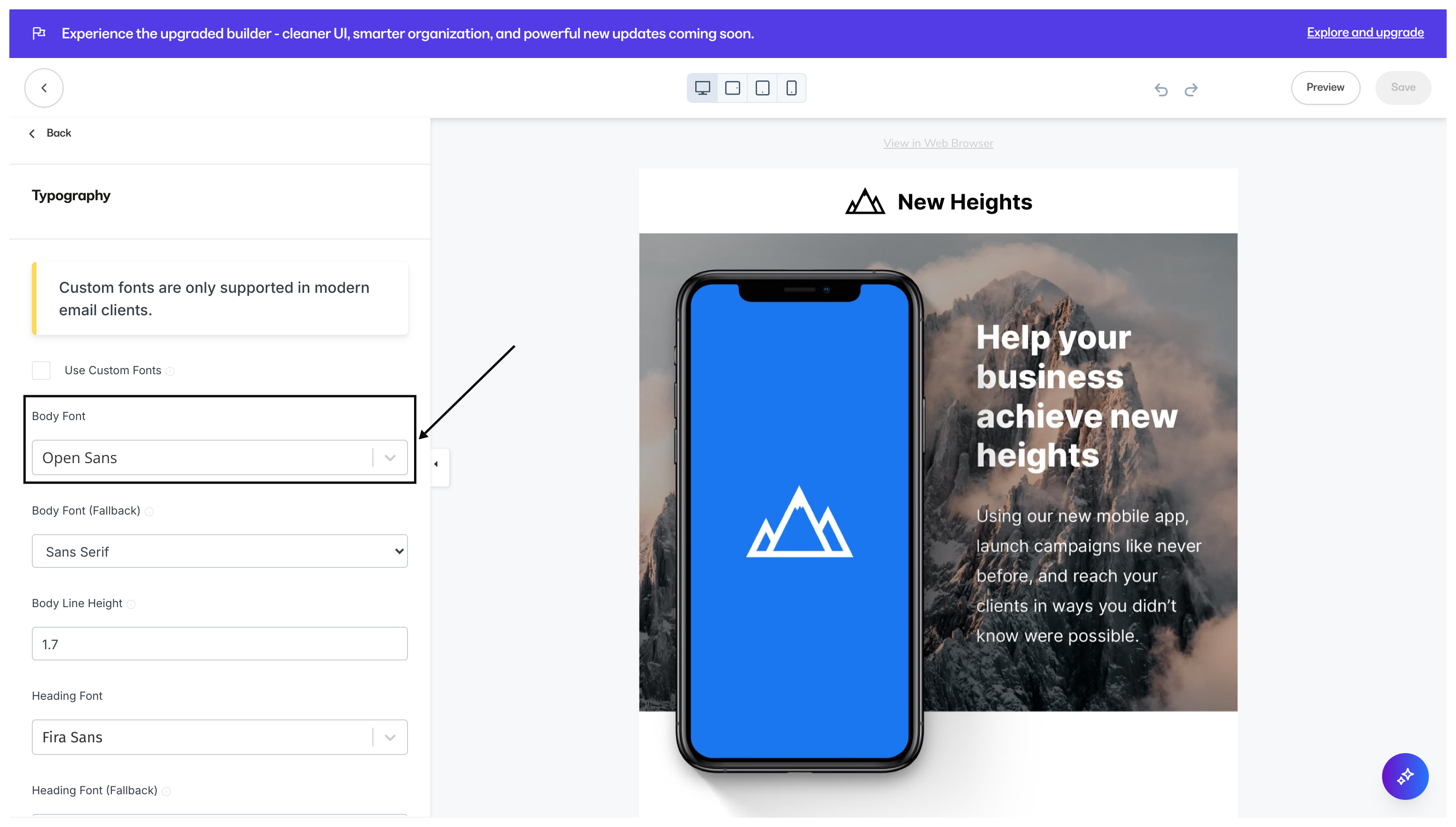
- Check Use Custom Fonts:
- Then, select your Body Font:
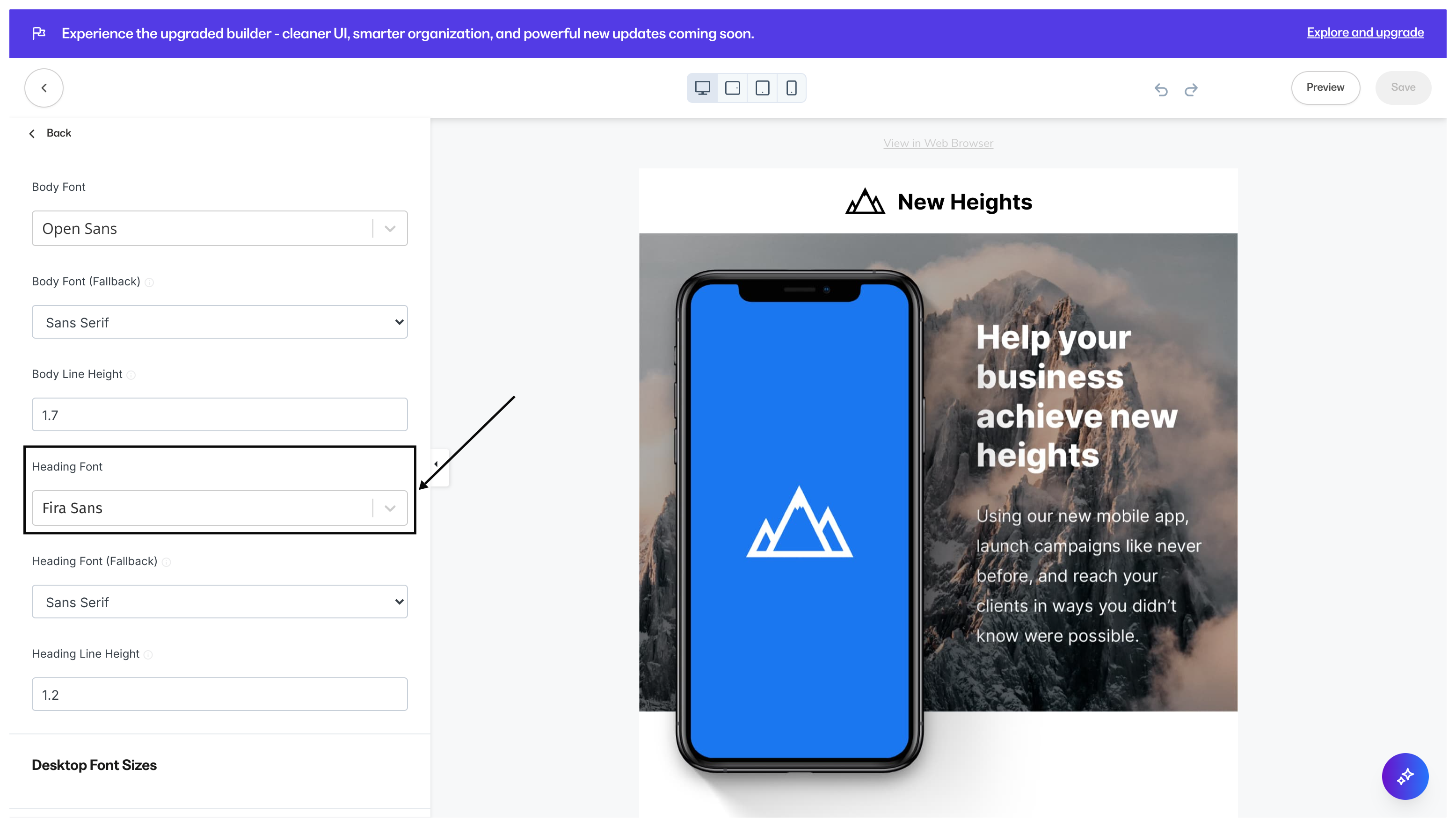
- Select your Heading Font:
Fallback font
Select a Fallback Font for email clients that may not support your selected Custom Font.Select a fallback font
Configure email visibility
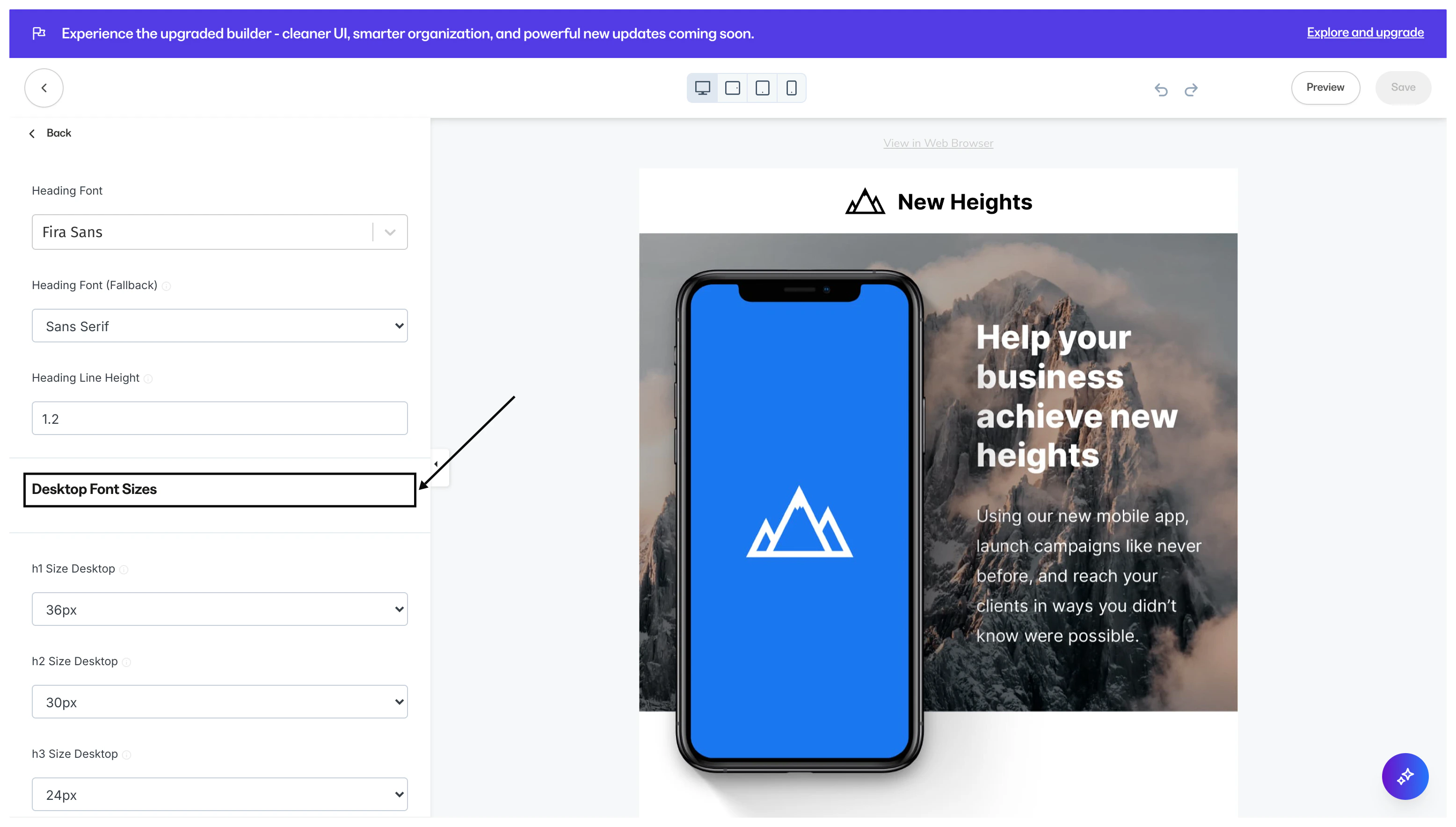
Customize the email font size to optimize the reader experience across devices.Desktop font sizes
- Select the Settings tab in the Editor.
- Click open Typography.
- Navigate to the Desktop Font Sizes header.
- Use the dropdown menus to specify your Desktop Font Sizes:
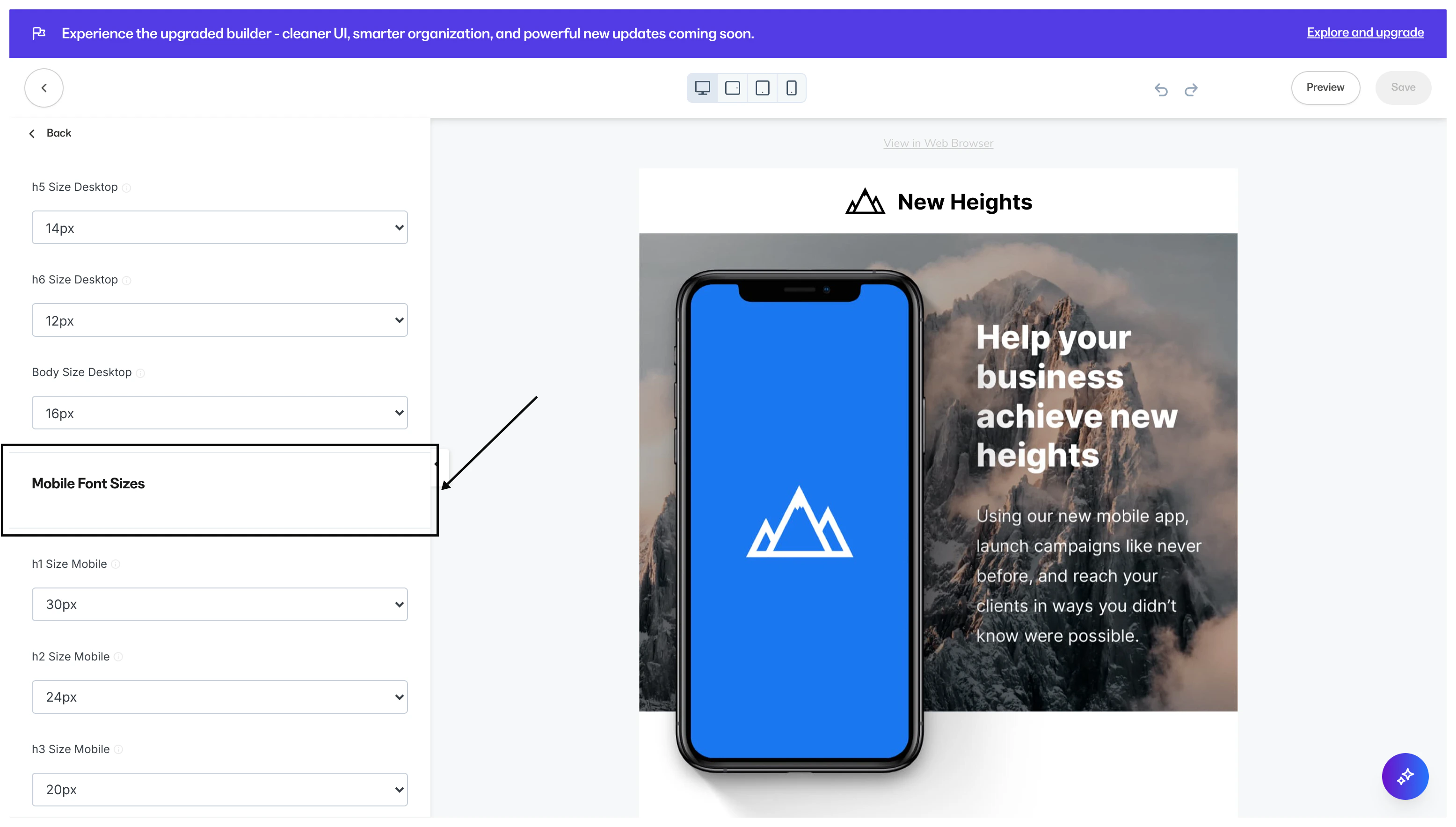
Mobile font sizes
- Select the Settings tab in the Editor.
- Click open Typography.
- Navigate to the Mobile Font Sizes header.
- Use the dropdown menus to specify your Mobile Font Sizes: