

What is my customers’ experience if an Offer sells out?
If purchases of your Offer reach your set quantity limit, attempts to purchase your Offer after it has sold out will be redirected to your custom Landing Page:Create the waitlist form
First, create a Form on Kajabi to collect contact information from prospective customers who wish to join your Offer waitlist.- Open the Marketing tab from the Dashboard.
- Select Forms.
- Navigate to the top right corner of the page and click + New Form.
- Enter the Title for your Form.
- Click Save.
- Customize your Form as desired (Learn more).
Build the waitlist landing page
After creating your Form, build and customize the Landing Page that will contain your Form and communicate to your page visitors that the Offer has already reached capacity. Learn to add a Form to your page.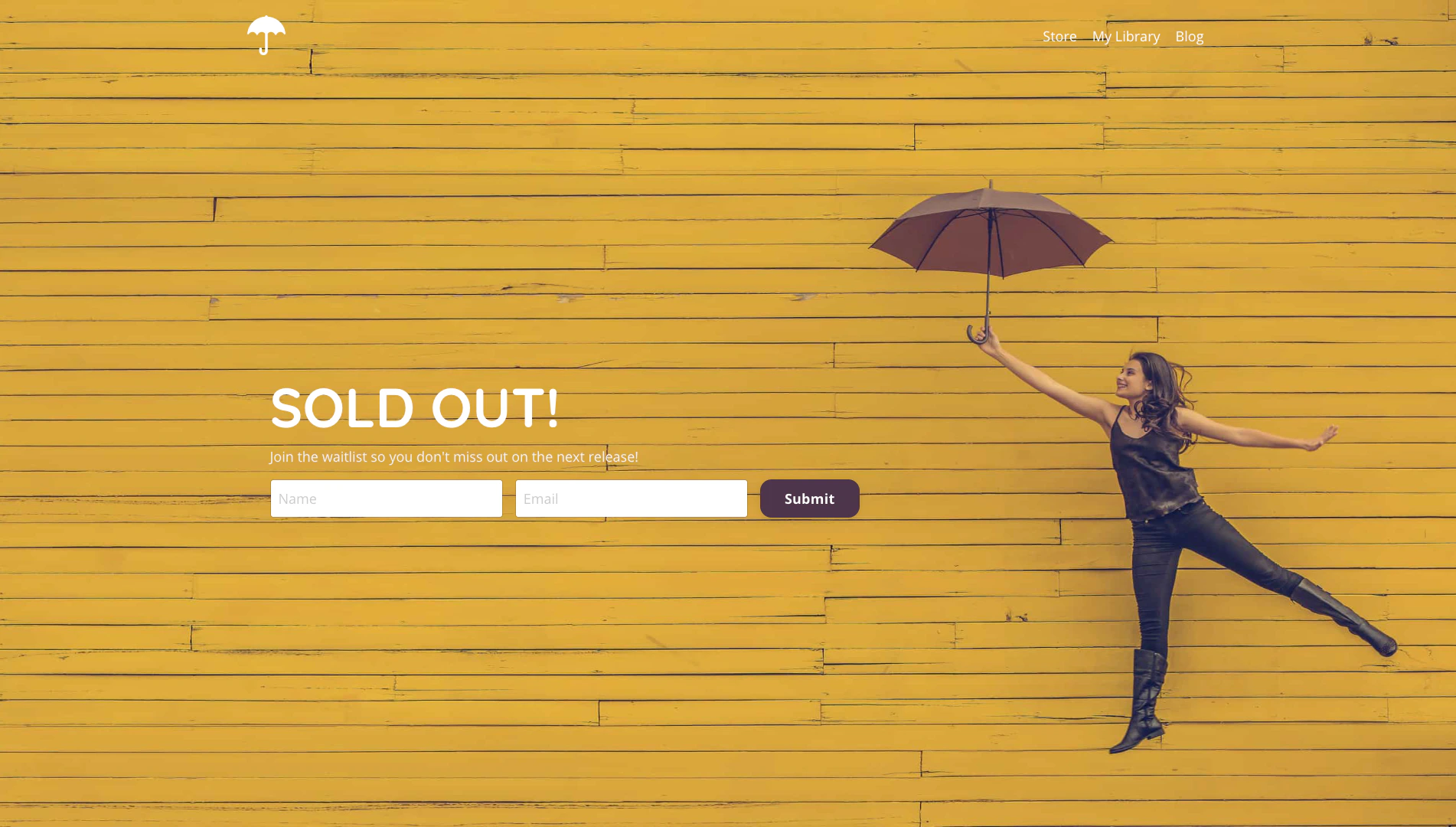
Set up the limited quantity Offer
Now that you’ve prepared your Form and Landing Page, update your Offer to limit the quantity of purchases and redirect people to your waitlist Landing Page.- Open the Sales tab from your Dashboard.
- Select the Offer you wish to limit or create a new Offer.
- Click the Pricing tab.
- Scroll down to the Limit Offer card.
- Check the checkbox next to Quantity limit.
- Input your desired Quantity Limit.
- Select the page you wish to display when the quantity limit has been reached.
- Click Save to keep and apply your changes.