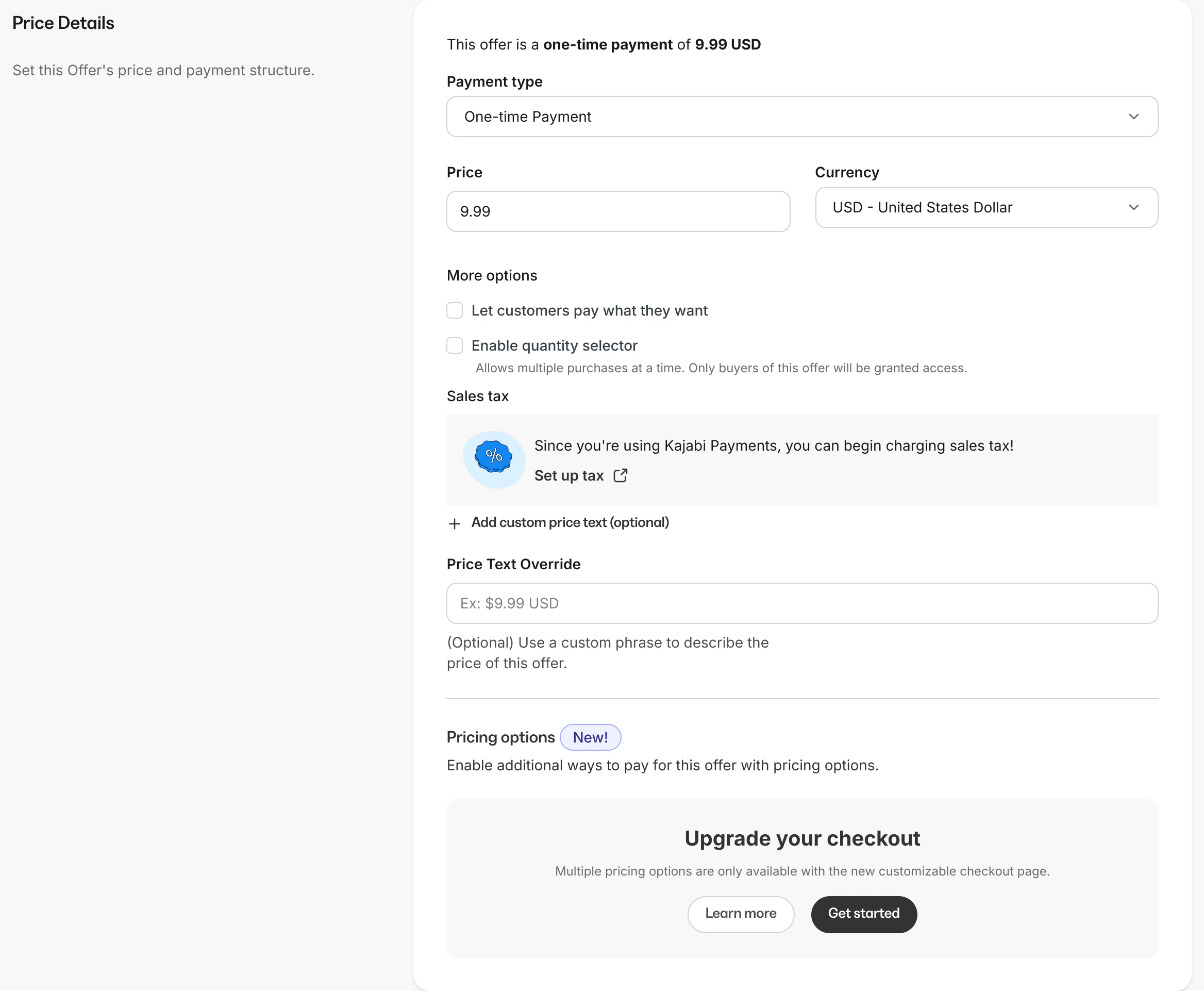
Edit the price: One-time payment
Create a one-time payment price for customers to purchase the Product(s) included with the Offer with a single purchase price (i.e., they don’t have a recurring payment).Note: Be sure to connect your site to Kajabi Payments or your Stripe or PayPal account to edit your Offer price.
To create a one-time payment price
- Open the Sales tab from the Dashboard
- Click Offers
- Select the Offer you wish to edit or create a new one
- Then, navigate to Offer Details and click Edit
- Scroll to the Price Details section
- Click the Payment Type field
- Select One-Time Payment
- Customize your One-Time Payment Pricing
- Be sure to click Save to keep and apply your changes
Customize the one-time payment Offer
With the one-time payment price, your customers will be charged immediately after checkout and will be given access to all Products attached to the Offer.Specify the one-time payment details
- Price - Must be $0.50 USD or greater
- Currency - Select the currency for the Offer
- Payment Method - If you have connected Kajabi Payments, Stripe and/or PayPal to Kajabi, specify the payment processor available to purchase the Offer
- Price text override - Describe the price of the Offer (optional)