

Note: This guide refers to the Website Builder. Learn to customize your website pages with the website builder.
Add Offers to a store page
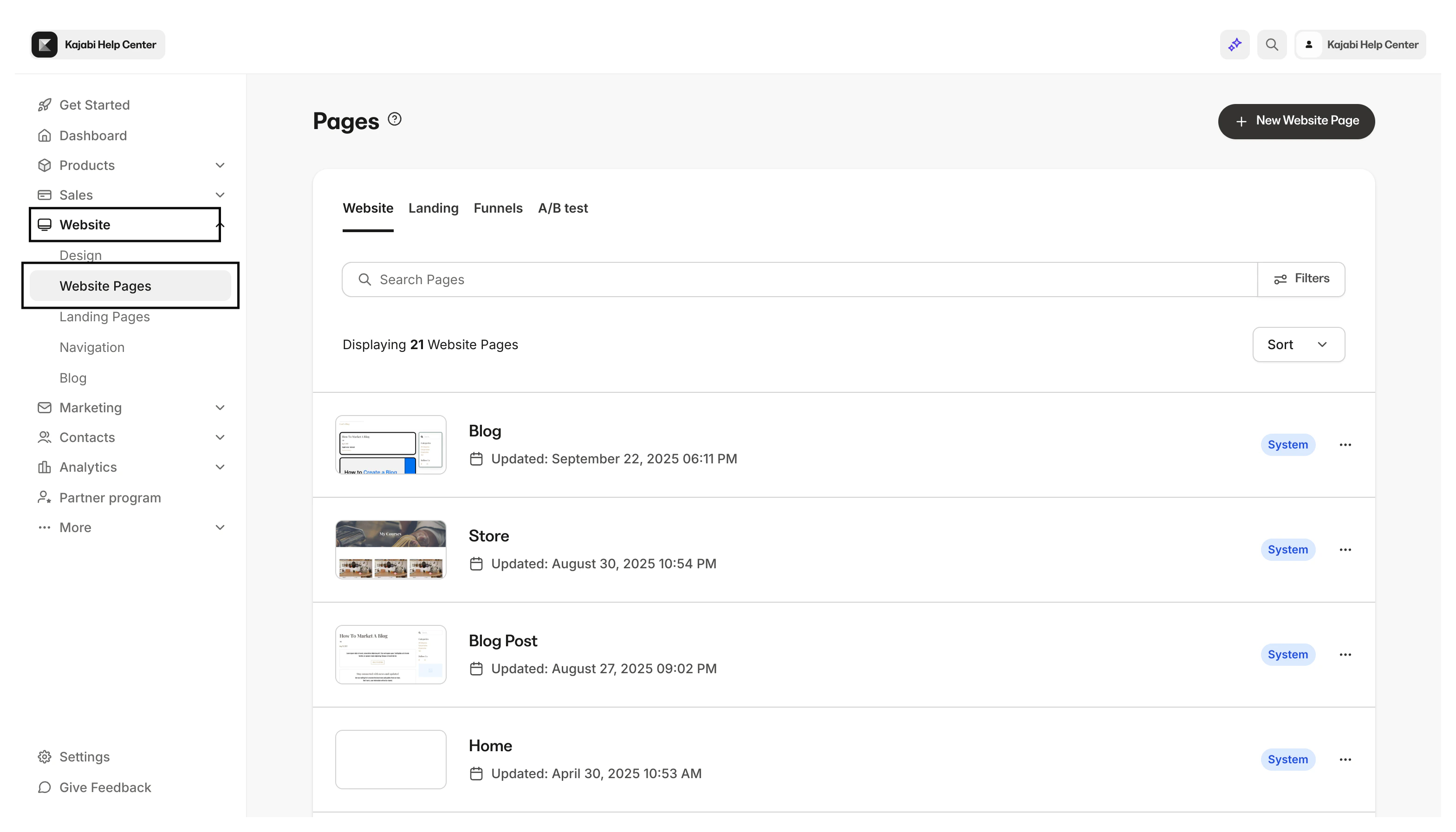
With Kajabi, your standard website pages include a Store Page to house all the Offers you wish to sell:- Open the Website tab from your Dashboard.
- Click Website Pages.
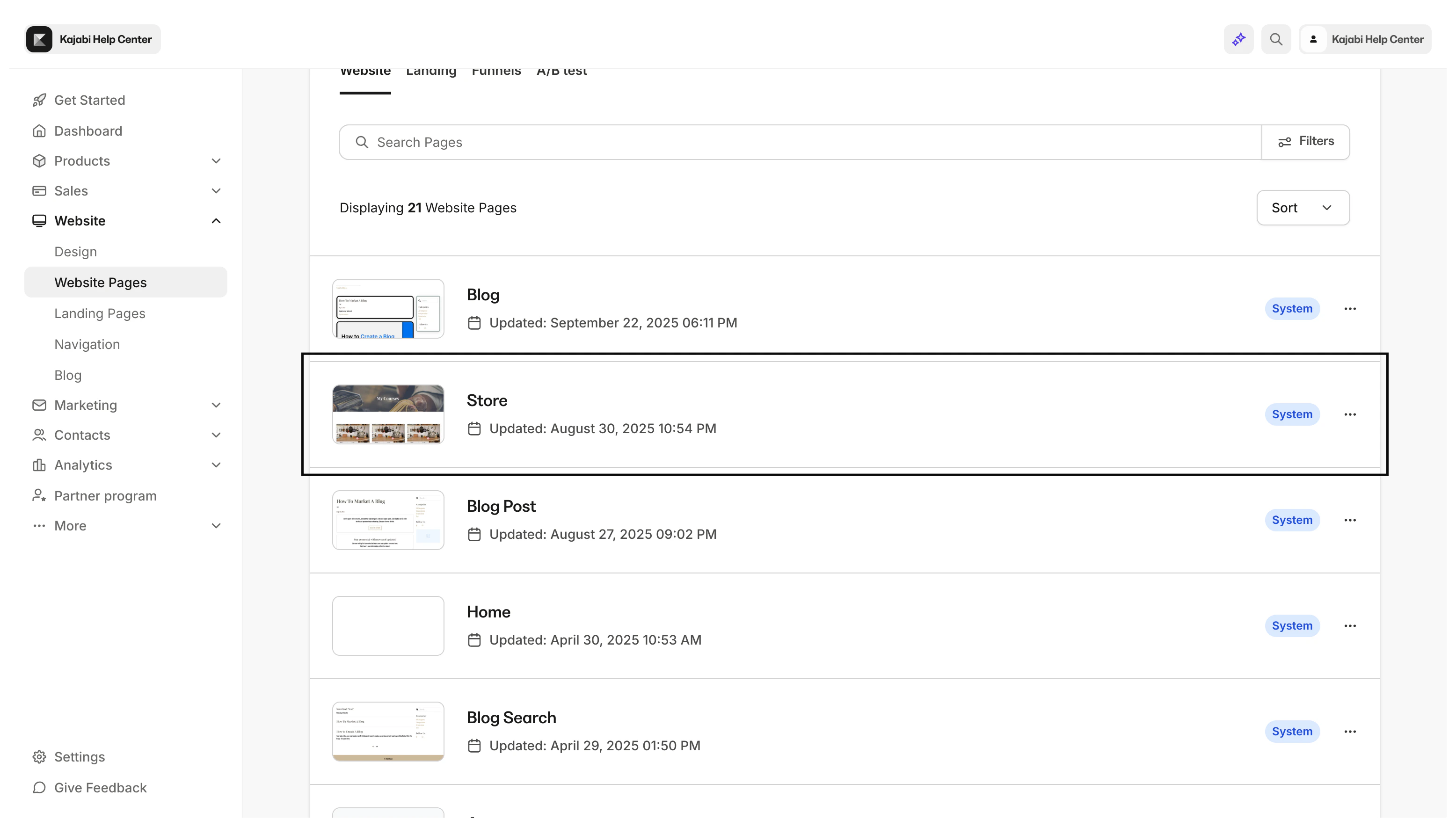
- Select your Store page.
- Navigate to the Offer Storefront section you wish to add your Offer card to or create a new section.
- Select an existing Offer card or click Add Content to create a new Offer card.
- Select the Offer you’d like to add to your Store from the Offer dropdown menu in the left sidebar.
- Click Save and start selling.