


- View the date and time purchases are made
- View the Upsells and Offer Bumps successfully encouraging customers to purchase the Offer
- Investigate potential causes for deactivation based on the deactivation date
- If your Offer Checkout requires the completion of additional fields (e.g., address and phone number), gain insight into the common locations your Offer services
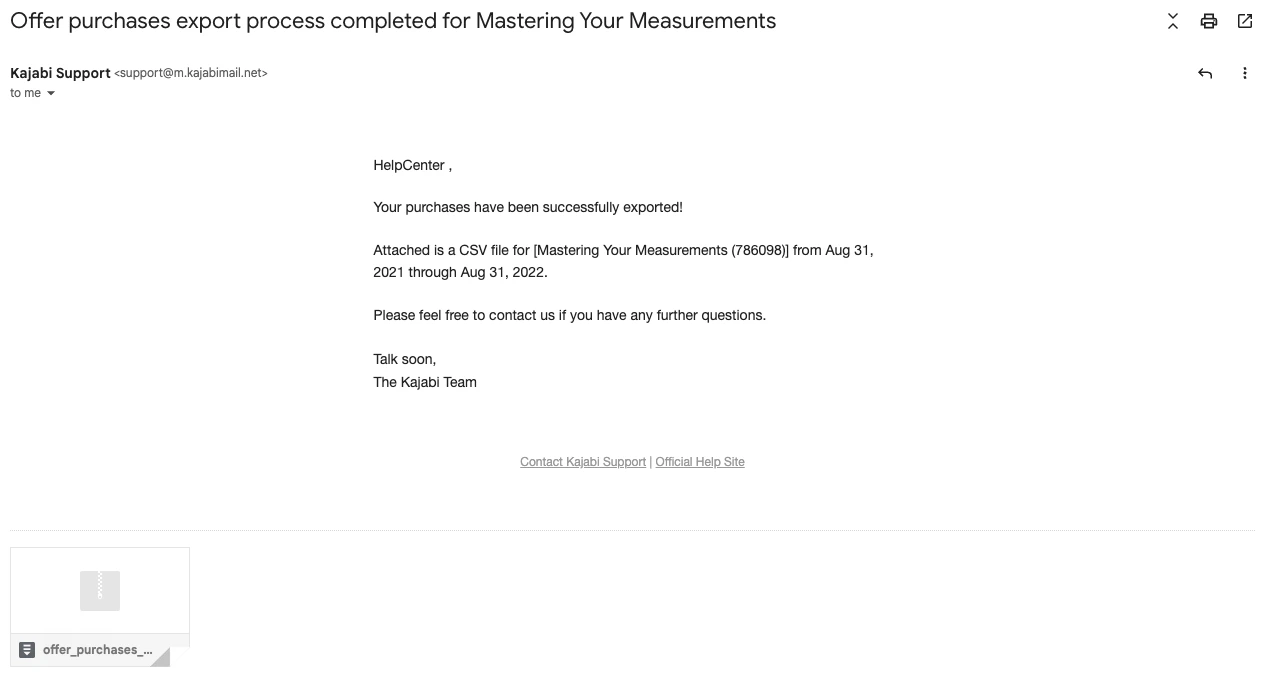
Export the Offer purchase report
Easily export your Offer purchase report from your Offers page or the Offer editor.Export from the Offers page
- Open the Sales tab from your Dashboard.
- Locate the Offer you wish to export.
- Open the More Actions menu (i.e.,
…icon). - Select your desired date range.
- Click Export to begin exporting.
Export from the Offer editor
- Open the Offers tab from your Dashboard.
- Select the Offer you wish to export.
- Navigate to the More Actions menu (i.e.,
…icon). - Click Export to begin exporting.
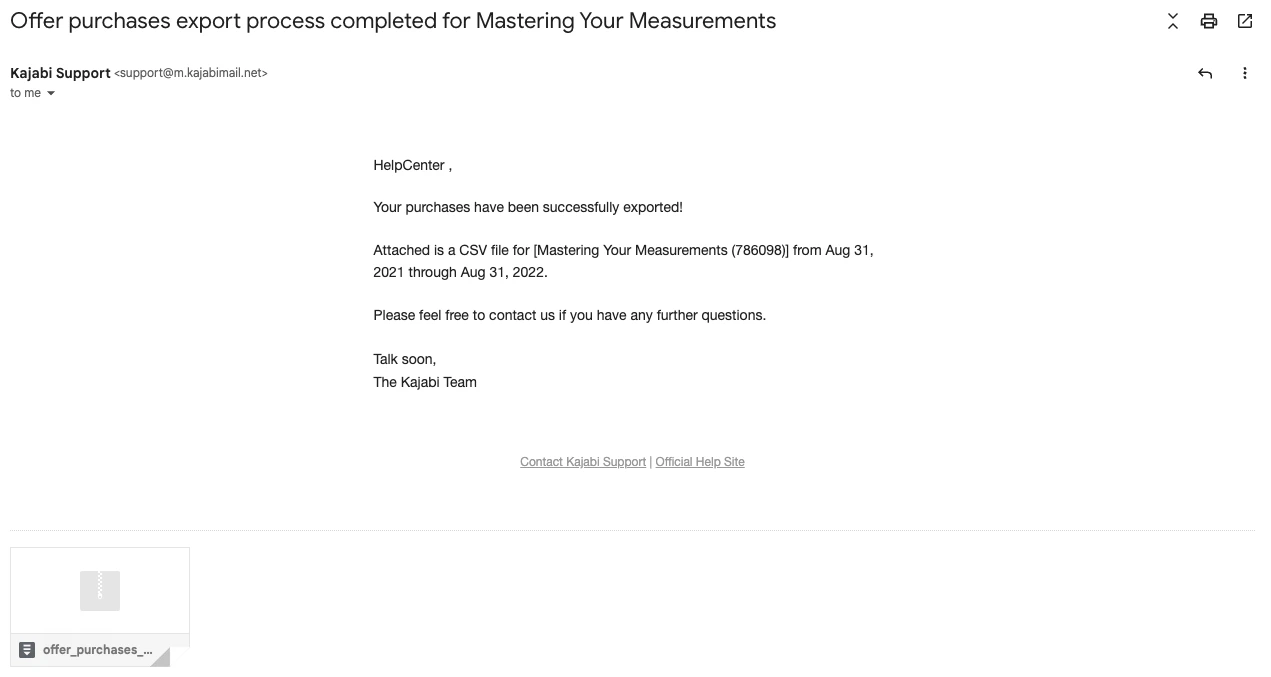
Note: Exporting this report will notify the owner of the Kajabi account if the owner has selected to receive notifications data is exported from their account. Learn to update email notification settings.