Note: If your Original Offer is connected to an Upsell or Downsell Offer with a different type of payment method from the Original Offer (e.g., Kajabi Payments, Stripe, or PayPal), the following Upsell(s) or Downsell(s) will use the same payment method used for the Original Offer.
Upsells and Order Bumps in Kajabi Payments
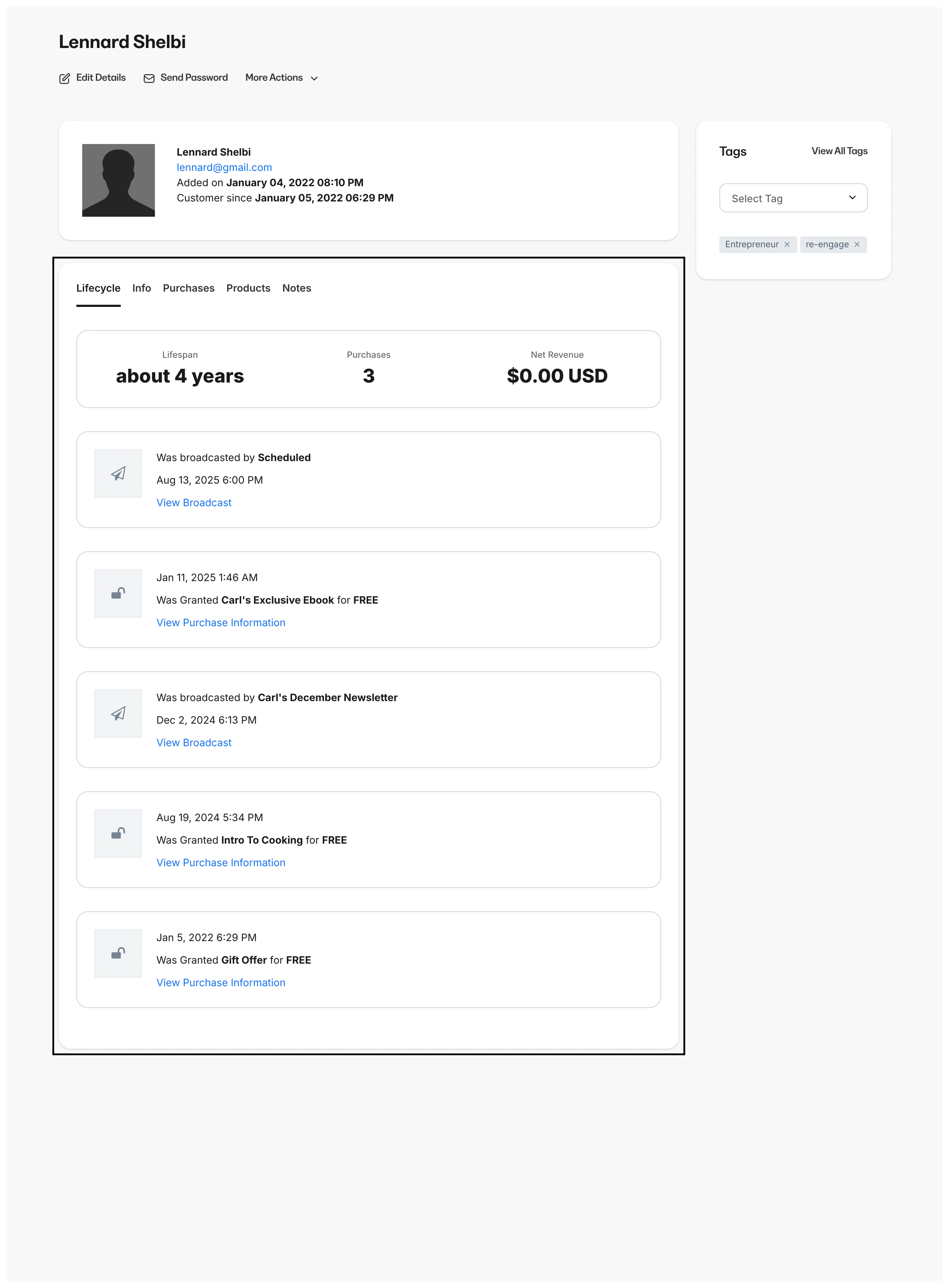
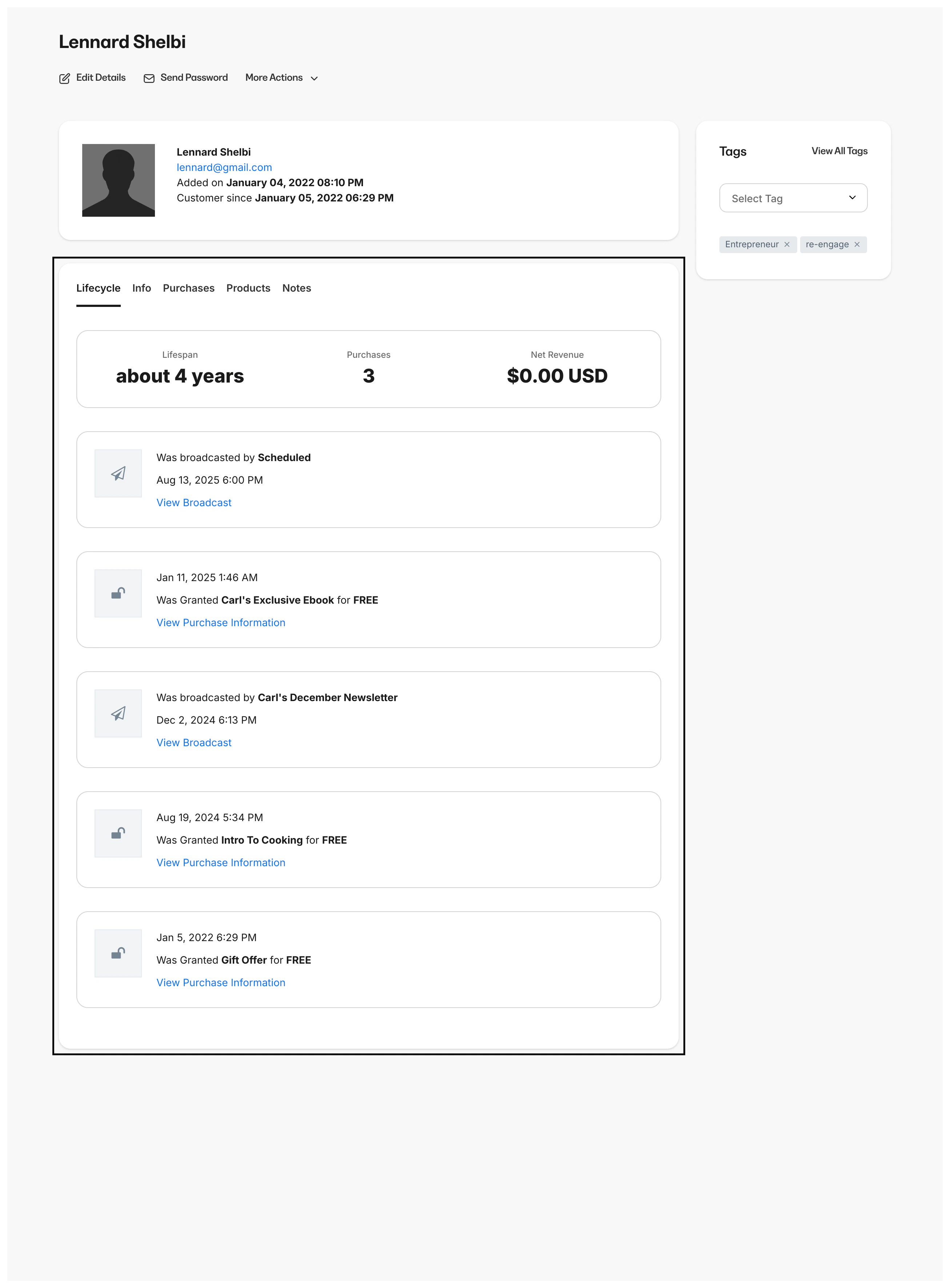
When an Upsell or an Order Bump is purchased with an initial Offer, your customers receive separate electronic receipts in their email inbox for each transaction from Kajabi:- Receipt for Initial Offer
- Receipt for Upsell and/or Order Bump
Upsells and Order Bumps in Stripe
Similar to Kajabi Payments, when an Upsell or an Order Bump is purchased with an initial Offer, your customers receive separate electronic receipts in their email inbox for each transaction from Stripe:- Receipt for Initial Offer
- Receipt for Upsell and/or Order Bump

Upsells and Order Bumps in PayPal
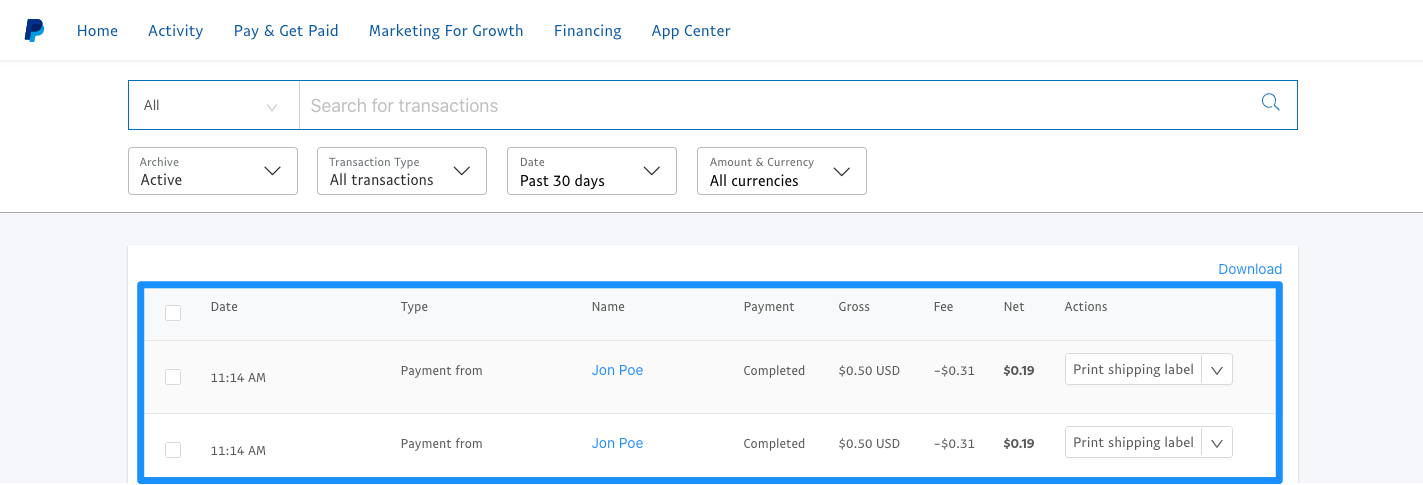
Similar to the other payment providers, when an Upsell or an Order Bump is purchased with an initial Offer, your customers receive separate receipts in their email inbox for each transaction from PayPal:- Receipt for Initial Offer
- Receipt for Upsell and/or Order Bump