

Overview
The Enhanced Kajabi Checkout provides a modern, streamlined buying experience that can help increase your conversion rates. Upgrading your existing offers gives your customers a faster, more intuitive checkout process. The Enhanced Checkout features a cleaner design, faster load times, and mobile optimization that makes purchasing easier for your customers. You can upgrade individual offers one at a time or use the bulk upgrade feature to convert multiple offers at once.Upgrade an individual offer
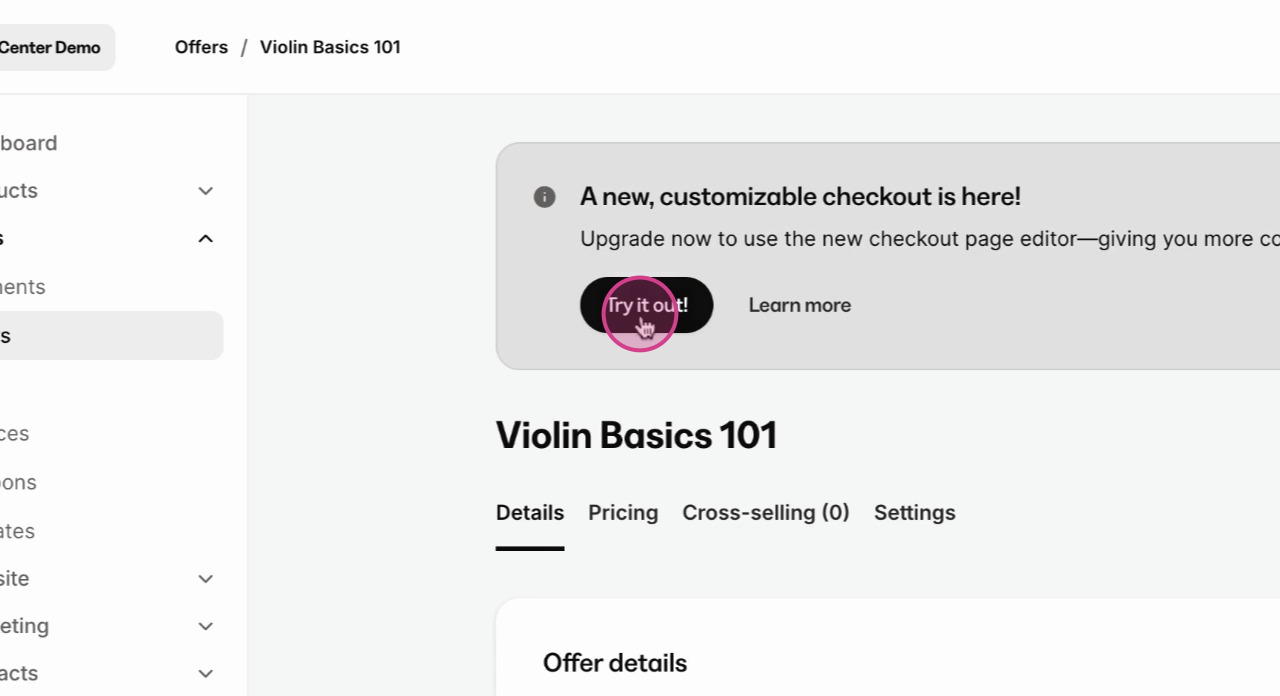
To upgrade a single offer to the Enhanced Checkout:- Open the Sales tab from your Dashboard
- Click Offers
- Select the offer you want to upgrade
- Click Checkout in the left sidebar
- Click Upgrade to Enhanced Checkout
Bulk upgrade multiple offers
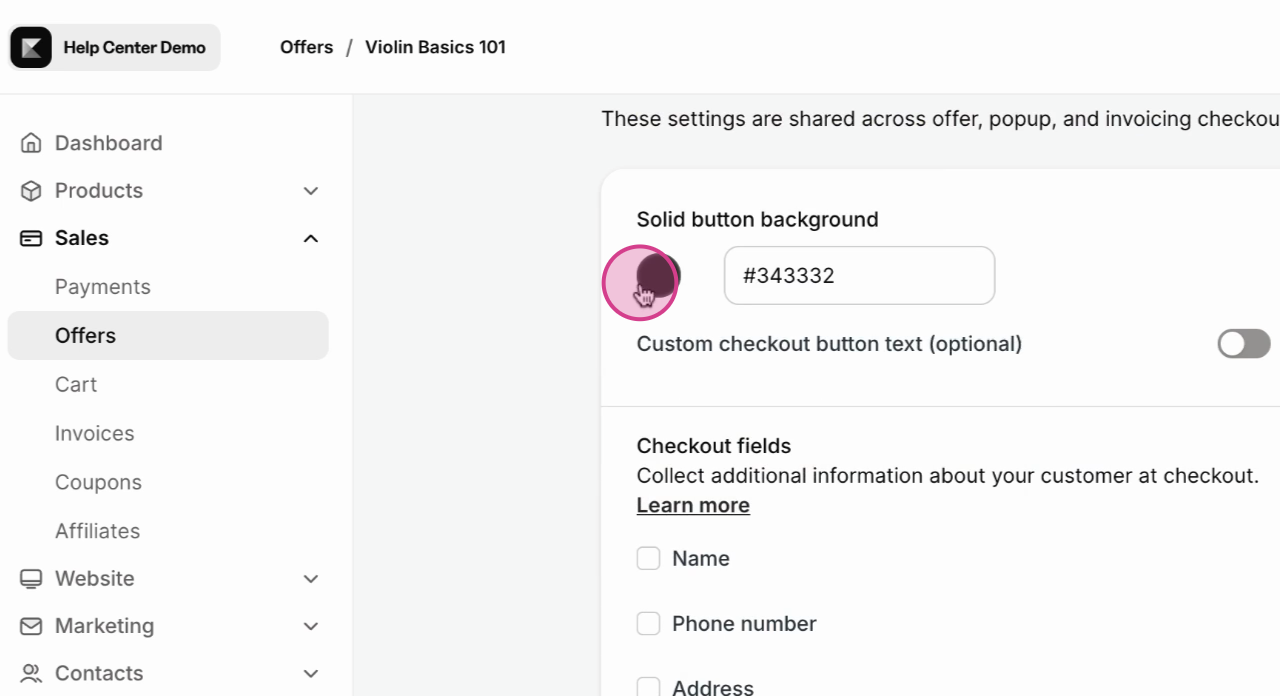
If you have several offers to upgrade, the bulk upgrade feature saves time:- Open the Sales tab from your Dashboard
- Click Offers
- Click the Bulk Actions dropdown
- Select Upgrade to Enhanced Checkout
- Choose the offers you want to upgrade
- Click Upgrade Selected
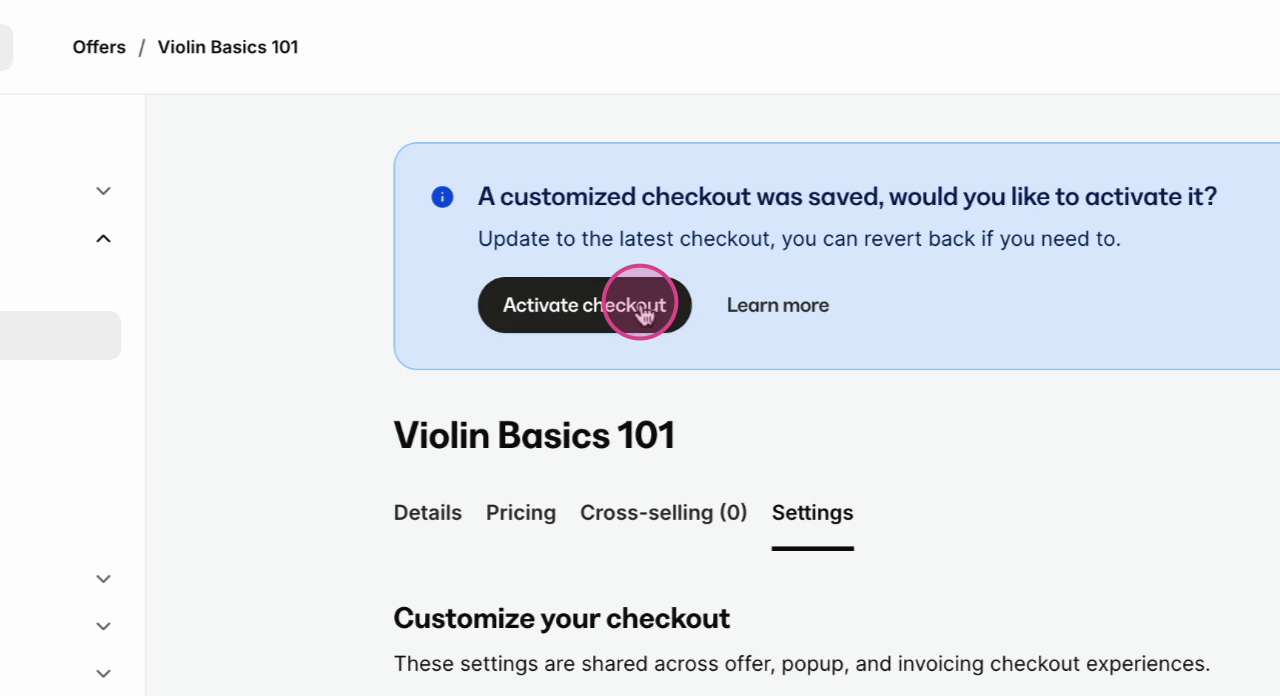
Note: The bulk upgrade process may take a few moments depending on how many offers you’re upgrading. Do not close the browser window until the process completes.
What changes after upgrading
After upgrading to Enhanced Checkout:- Checkout pages load faster with optimized performance
- Mobile experience improves with responsive design
- Form fields are streamlined for quicker completion
- Payment processing is more reliable with updated integrations