

Overview
Cart abandonment happens when a customer begins the checkout process but leaves before completing their purchase. With Kajabi’s cart abandonment email feature, you can automatically send follow-up emails to these customers, encouraging them to return and complete their order. Recovering abandoned carts is one of the most effective ways to increase your revenue without acquiring additional traffic.Enable cart abandonment emails
To set up cart abandonment emails:- Open the Settings tab from your Dashboard.
- Click Checkout Settings.
- Locate the Cart Abandonment section.
- Toggle on Enable Cart Abandonment Emails.
- Configure your email timing and content.
- Click Save to activate.
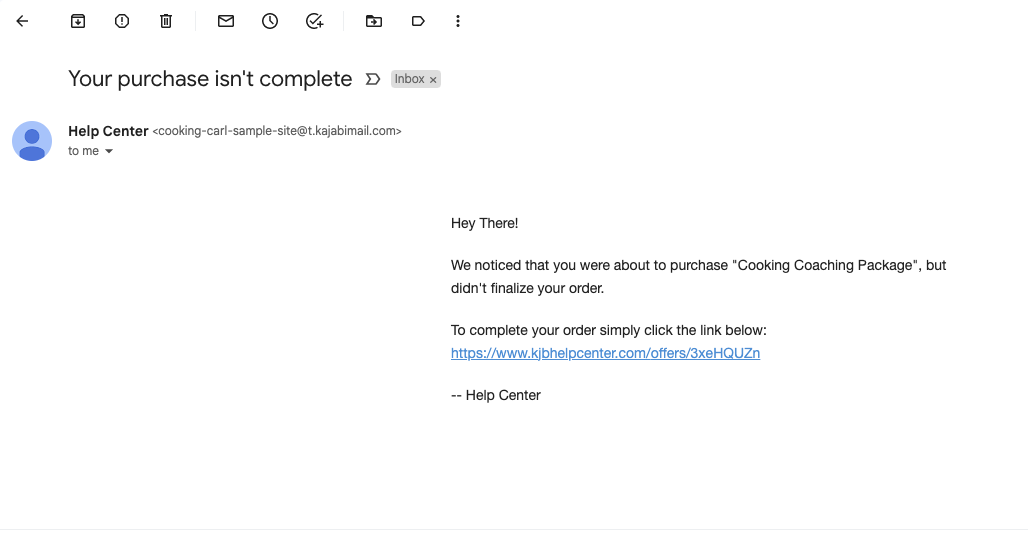
Note:Cart abandonment emails require the 2018 checkout. If you’re using the 2016 checkout, you’ll need to update to access this feature.
Customize the cart abandonment email
To edit your cart abandonment email template:- Open the Marketing tab from your Dashboard.
- Click Emails.
- Select Cart Abandonment from the email templates.
- Customize the subject line, content, and design.
- Use merge fields to personalize the email with customer and product details.
- Click Save to apply your changes.
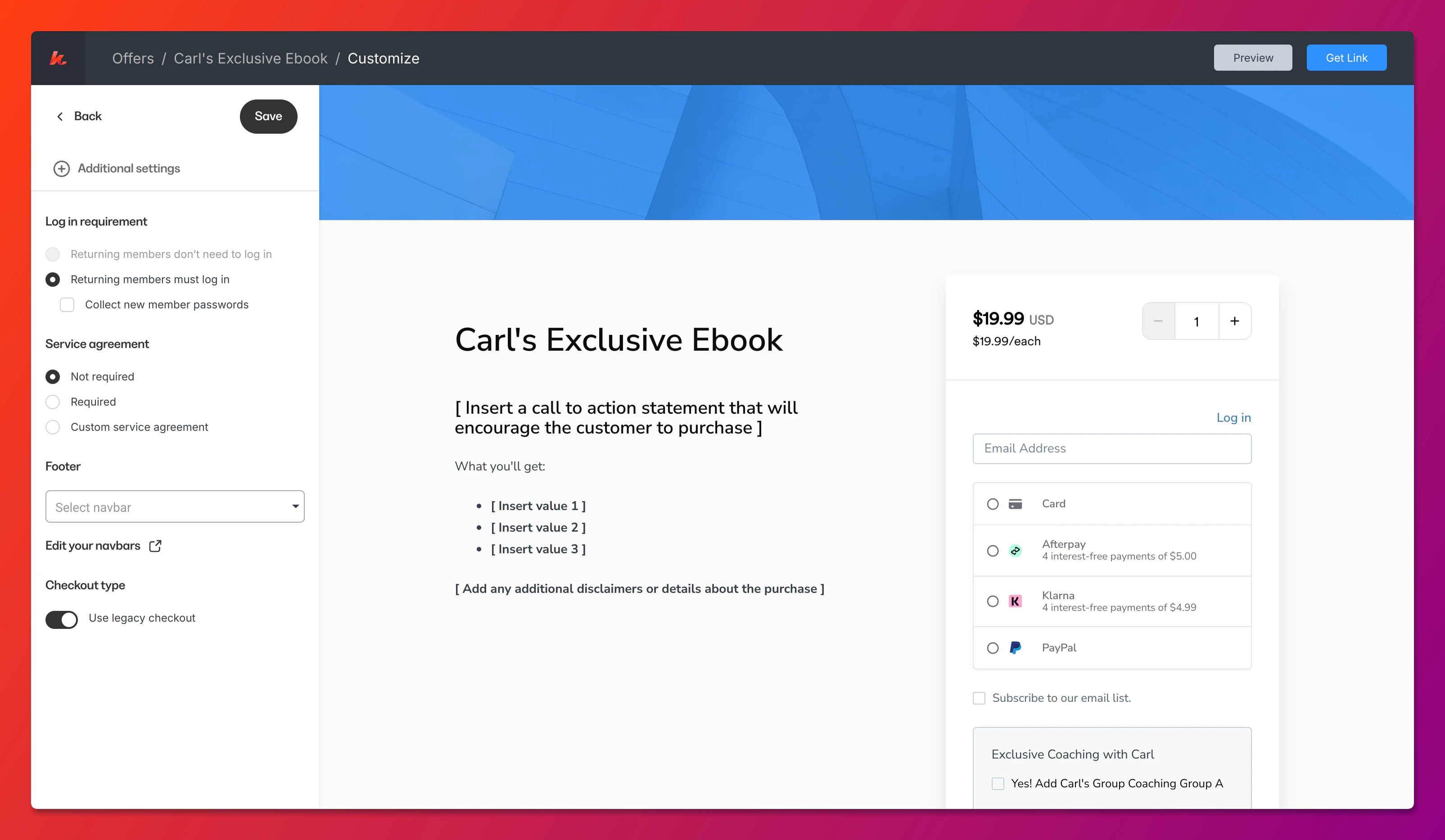
2018 checkout vs 2016 checkout templates
The cart abandonment email templates differ depending on your checkout version:2018 checkout template features
- Dynamic product information automatically pulled from the abandoned cart
- Direct checkout links that return customers to their exact cart
- Order summary display showing what they left behind
- Mobile-optimized design for better engagement
2016 checkout limitations
The 2016 checkout does not support cart abandonment emails. To use this feature, update to the 2018 checkout in your Checkout Settings.Best practices for cart abandonment emails
- Send promptly - emails sent within 1-3 hours have the highest recovery rates
- Create urgency - remind customers that their cart may not be saved indefinitely
- Address objections - include testimonials or guarantees to overcome hesitation
- Keep it simple - focus on one clear call-to-action to complete the purchase
- Consider a series - send 2-3 emails over 24-72 hours for maximum impact