Form submissions are the responses given in an Opt-In Form. Kajabi records every contact that completes and submits your Forms. You can locate submissions directly from the Form Editor or from the Contacts tab.
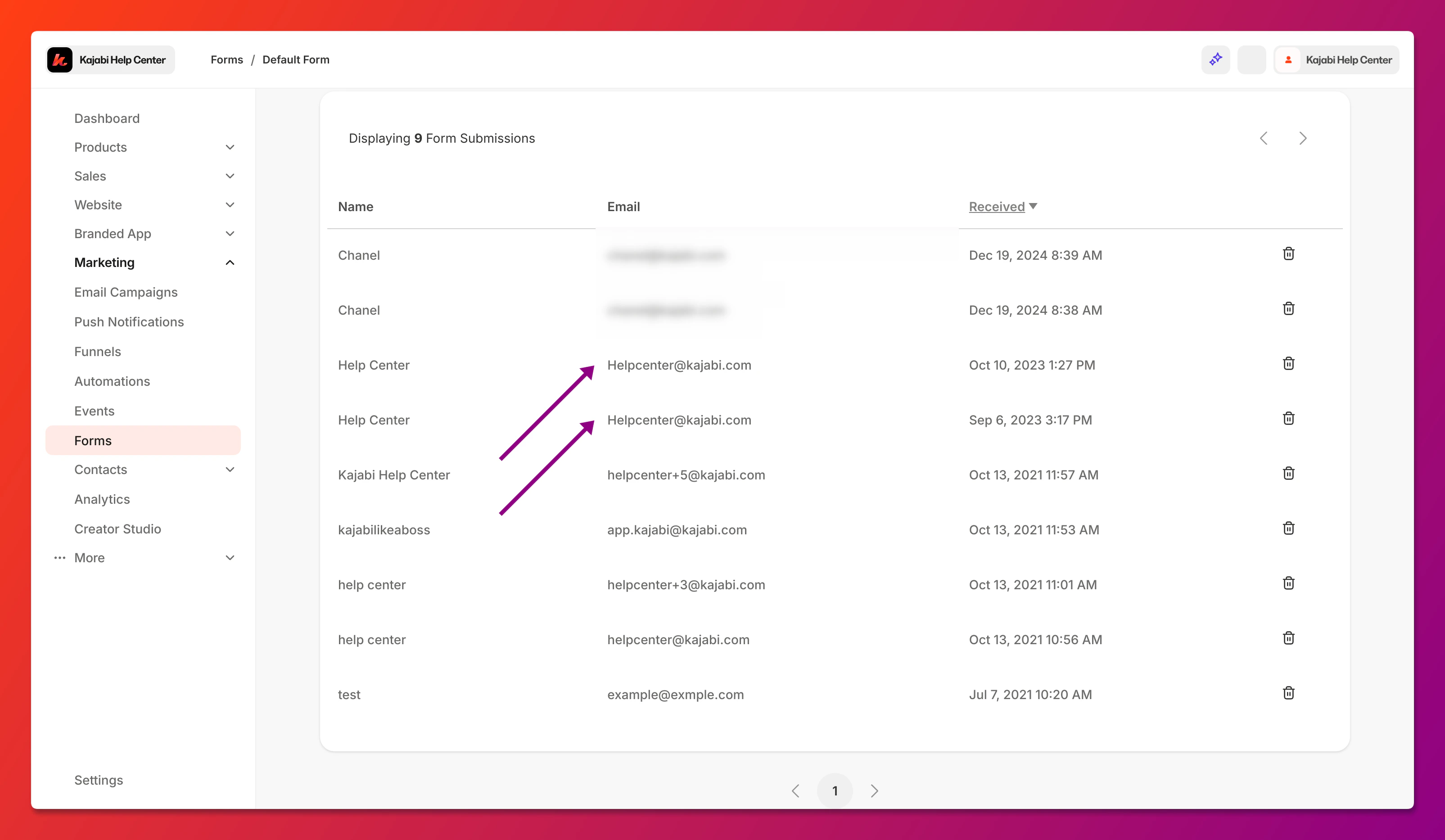
The Form Editor displays every contact submitted through the Form as well as any duplicate submissions that may occur:
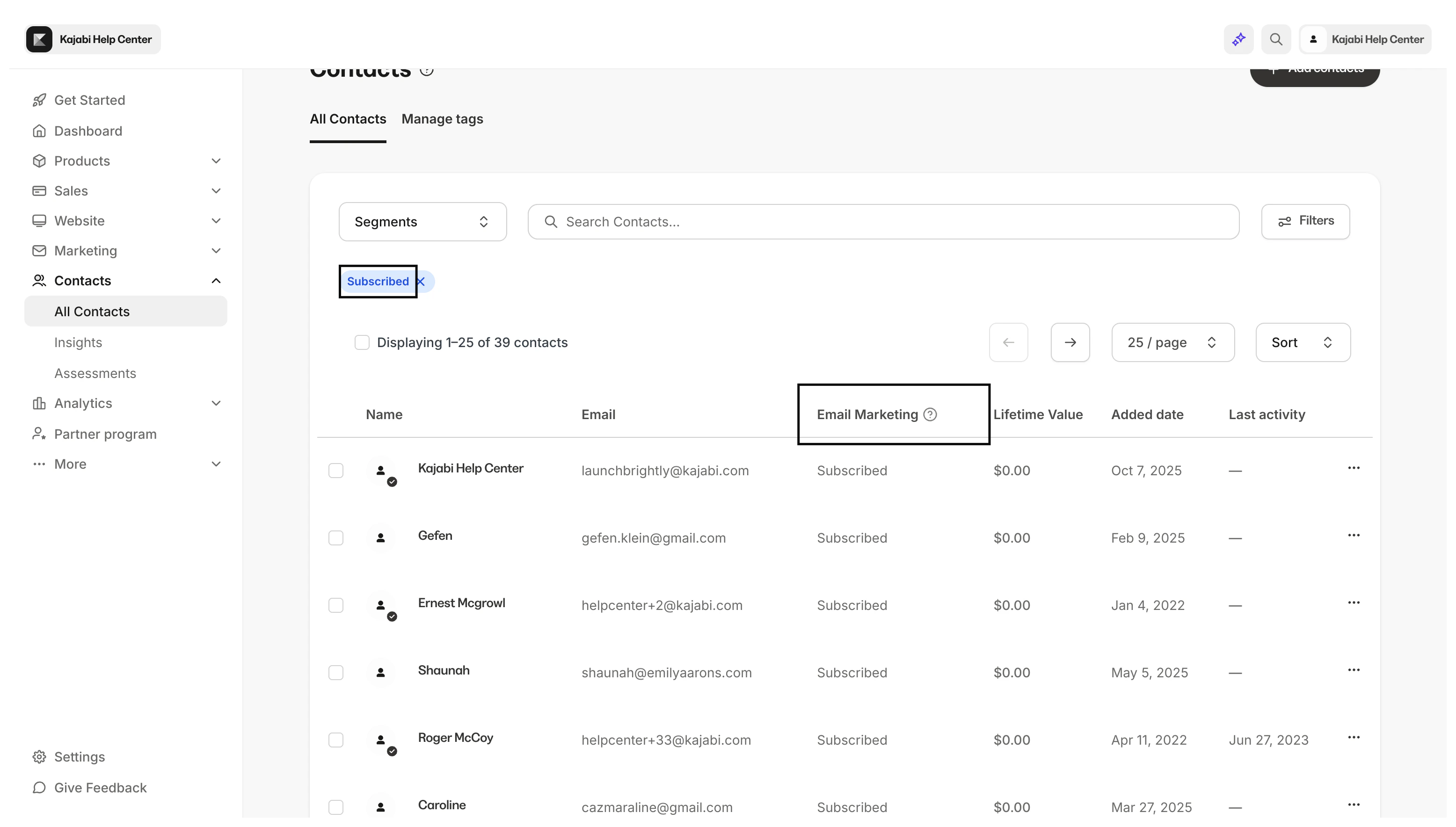
 The Contacts tab filters only the contacts subscribed to your email marketing through the Form:
- Open the Marketing tab from the Dashboard.
- Select Forms.
- Select the Form you wish to view.
- Click Submissions under the Form title:
Tip:
You can view the total number of Form submissions at the bottom of the table on the Submissions page.
- Open the Contacts tab from your Dashboard.
- Click Filters.
- Select your Category, Conditional, and Value:
- Category: Forms
- Conditional: Submitted
- Value: Form title that you wish to filter
- Click Apply Filters:

