Export contacts from a Form
- Open the Marketing tab from your Dashboard.
- Select Forms.
- Select the Form with the data you want to export.
- Click Submissions.
- Select Export in the top right corner:
CSV file
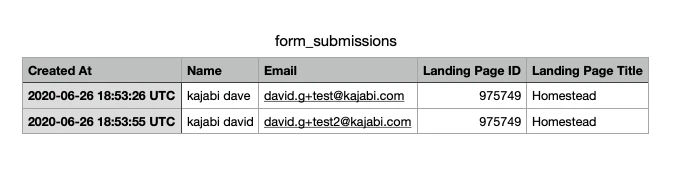
The information is sent to your email inbox as a CSV file that you can download. The file shows the time the Form was submitted, name, email, which Landing Page, and the landing page’s ID number.