

Forms
Use After Submission settings in Forms
Configure options that automatically occur after a Form is submitted.
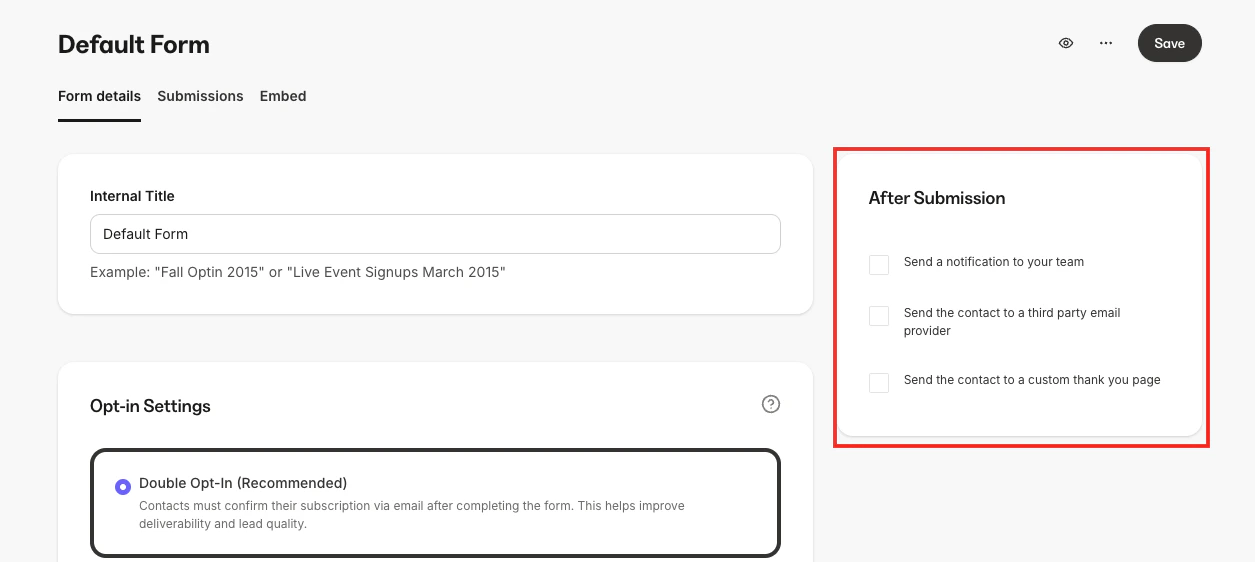
After Submission settings are actions that automatically occur after a Form is completed and submitted by your leads or customers. With Kajabi Forms, you can send a notification to your team, send the Form data to a third-party email provider, or route the contact submitting the Form to a custom thank you page.