Delete a Form
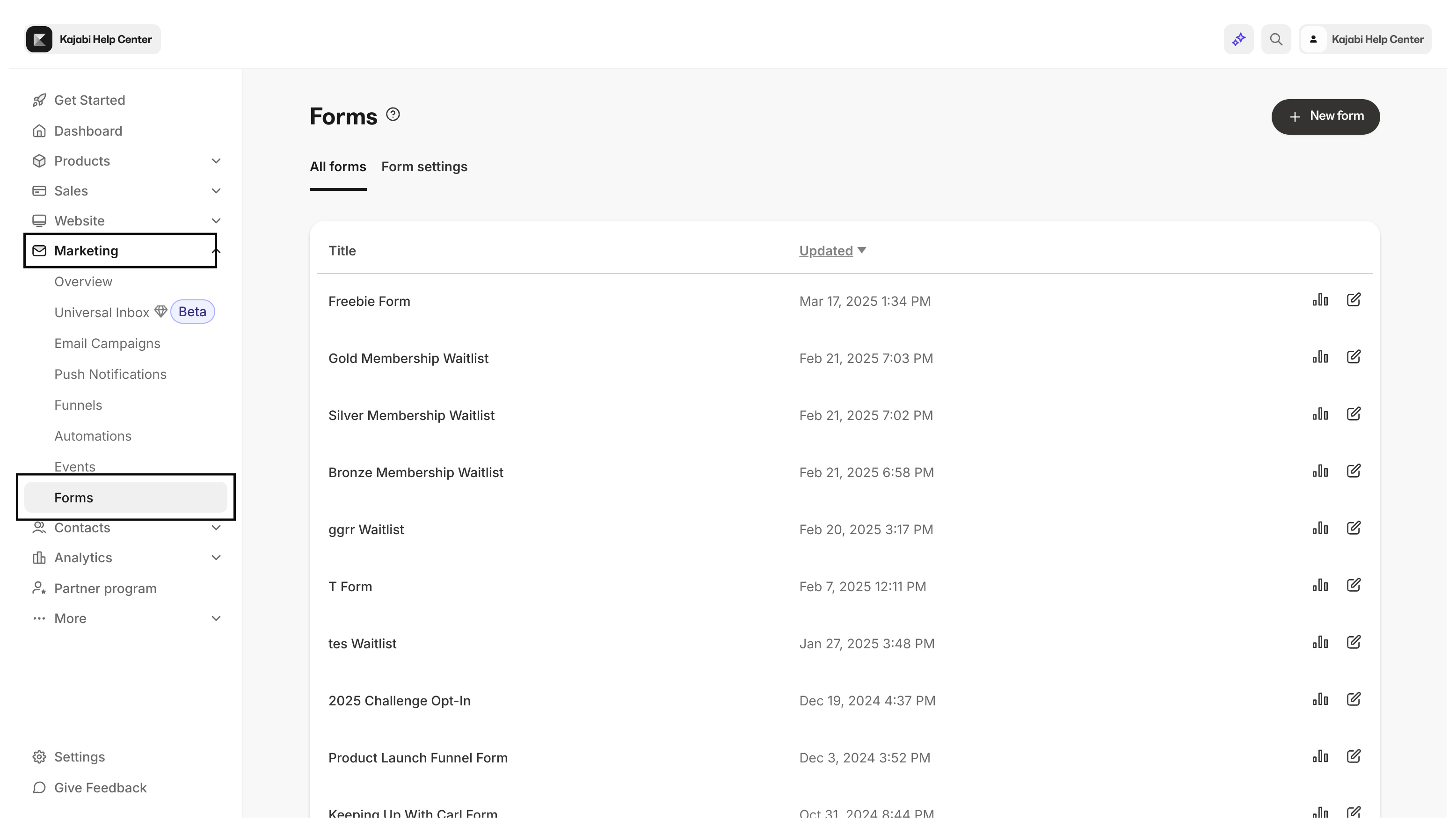
- Open the Marketing tab from your Dashboard.
- Click Forms:
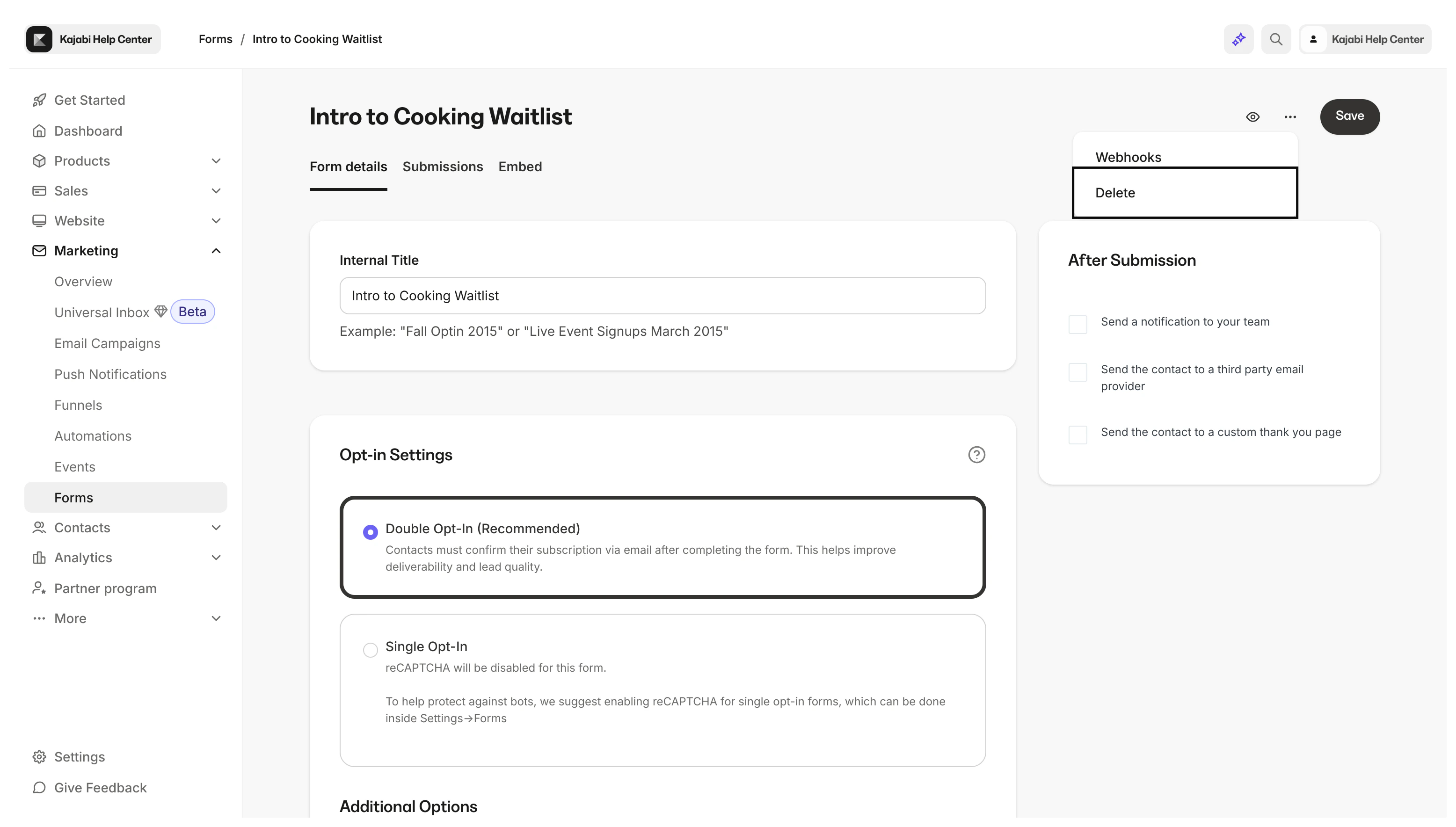
- Select the Form you wish to delete.
- Click the more actions menu (
…) in the top-right corner of the Form Editor. - Select Delete:
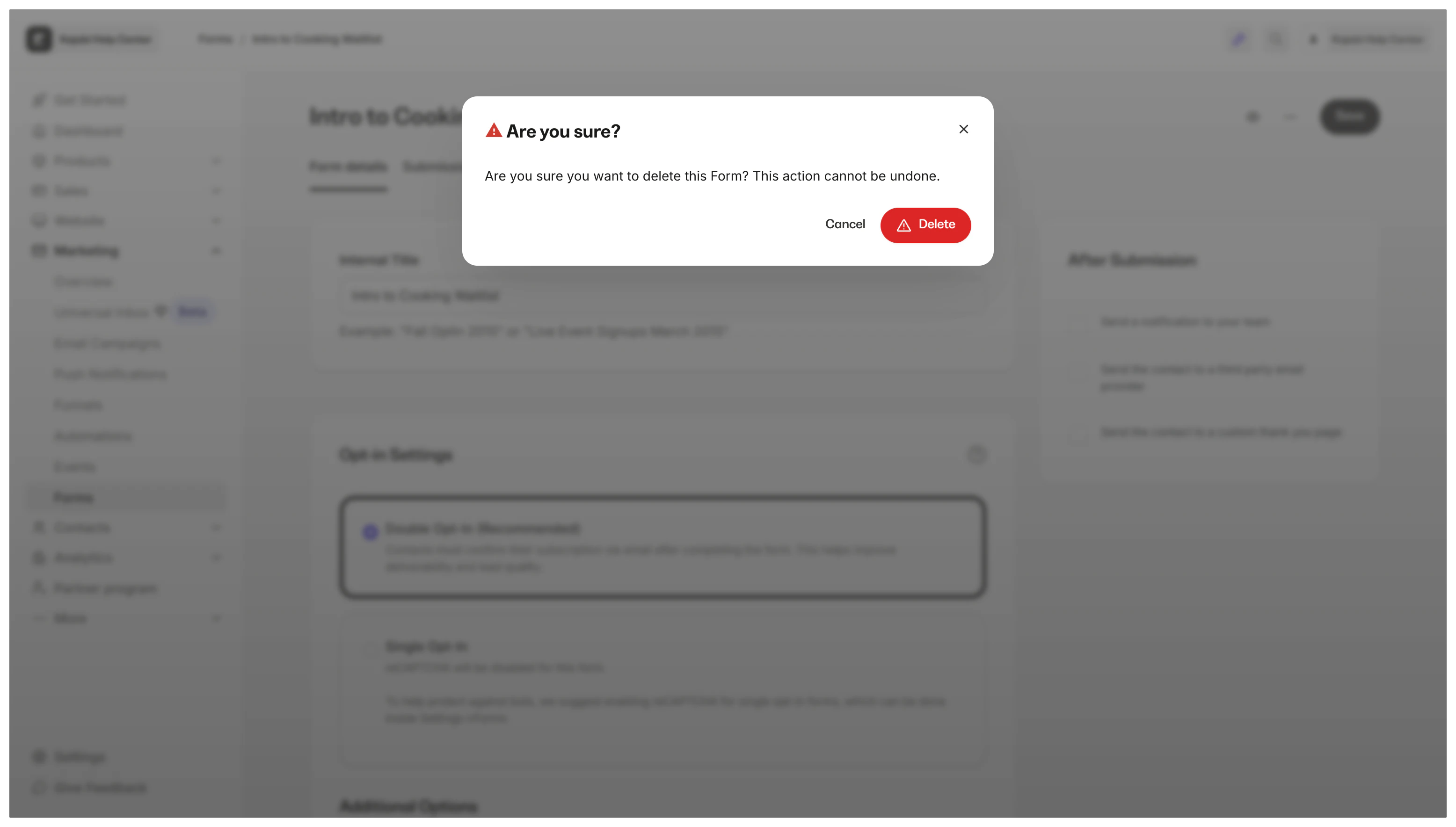
- Confirm your desire to delete by clicking Delete in the pop-up modal:
Contacts that submitted the Form
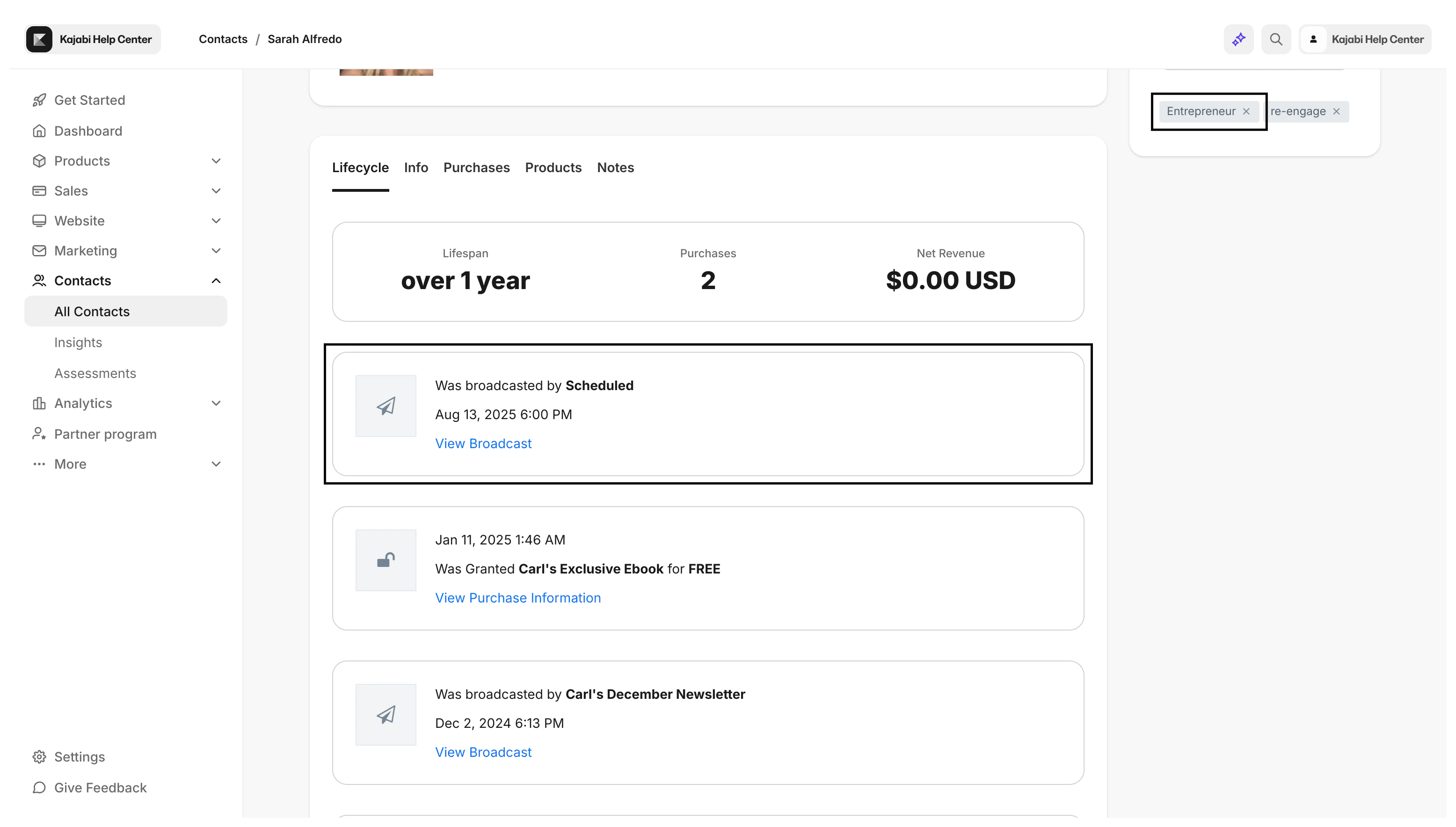
Contacts added to your Contacts tab through a Form submission continue to remain in your Contacts tab if you remove the Form from your site. However, the Lifecycle tab for your contacts no longer displays the Form as an event that occurred in their lifecycle:Tags created from the Form submission
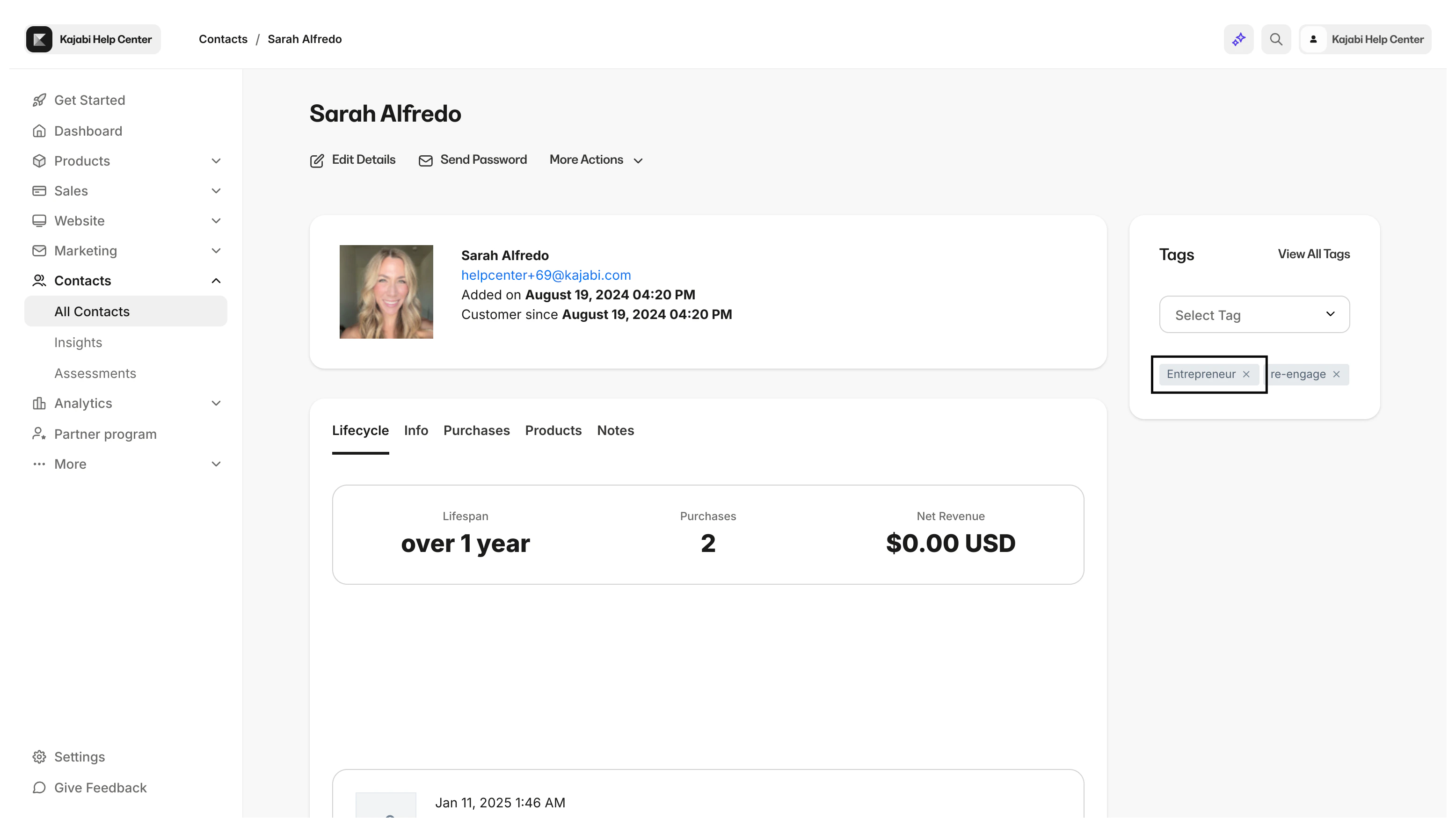
If you have set up an Automation to create a Tag when the Form is submitted, Tags applied to a contact remain in the contact’s profile in your Contacts tab after the Form is removed from your site. Form submitted: