

Pinning posts
Spotlight a post from your Channel by pinning the post to the top of the Channel it was posted in. If you want the post featured on your main feed, you can choose Pin to feed.Note: With your Kajabi Community, all posts (including posts featured on your main feed) are only visible to the Access Group you set.
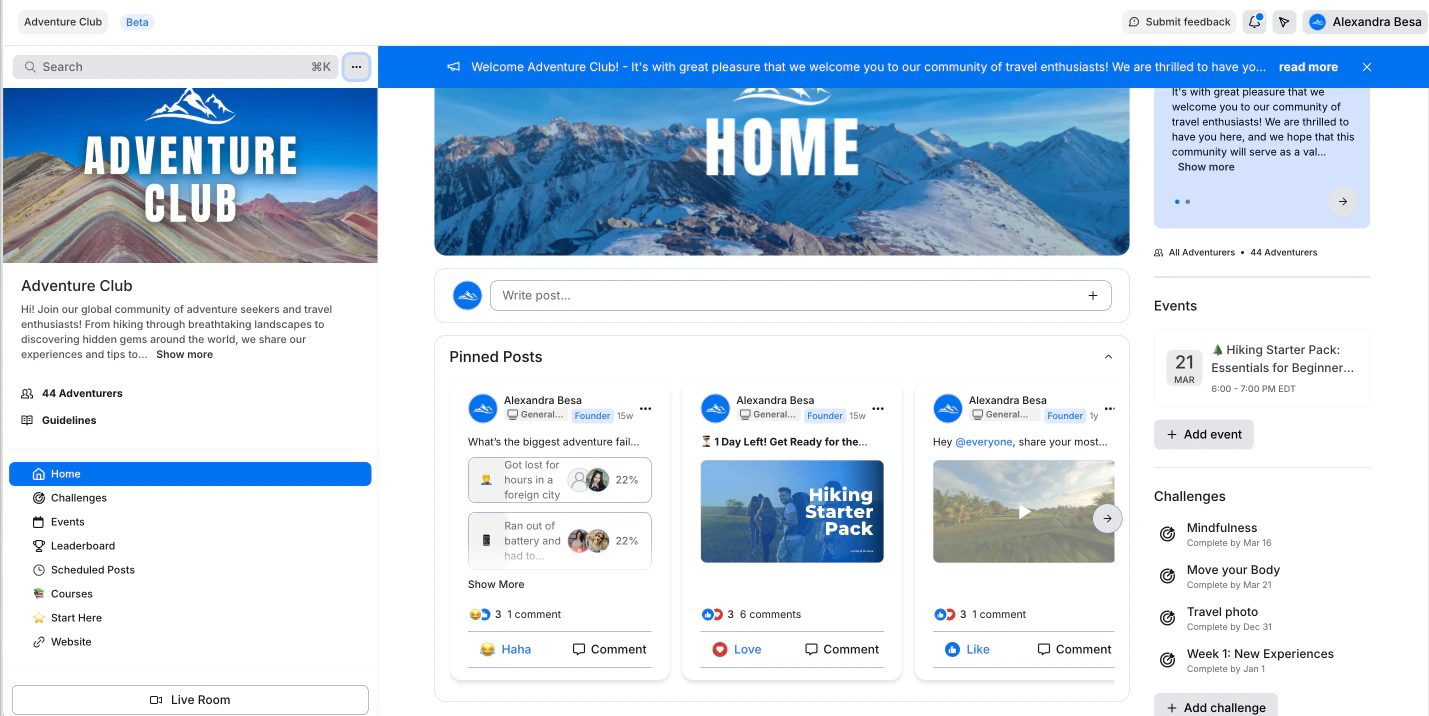
Pin posts in a Channel
- Open the Products tab from your Kajabi Dashboard.
- Navigate to the Community tab.
- Click Go to Community.
- Navigate to the Channel you wish to update.
- Locate the post you wish to pin.
- Click the
…menu. - Select Pin to Channel: