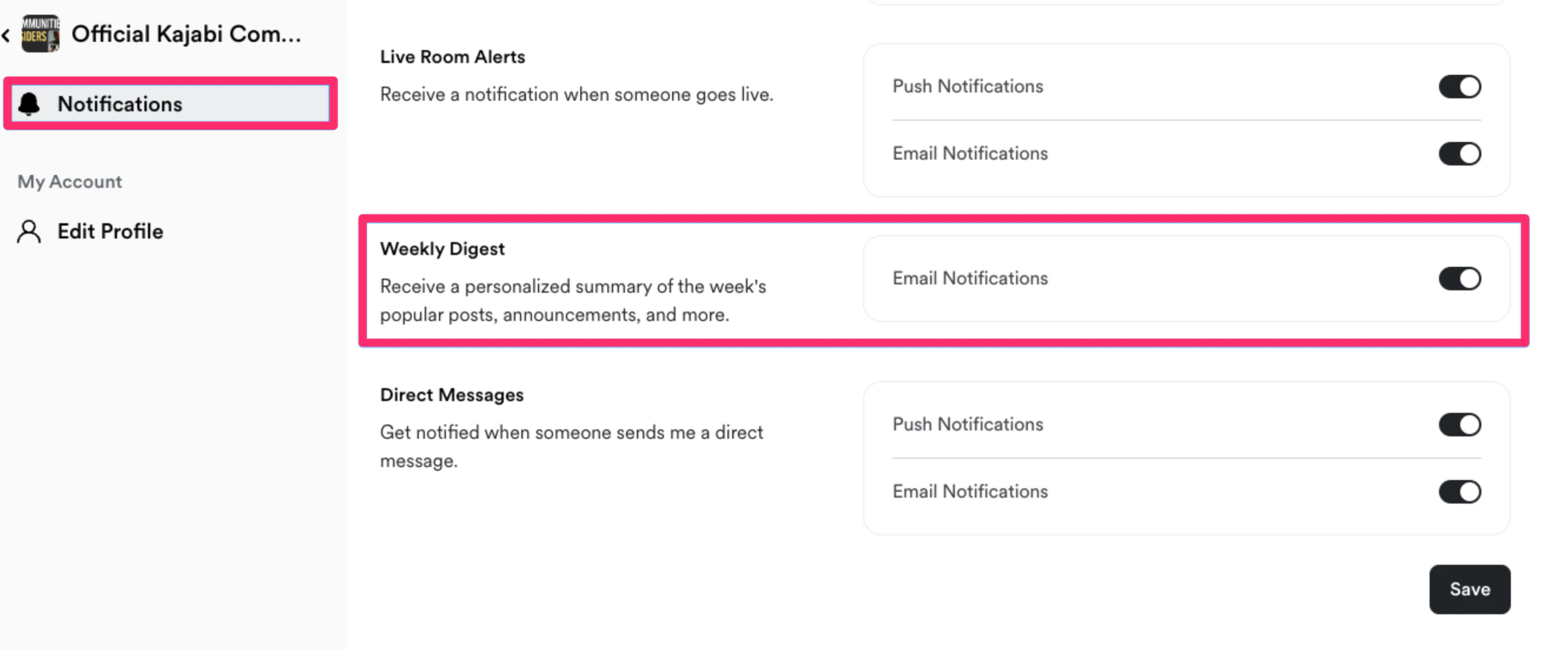
Note: The weekly digest may take a few hours to be sent to all members.
Why set up a weekly digest?
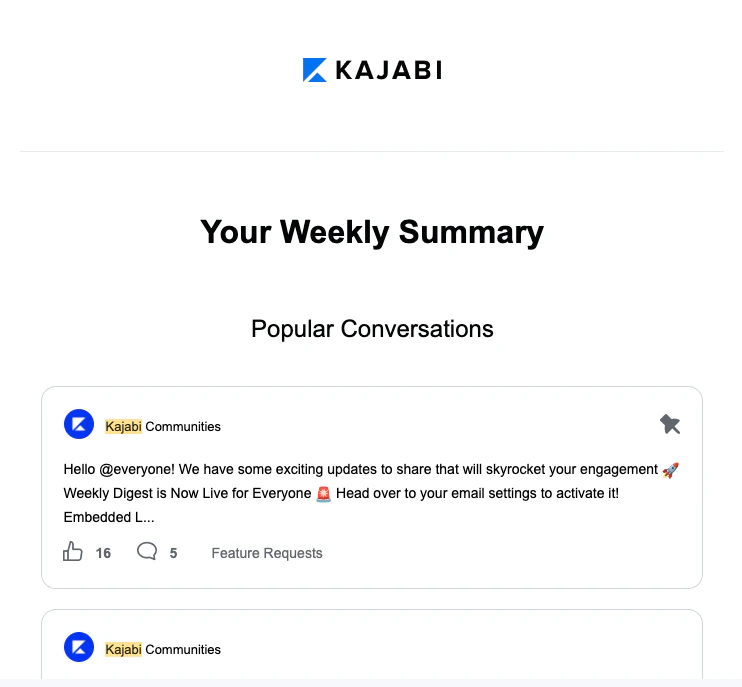
By setting up your Communities Weekly Digest you can:- Keep your members updated and engaged with your Community,
- Create a personalized experience by only showing them content that is relevant to their Access Group(s),
- And, best of all, you can do all of this automatically.
What’s displayed in the weekly digest
With Kajabi, you are in control of your business. By setting up your weekly digest, you get to choose what you want to include. When setting up your weekly digest, you can select from the following content to display:- Announcements from the week
- Challenges to complete
- Community stats
- Popular conversations
- Upcoming meetups
Set up the weekly digest
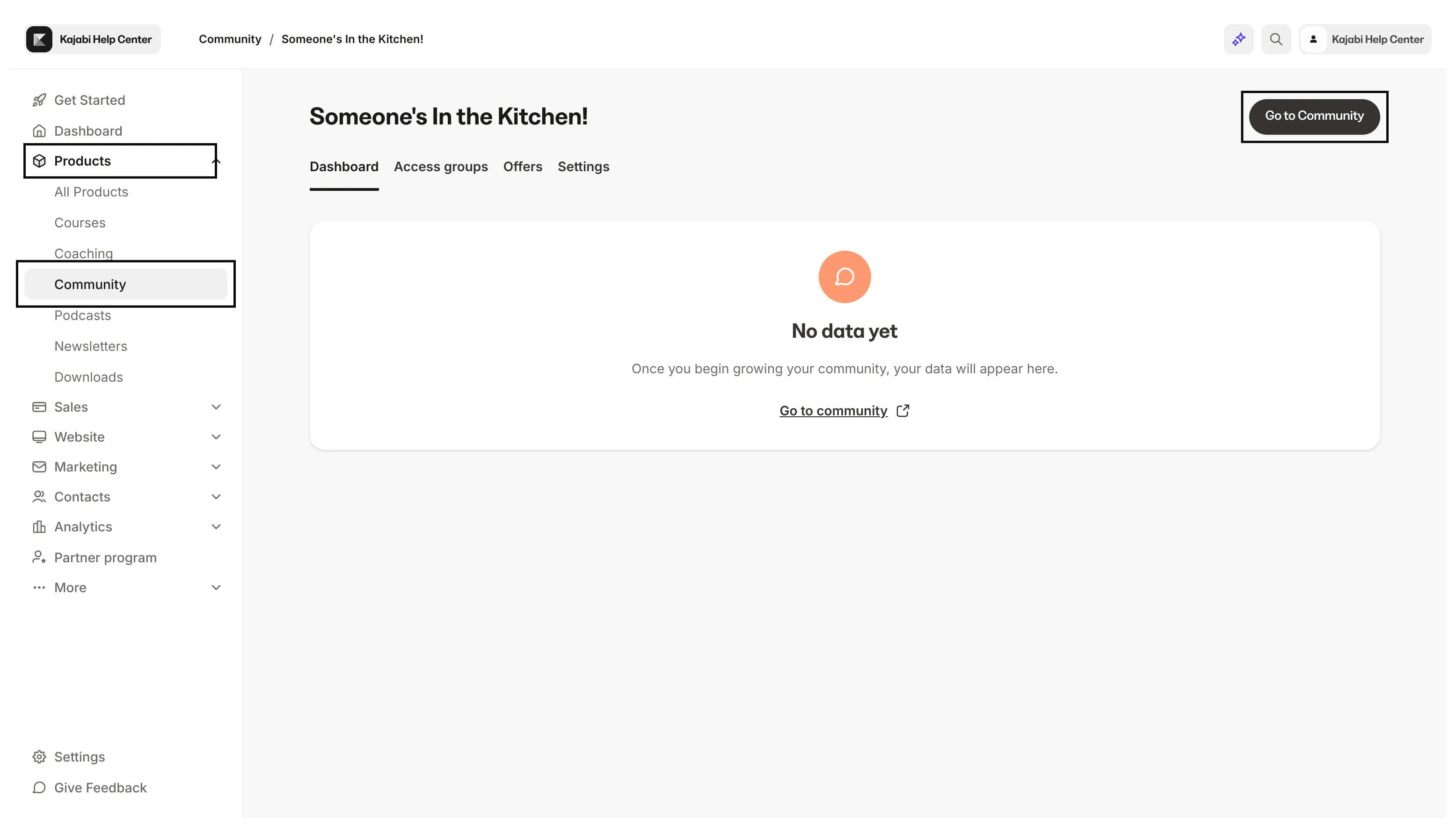
To start sending your Communities Weekly Digest:- Open the Products tab from your Dashboard.
- Select the Community tab.
- Then, click Go to Community:
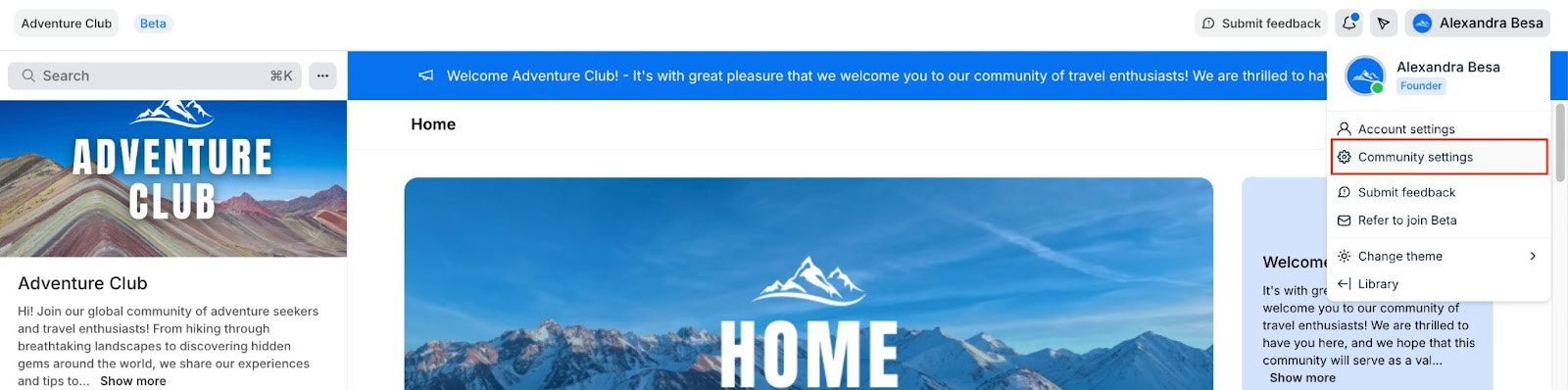
- Open your Community Settings:
- Click Email Notifications.
- Then, navigate to the Weekly Digest section within the “Email Controls” tab of your Email Notifications settings:
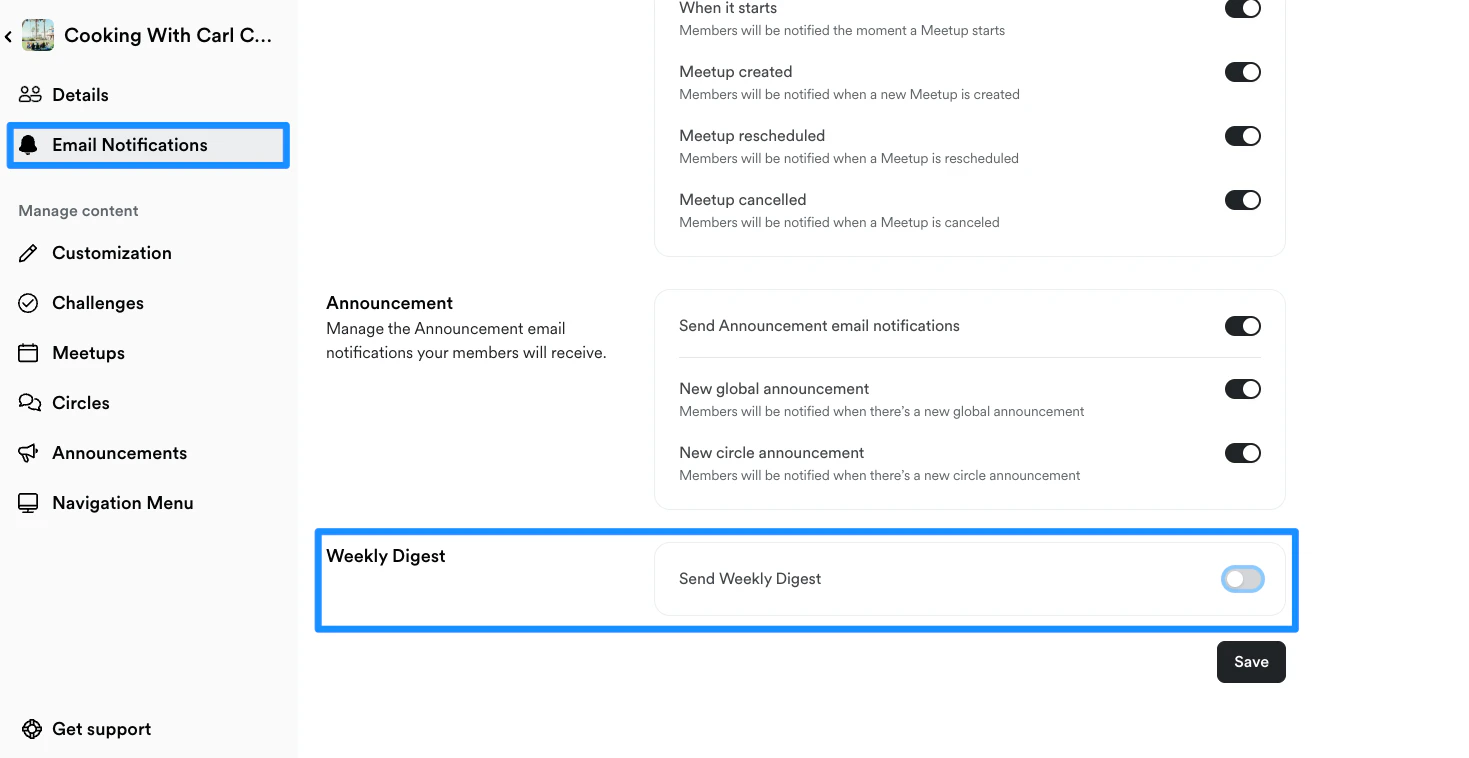
- Enable your Weekly Digest by moving the toggle On next to “Send Weekly Digest”:

- Now you can customize the content included within your weekly digest. Simply toggle on the content that you want to be displayed in your weekly digest.
Note: The weekly digest may take a few hours to be sent to all members.
FAQs
Can I select the data that is displayed in the digest?
No, Kajabi has made it seamless for you to engage with your Community Members by selecting the most relevant data for each recipient. Although you cannot customize the data displayed in your digest, you can select the exact type of content you want included in the weekly digest. Learn more.What can I do if a member is not receiving their weekly digest?
If your Community member is not receiving the weekly digest, make sure that they have their Email Notifications enabled for the Weekly Digest: