Available formatting options
With Kajabi Communities, you can apply the following formatting options:- Bold
- Italics
- Underline
- Ordered Lists (i.e., numbered lists)
- Unordered Lists (i.e., bullet points)
- Headings 1 & 2 (Note: Only available in posts, not in comments.)
- Links (i.e., add a hyperlink to your text)
- Strikethrough
Note: Text formatting in your Kajabi Communities is currently available on the web. If you attempt to edit a formatted post on mobile, the formatting will disappear. Be sure to apply your text formatting with the web application.
Apply text formatting
- Add a feed post or comment to your Kajabi Community.
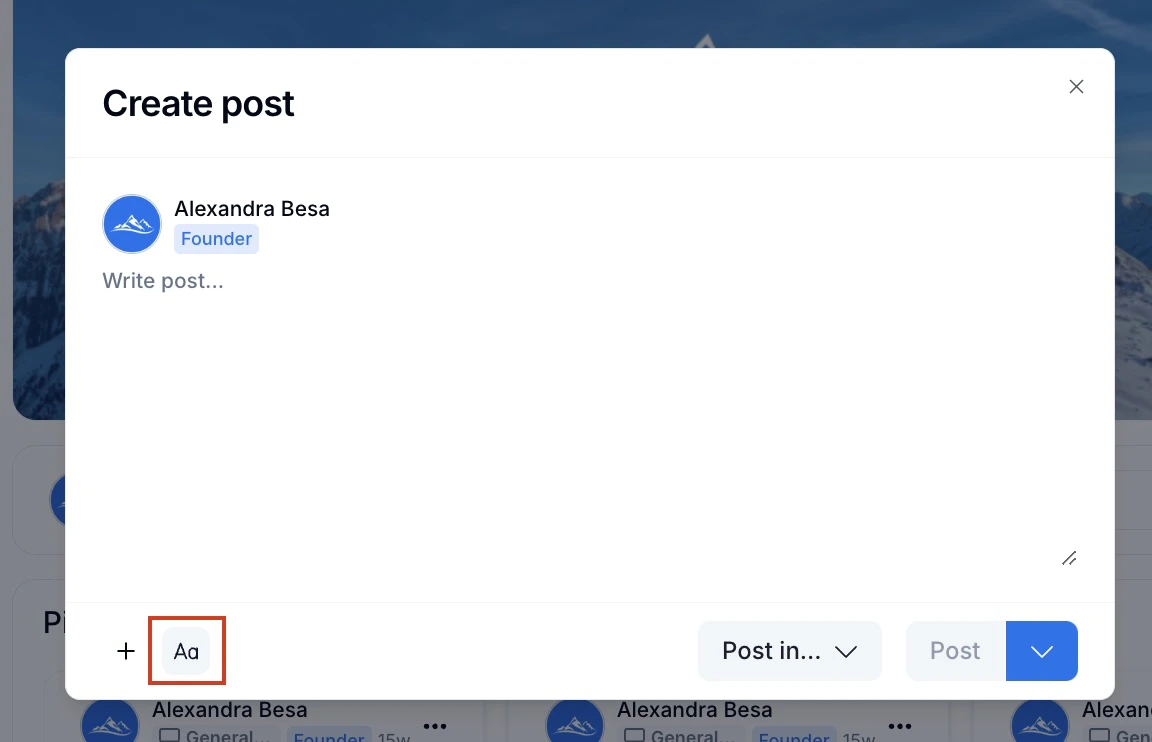
- Highlight the text you wish to customize or click the “Aa” button to apply rich formatting.
- Select your desired text formatting option.
- Then, click Post to publish your post or comment: