

Community poll
Survey your Community members with a poll in your Community Channels. Learn more about Community Channels.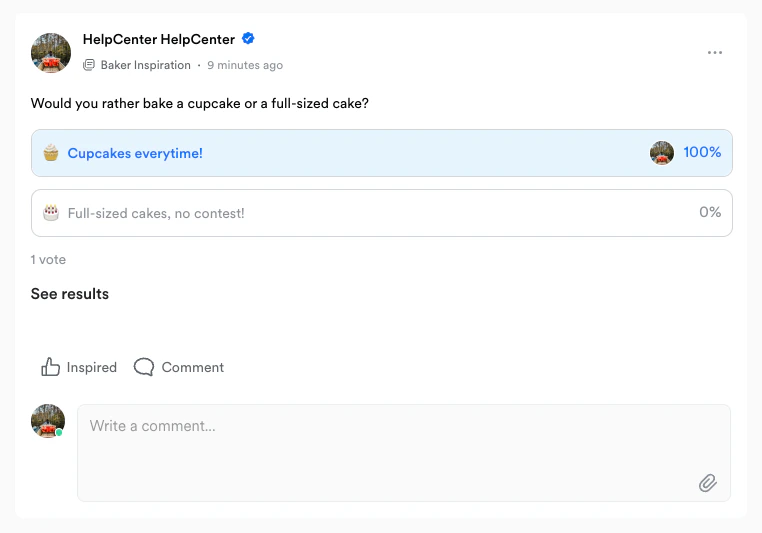
Create a poll
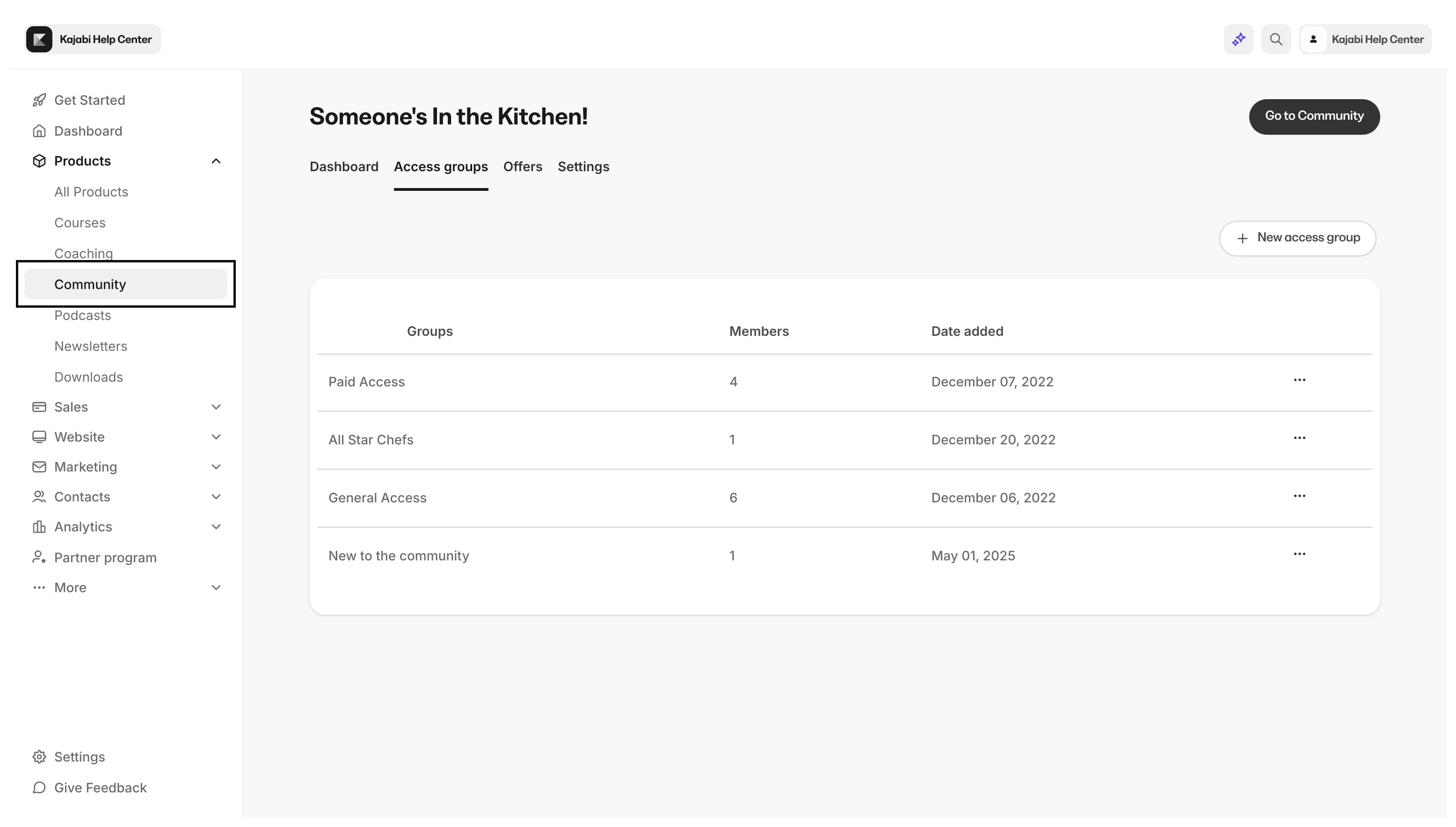
To create a poll in your Community Channel Feed:- Navigate to your Products tab from your Dashboard.
- Select Community:
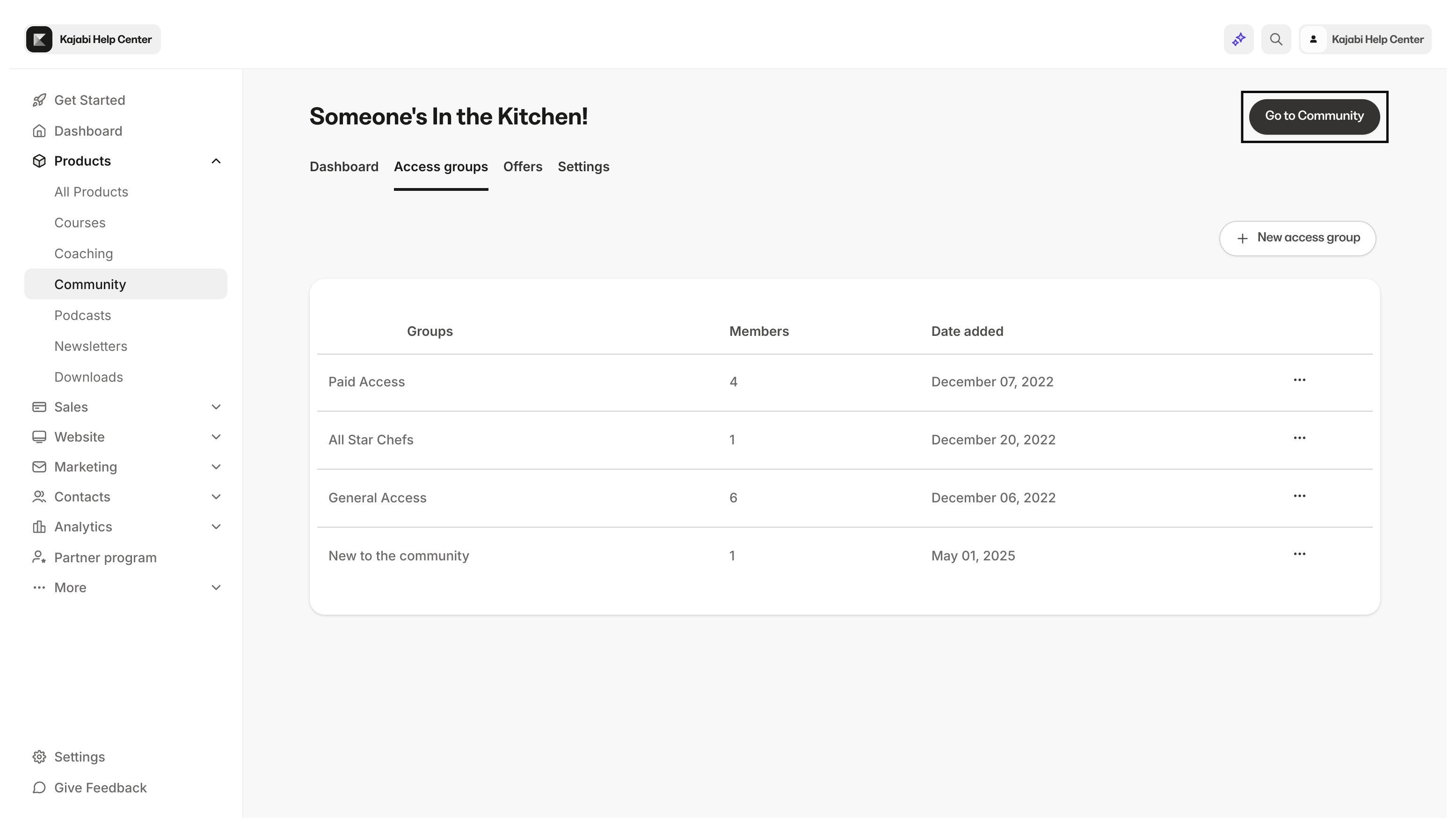
- Then, click Go to Community:
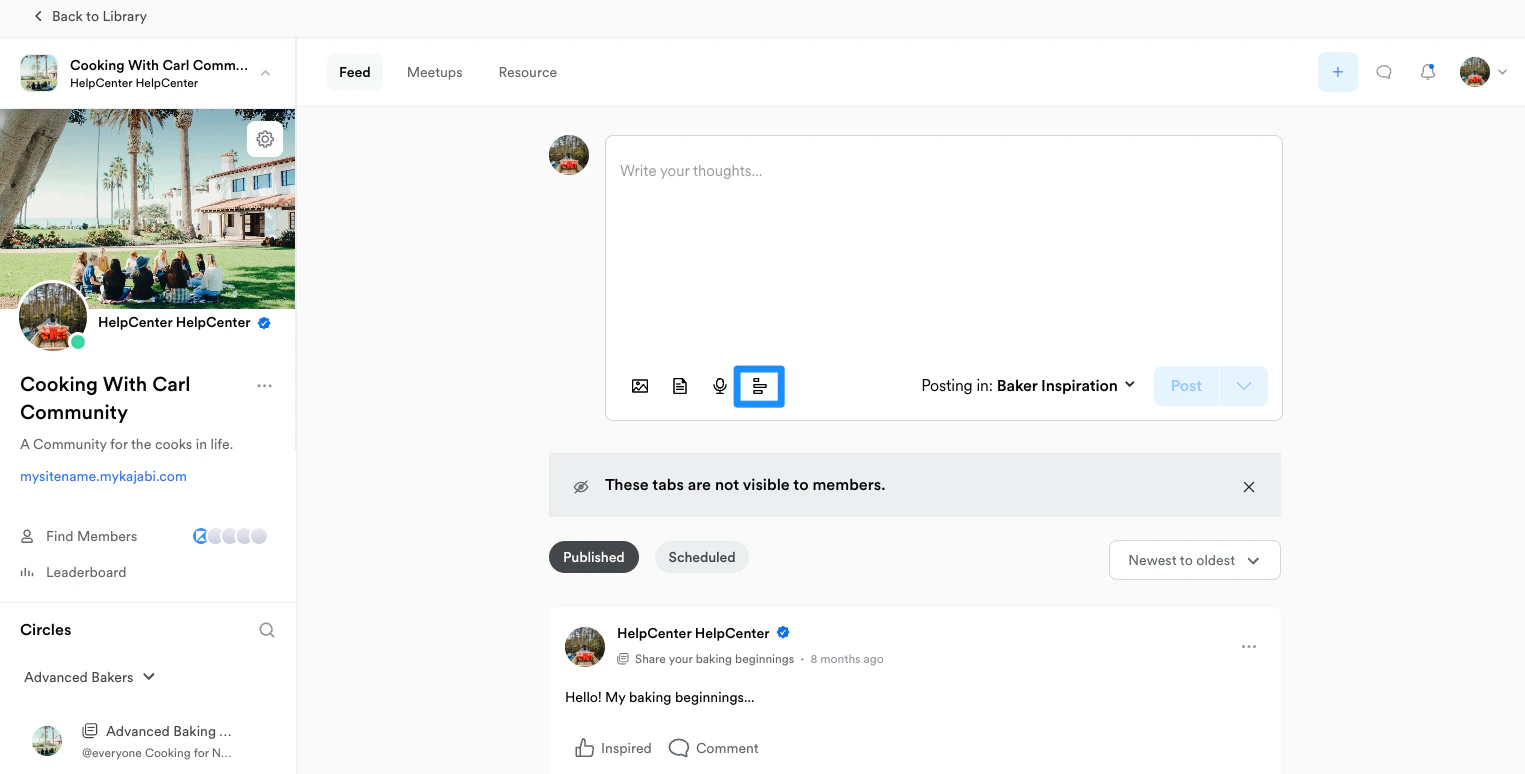
- Navigate to an existing Channel Feed or create one.
- Then, click
+in your Channel Feed or the polling icon from your Feed tab:
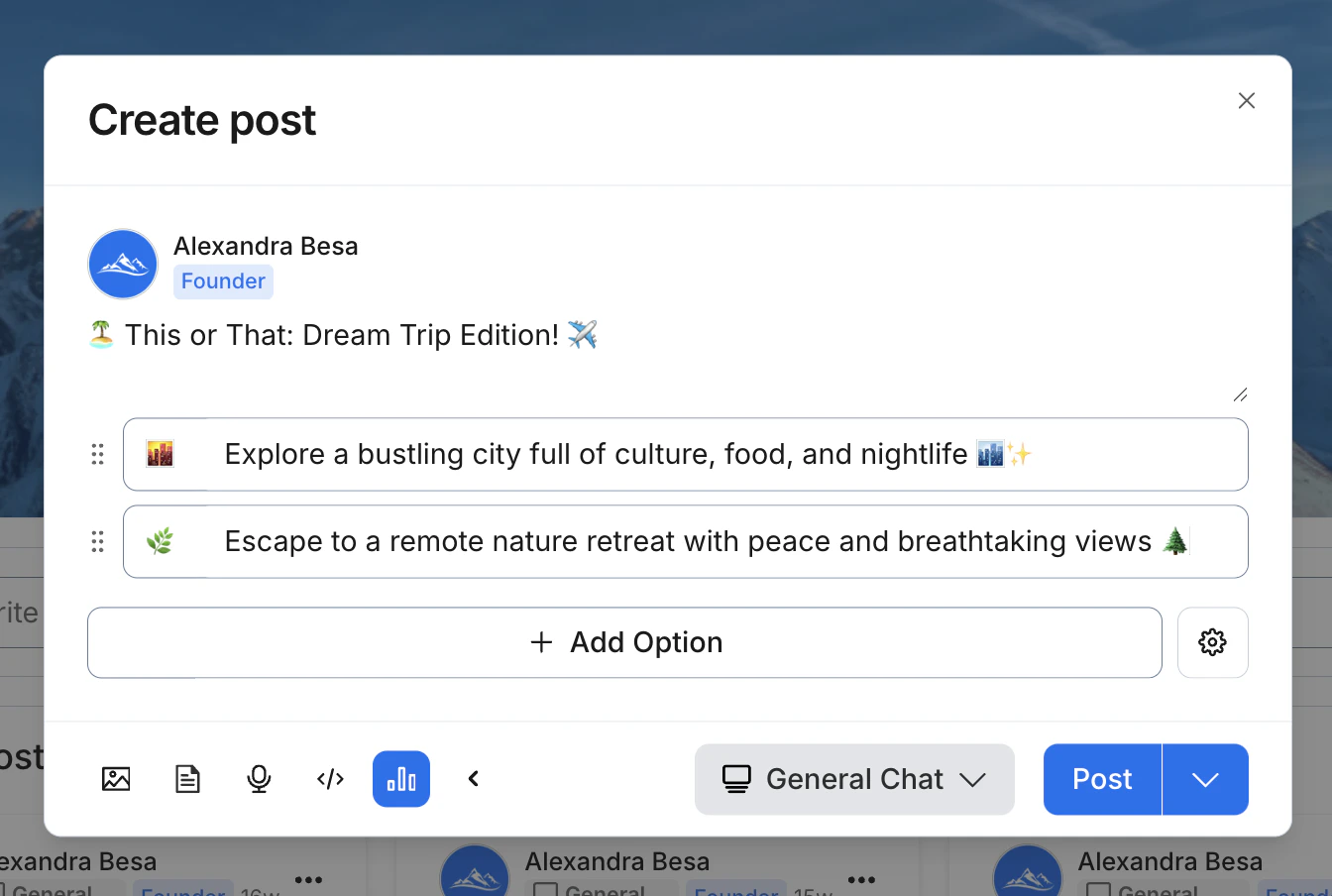
- Enter your prompt in the “Write your thoughts…” section and build out your answer options:
Additional poll settings
As you create your poll, you can click the gear icon next to + Add option to access additional poll settings: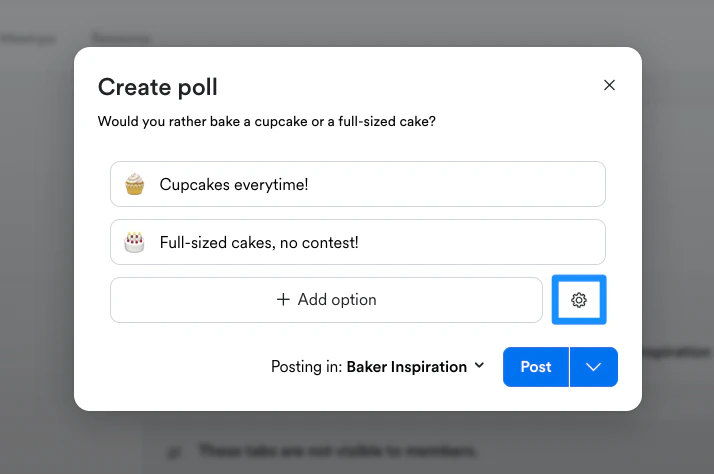
- Allow multiple answers: Allow the members in your Channel to select multiple answer options in your poll.
- End date: Set a time limit for answers to be submitted to the poll.
- As you create your poll, hover your mouse next to the answer option you wish to move.
- When the dotted icon appears, click and hold the dotted icon:
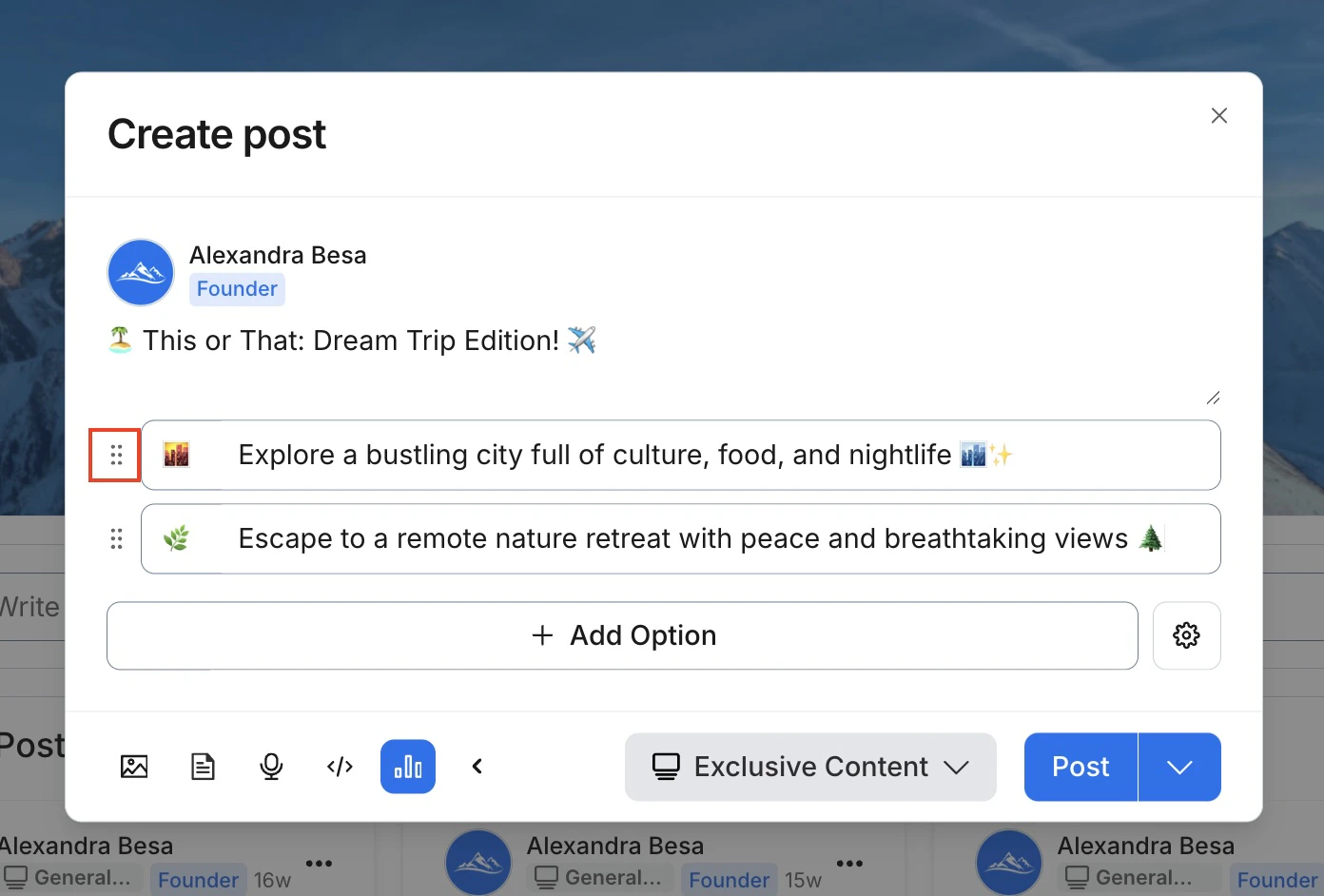
- As you hold the dotted icon, drag and drop the answer option to your desired location:
Publish your poll
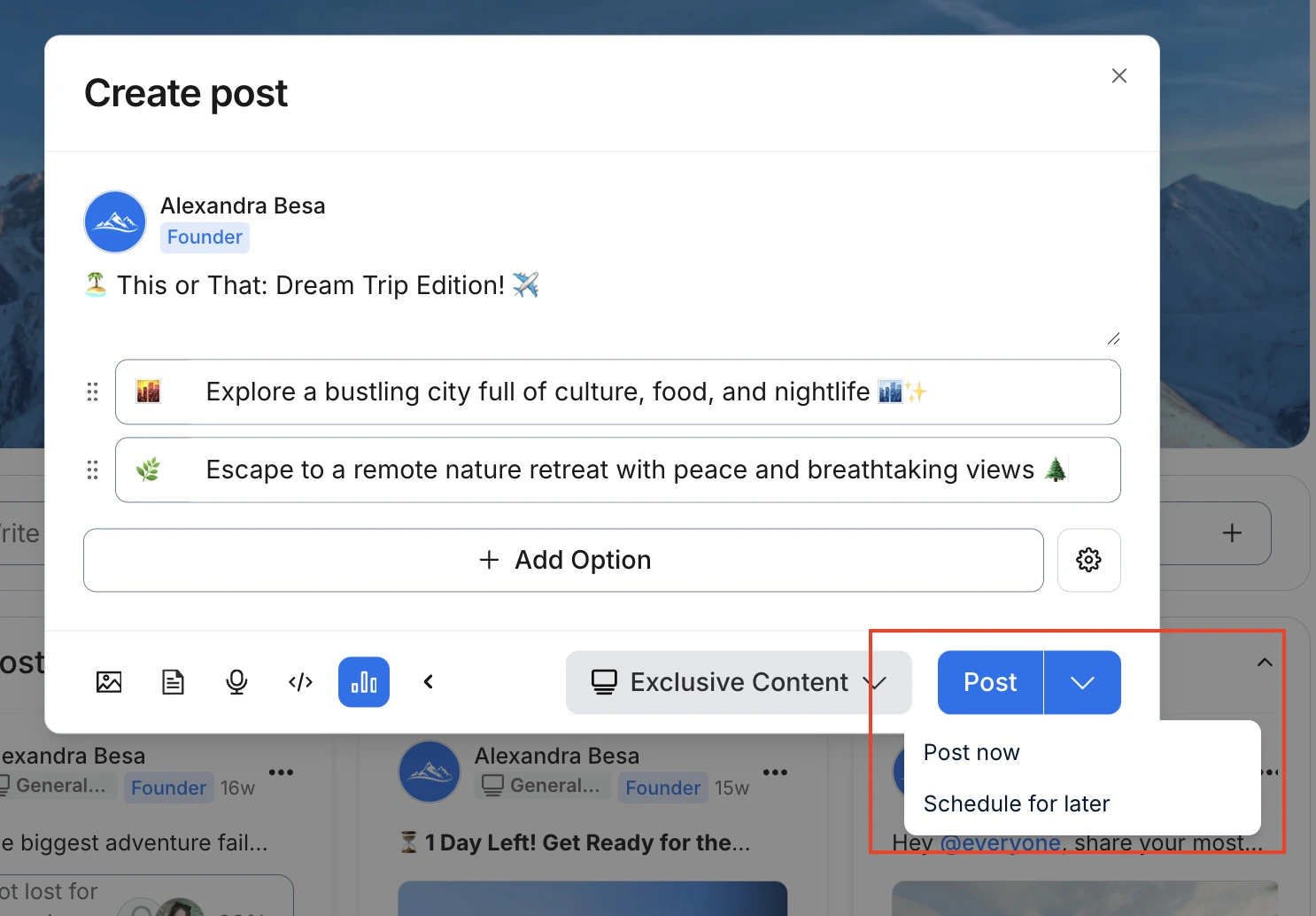
After you have set up your poll, be sure that everything is configured correctly before clicking Post as it will be publicly posted to your Community Feed.Note: If a vote has been submitted to your posted poll, you will not be able to update your poll.
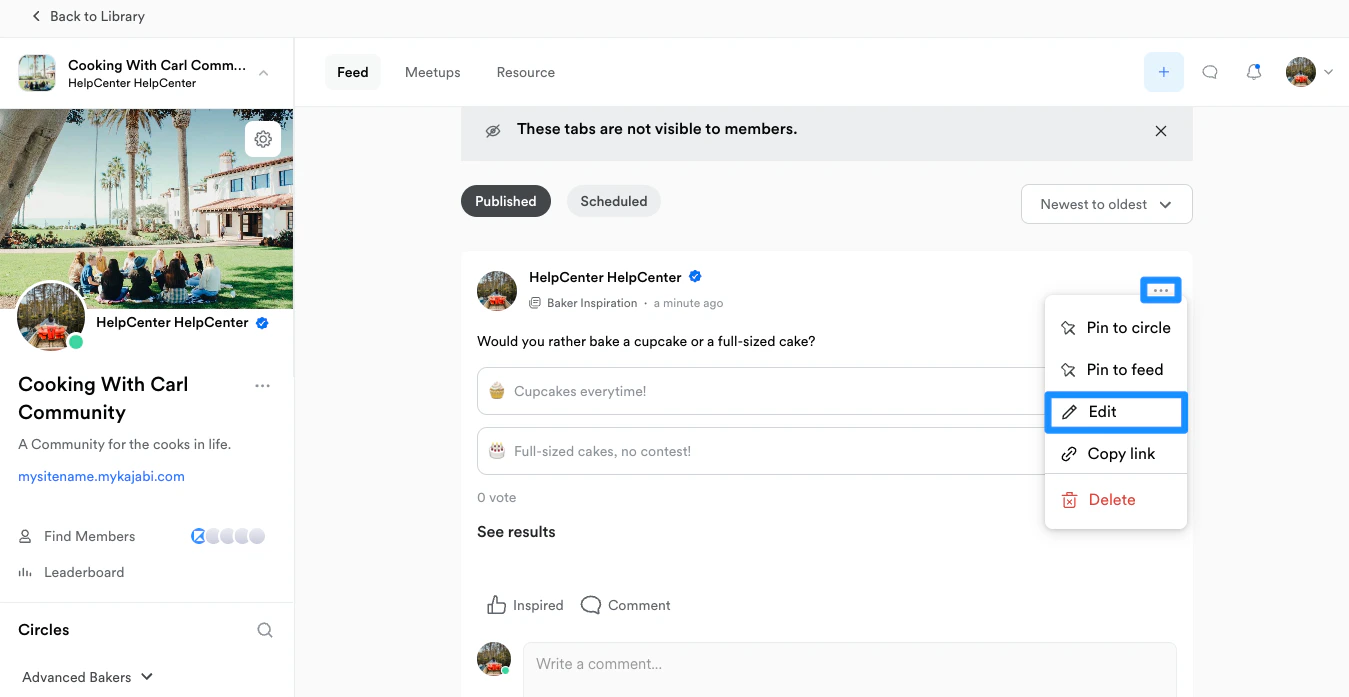
Note: If a vote has been submitted to your posted poll, you will not be able to update your poll.