

Overview
Collect payments from customers, connect and manage the site’s Kajabi Payments setup, customize checkout settings, and more in Payment Settings.Access Payment Settings
- Open the Settings tab at the lower left of the Dashboard.
- Navigate to Payment Settings.
- Select the type of settings you wish to update:
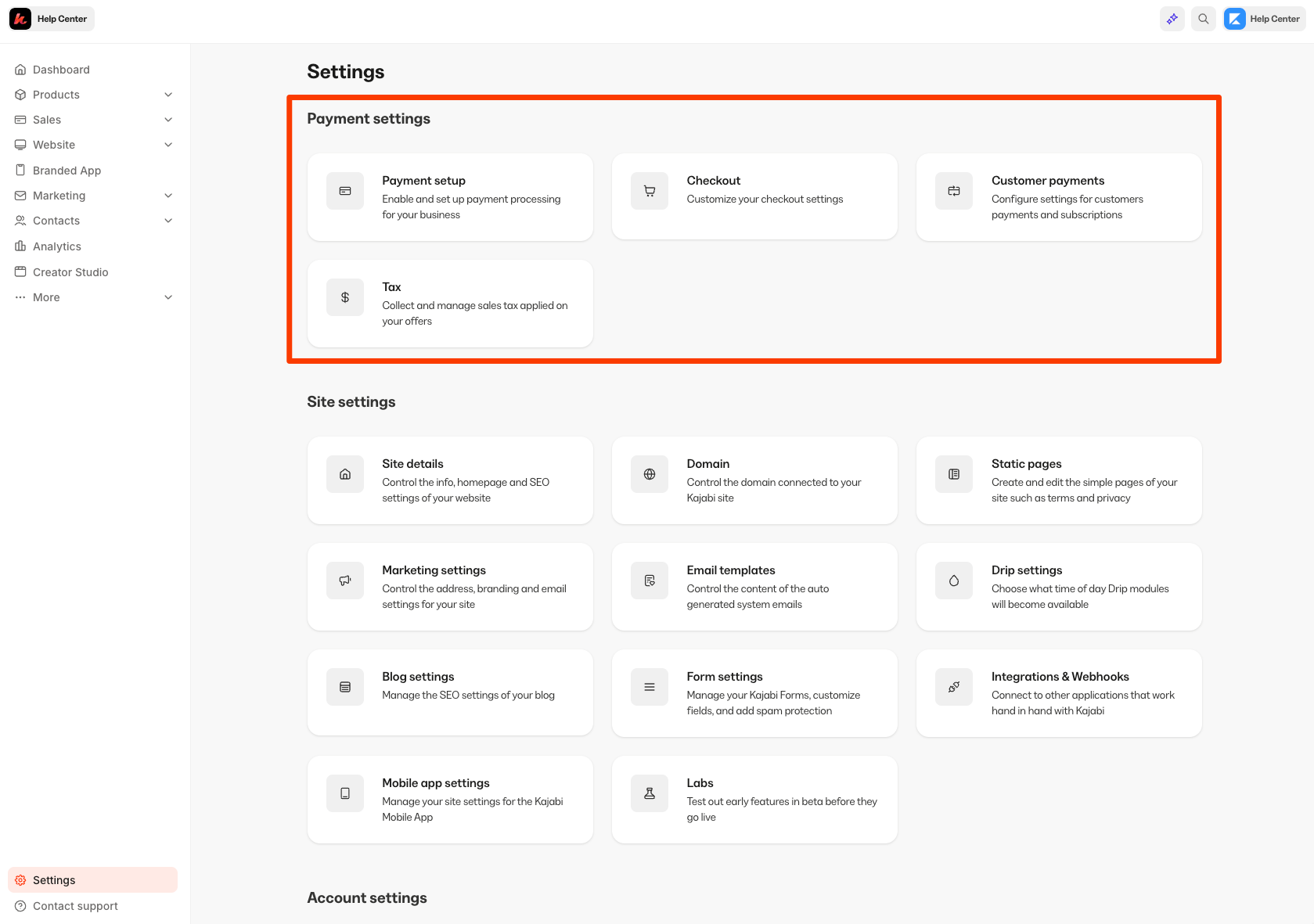
Payment Settings include
- Payment setup: Configure payment processing for the site and manage Kajabi Payments information. Learn more about Kajabi Payments.
- Checkout: Adjust the settings of checkout pages, including Email & Card Storage opt-in preferences, outbound webhooks, and checkout tracking code. Learn more about checkout settings.
- Customer payments: Edit the site’s receipt settings for purchases and refunds, enable reminder emails for trials and Invoices, configure auto-revoke and auto-grant for failed payments, and allow customer self-cancellation for their subscriptions.
- Tax: Automatically calculate and collect sales tax for products & services processed through Kajabi Payments integration. Learn more about sales tax.