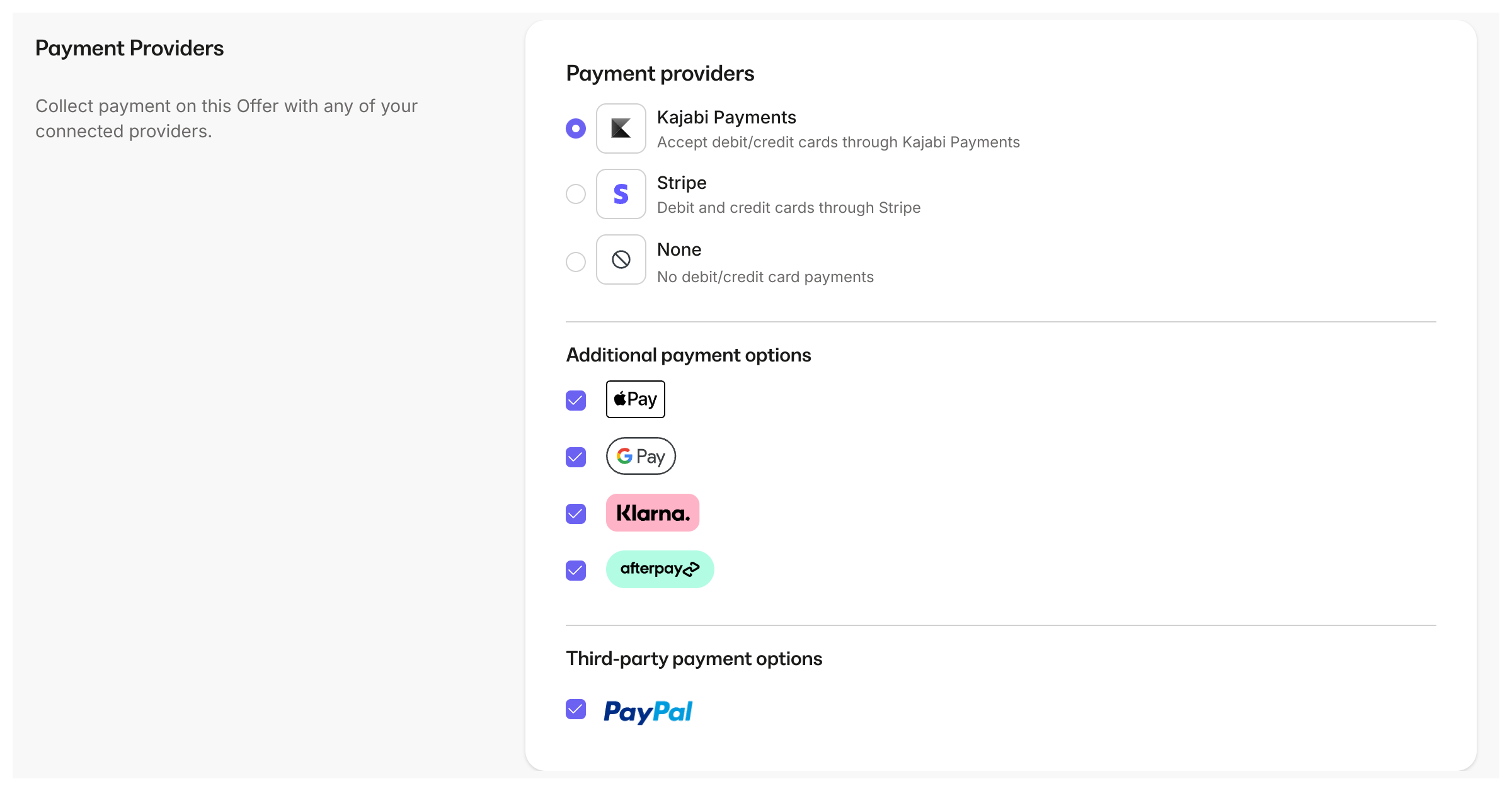
Note: Afterpay is only available through Kajabi Payments. Learn more about Kajabi Payments.
Overview
Afterpay is a Buy Now, Pay Later payment method that makes your offers more affordable by allowing customers to split purchases into smaller payments. You get paid upfront while your customers enjoy flexible payment terms.How Afterpay works
Afterpay allows your customers to split purchases into four payments over a period of six weeks or longer termed monthly installments, while you get the full payment amount upfront. To pay with Afterpay, customers are redirected to Afterpay’s site, where they either sign up or login to authorize the payment by agreeing to the terms of a payment plan: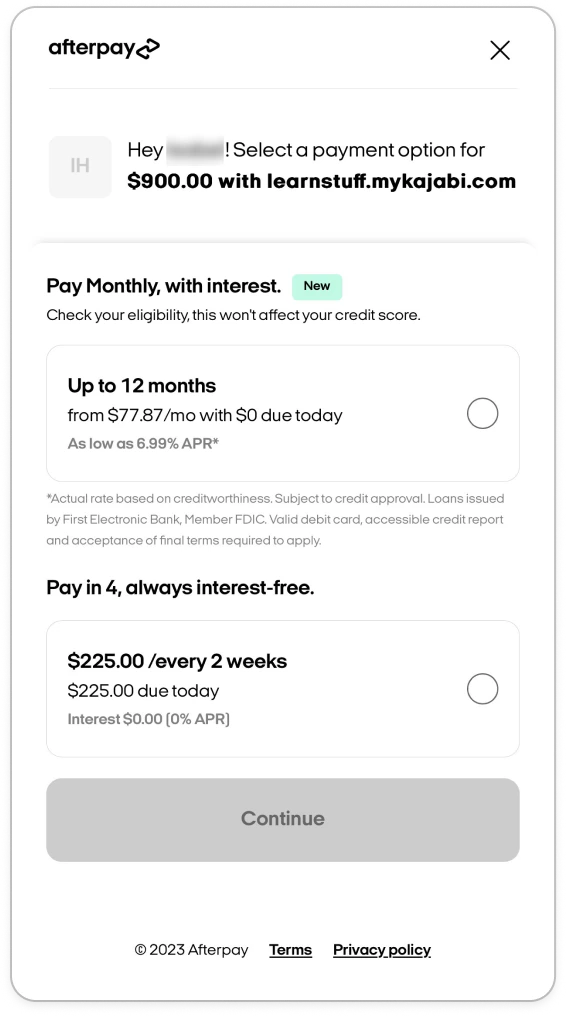
Note: Afterpay supports payments up to 2,000 in Canada and Australia, and £1,200 in the UK. Offers exceeding this amount will not be eligible for Afterpay, and you won’t be able to choose Afterpay as an additional payment method when creating your offers.
Supported regions
Afterpay is currently available via Kajabi Payments for Heroes whose businesses are registered in the United States, Canada, the UK, and Australia. Afterpay cross-border can now be offered to your international customers who live in the supported Afterpay markets:- United States
- Australia
- New Zealand
- United Kingdom
- Canada
- United States: between 4,000 USD (Due to Afterpay restrictions, your customers outside of the US will not be able to purchase an amount greater than $2,000 USD)
- Canada: between 2,000 CAD
- Australia: between 2,000 AUD
- United Kingdom: £1 - £1,200 GBP (Due to Clearpay restrictions, your customers outside of the U.K. will not be able to purchase an amount greater than £1,000 GBP)
Note: Kajabi Payments does not allow cross-border payments on the first charge when setting up Afterpay. This means that you must have a successful Afterpay transaction from a customer located in the same country that your business is registered in before you will be able to accept cross-border transactions.
Transaction fees
You can learn more about the fees associated with Afterpay in your region via the links below:Processing refunds
You’ll be able to complete full or partial refunds for Afterpay transactions through Kajabi up to 120 days after the original payment. There are no fees to refund a charge however, the fees from the original charge will not be returned. If applicable, anything related to interest will be handled directly by Afterpay.Manage Afterpay purchases in Kajabi
You can see Afterpay purchases reflected throughout the Kajabi application and take actions, like sending receipts and refunding payments. Afterpay transactions will appear on the following pages:- Payments Overview page
- Transactions Page
- Purchase Information page
- Analytics
Enable Afterpay on offers
To enable Afterpay on an offer with Kajabi Payments:- Open the Sales tab from the Dashboard
- Click Offers
- Select the Offer you wish to edit or create a new one
- Select the Pricing tab
- Navigate to the Payment Providers section
- Check the box next to Afterpay
- Click Save to apply your changes