

View refunds over time
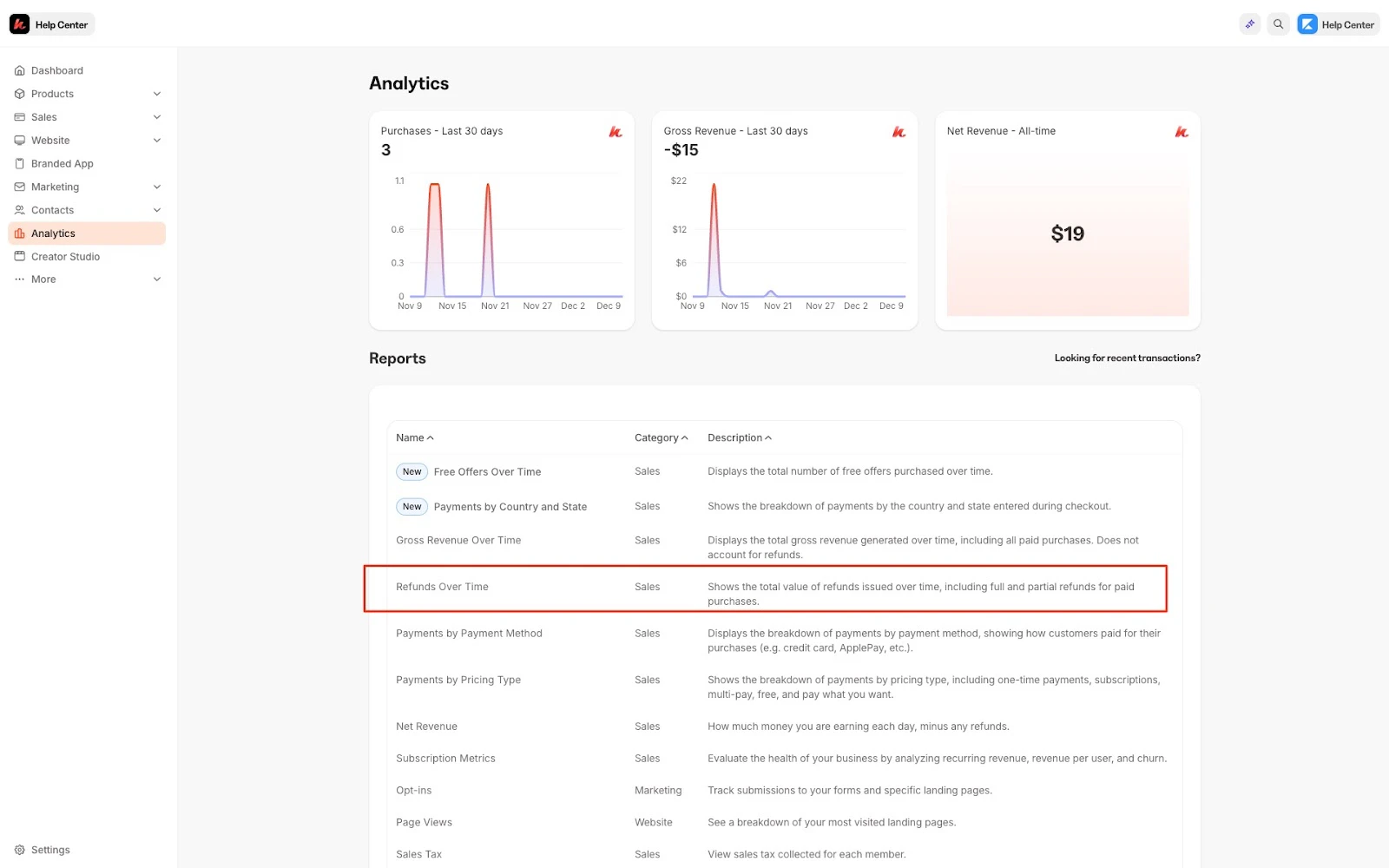
To access your refunds over time report:- Open the Analytics tab from your Dashboard
- Click Refunds Over Time
Understand the Refunds Over Time report
Line graph
View your refunds over time. Hover over your line graph for more detailed information about your refunds.Timeframe
Choose the timeframe of the data set you would like to view from the top dropdown. Select from our presets or choose a custom date range:Using filters
Using the filter bar on the top of the page, you can alter your entire data set by currency and offer:Export the Refunds Over Time report
Export your Refunds Over Time to share, file, and record your refunds.Export Refunds Over Time
- Open the Analytics tab from your Dashboard
- Click Refunds Over Time
- Located toward the top of the page, click Export
Note:
Exporting this report will notify the owner of the Kajabi account if the owner has selected to receive notifications data is exported from their account. Learn to update email notification settings.
Exported data
The following data is exported with the Refunds Over Time report:- Day
- Quantity
- Amount
- Currency