

View Payments by Payment Method
To access your Payments by payment method report:- Open the Analytics tab from your Dashboard
- Click Payments by payment method
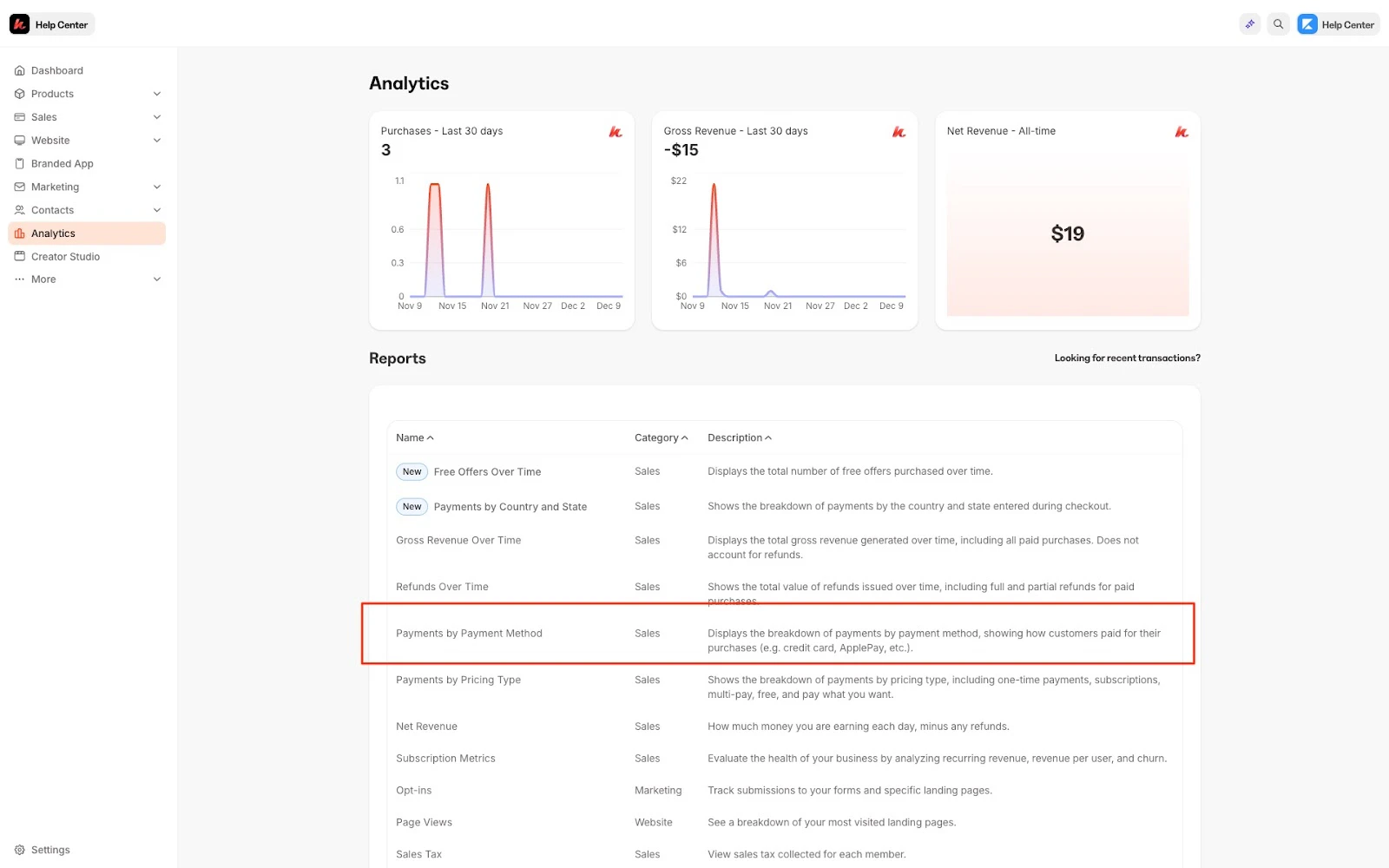
Understand the Payments by Payment Method report
Number of sales by payment method
View your number of sales by payment method. Each payment type and the number of sales completed by that pricing type will be shown: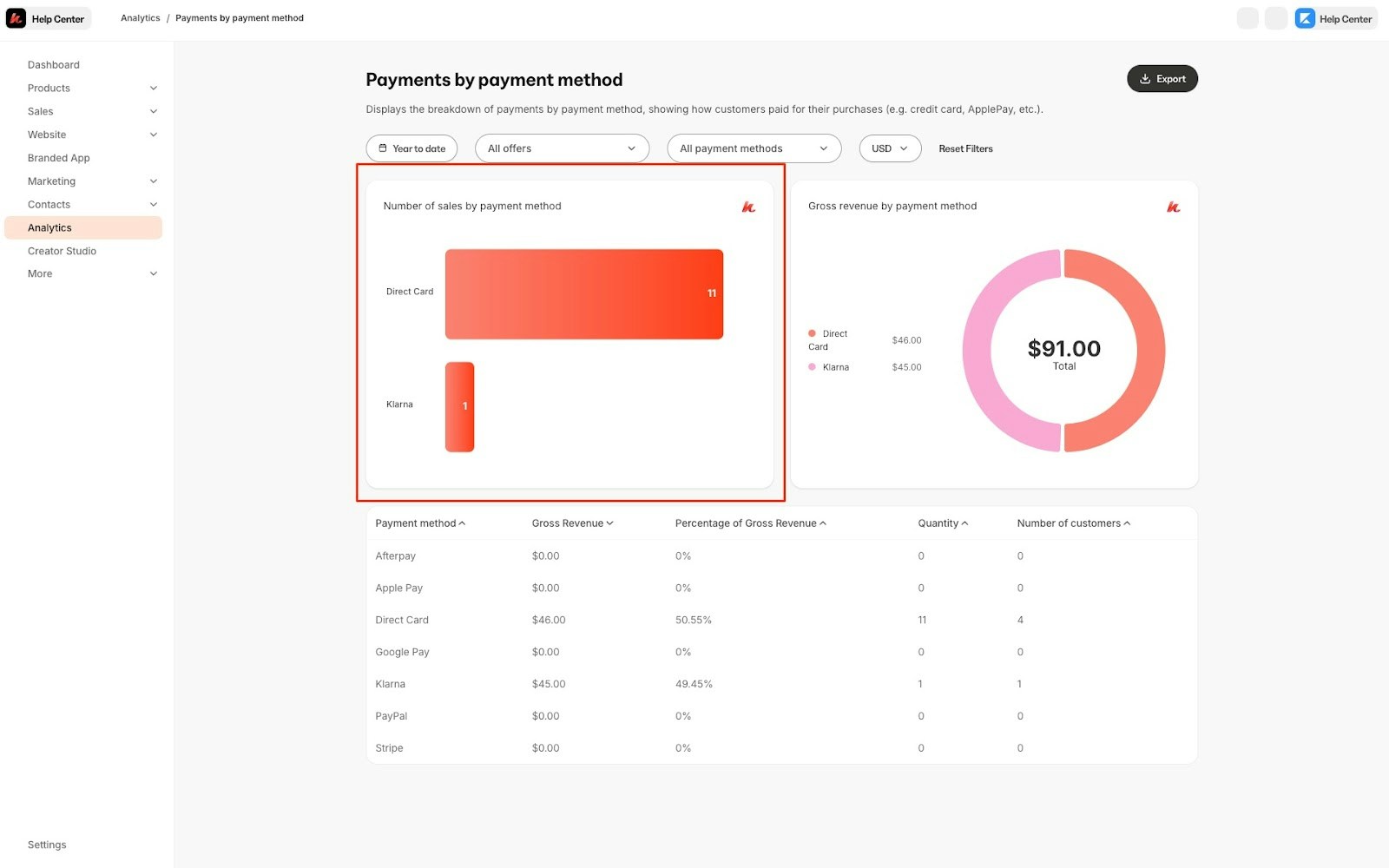
Gross Revenue by Payment Method
Your gross revenue by payment method will be shown in a circle graph form: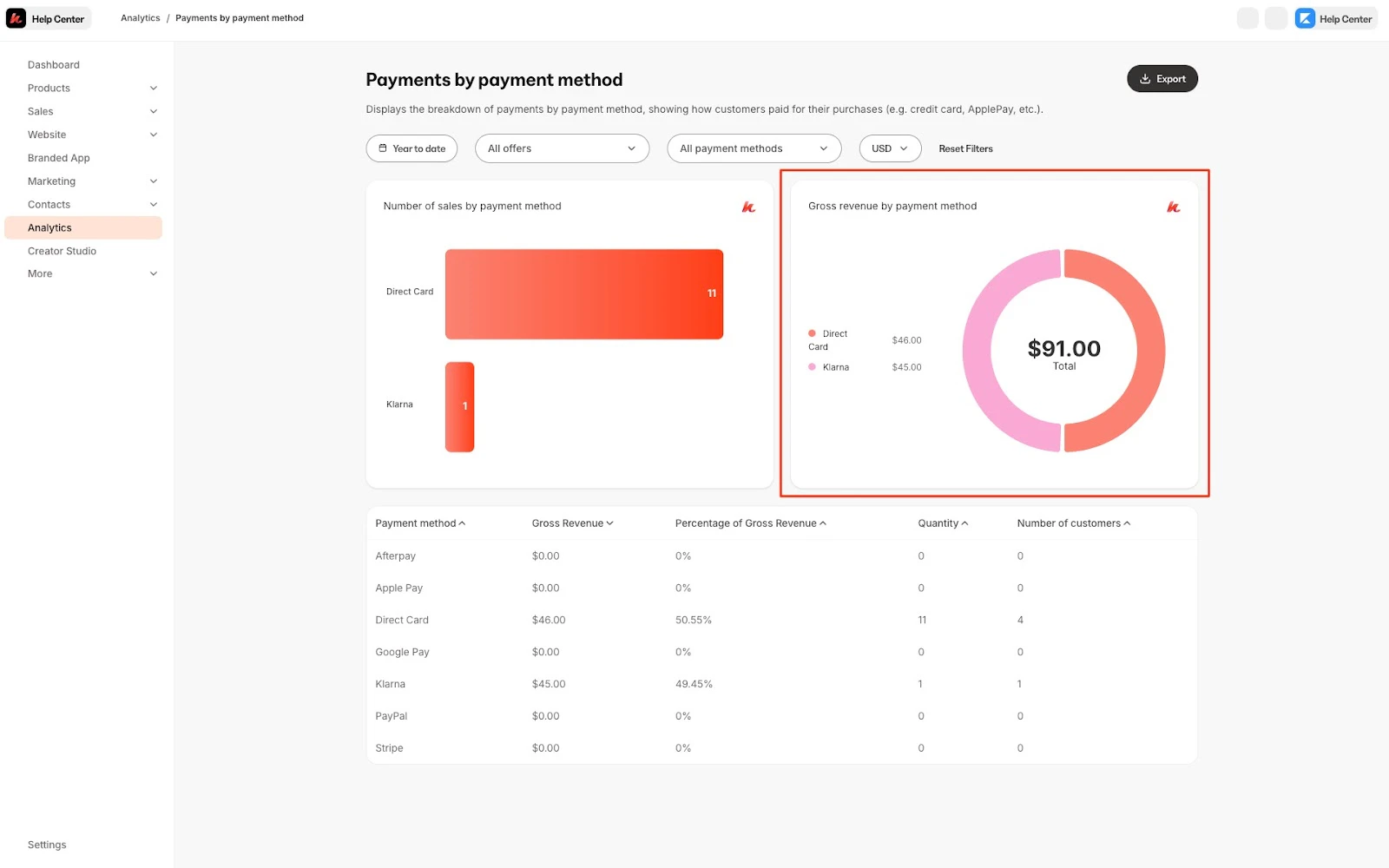
Using filters
Using the filter bar on the top of the page, you can alter your entire data set by currency, date, and offer:Export the Payments by Payment Method report
Export your Payments by payment method to share, file, and record your Payments by Payment Method Report.Export Payments by Payment Method
- Open the Analytics tab from your Dashboard
- Click Payments by payment method
- Located toward the top of the page, click Export
Note:
Exporting this report will notify the owner of the Kajabi account if the owner has selected to receive notifications data is exported from their account. Learn to update email notification settings.
Exported data
The following data is exported with the Payments by Payment Method report:- Payment method
- Quantity
- Gross revenue currency
- Gross revenue percentage
- Number of customers