

View page view reports
- Open the Analytics tab from your Dashboard
- Click View in the Page Views card
Page views vs. unique page views
A Page View represents each time a user visits a page. This means that a single user loading the same page 5 times in a single session will generate 5 page views.Note:
Your Page View report allows you to review your views by Landing pages, Website pages, and Offers.
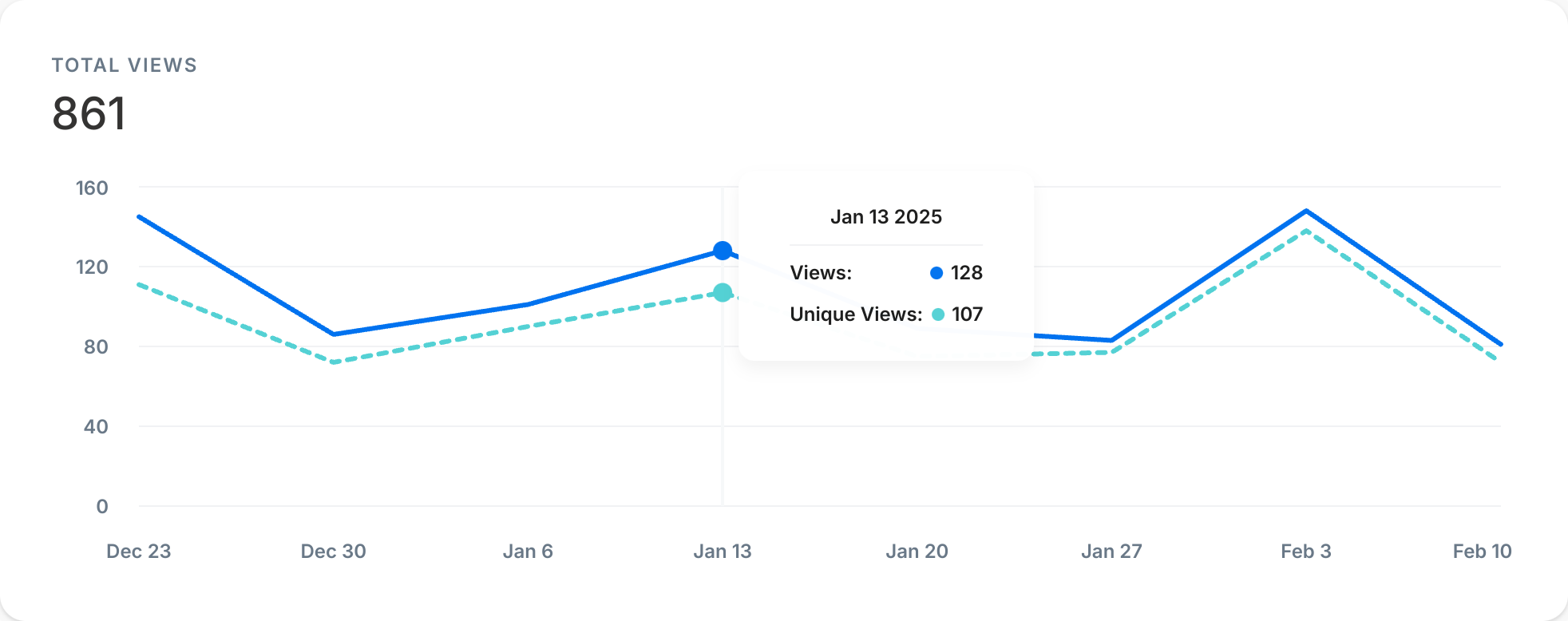
Export the page views report
Export your Page Views Report to share, file, and record the page views from your site.Export page views
- Open the Analytics tab from your Dashboard
- Click Page Views
- Located toward the top of the page, click Export
Note:
Exporting your Page Views Report will notify the owner of the Kajabi account if the owner has selected to receive notifications data is exported from their account. Learn to update email notification settings.
Exported data
The following data is exported with the Page Views report:- Start Date
- View Count
- Unique View Count