Why did I receive this notification?
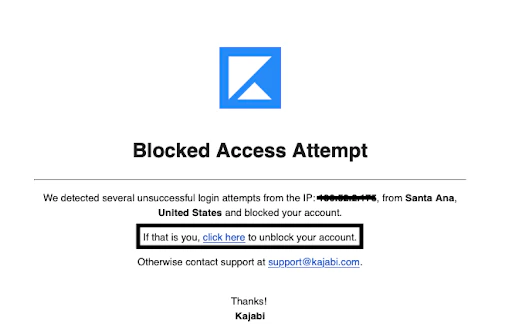
If you have received a notification stating that suspicious activity has been detected in your Kajabi ID account, then suspicious login attempts, too many login attempts with an incorrect password, or bot activity may have been detected by Kajabi. We mean business when it comes to your site security and we want to make sure that only you and your authorized administrators can access your account. Learn best practices for protecting your online business. If you receive this email and are attempting to log in you will be required to confirm your IP address by clicking the Unblock button in the email received: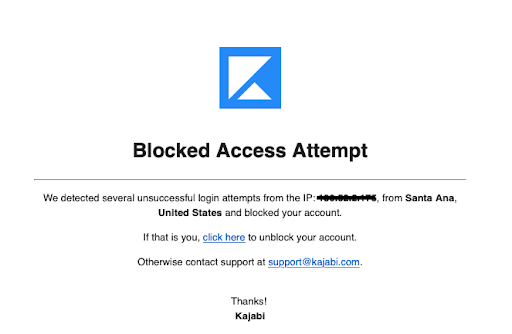
Note:
This email notification will come from a third-party, not an “@kajabi.com” email address.
Unblock the account
- Open the email with the subject line, “Account Blocked”, warning you of suspicious activity.
- Review the IP address mentioned in the email.
- Confirm that it matches your IP address.
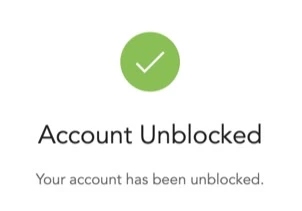
- Select UNBLOCK to confirm.