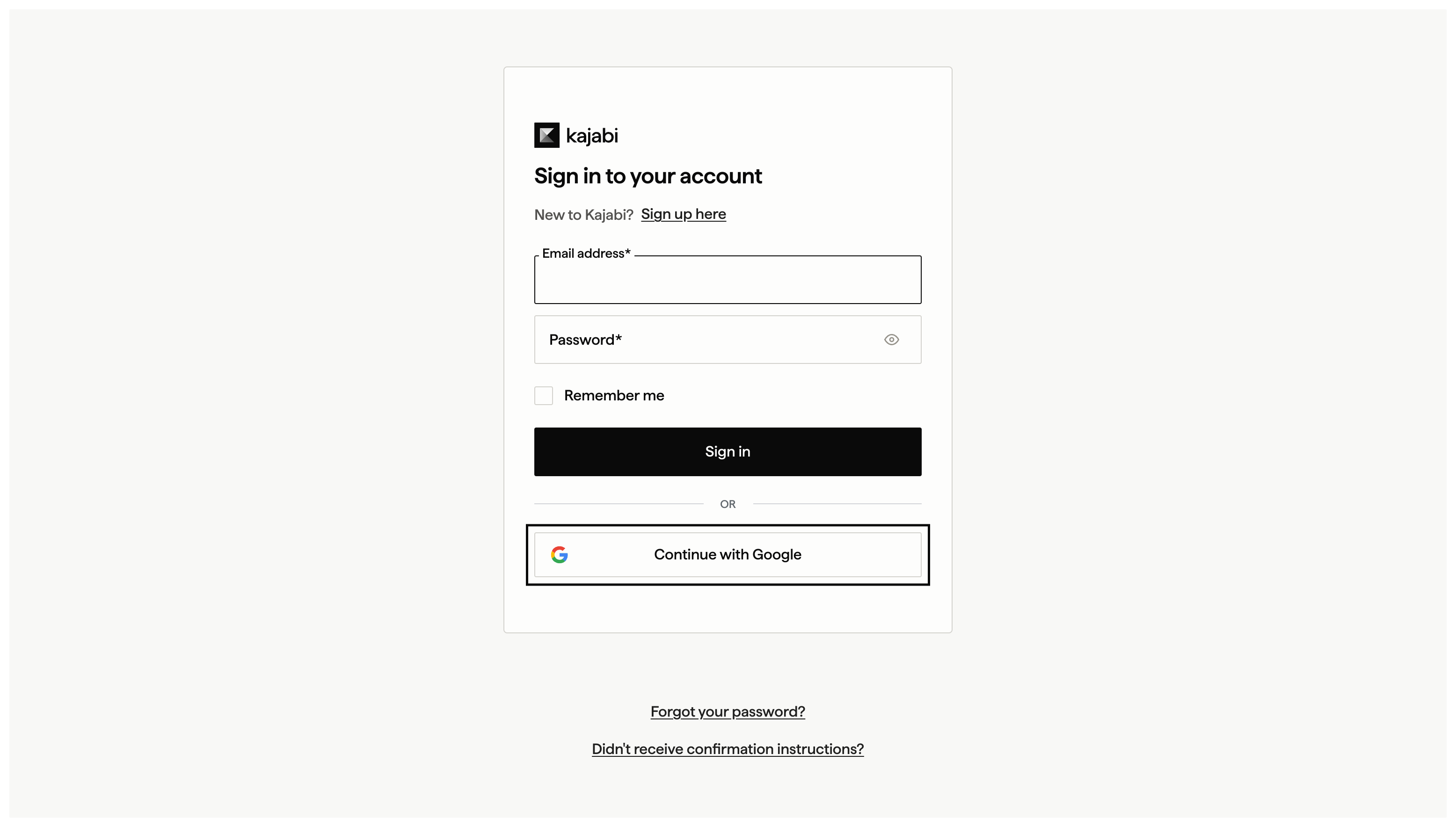
Google sign-in lets you create a Kajabi account or log in without managing a separate password. You can connect Google to an existing account or use it during signup.

Sign up for Kajabi with Google

You can sign up for a new Kajabi account faster by using your Google account. With Google, you won’t need to go through an additional email verification step to start your Kajabi trial.
  1. Visit the Kajabi pricing page and click Get Started for Free on the plan you’d like.

  2. Click Continue with Google.

Connect Google to a Kajabi account

To connect Google to your existing Kajabi account:
  1. Go to Settings > Sign in & security.
  2. In the Social Accounts section, click Connect to Google.
  3. Enter your Kajabi password to verify your identity.
  4. Select the Google account you wish to connect to Kajabi.

Log in with Google

  1. Open the Kajabi login page.
  2. Click Continue with Google.
Google SSO login button

Disconnect a Google account

To disconnect Google from your existing Kajabi account:
  1. Go to Settings > Sign in & security.
  2. In the Social Accounts section, click Disconnect next to Google.
  3. Enter your Kajabi password to verify your identity.