

Overview
Your Blog in Kajabi allows you to share content with your audience. Before creating posts, configure your Blog Settings and create your first Blog Post. Your Blog Settings contain the SEO and Sharing information for your Blog homepage and all Blog Posts without individual SEO settings. Learn to configure SEO and Sharing settings for your Blog.Note:
When creating Blog Posts, configure individual SEO settings for each Blog Post or it will default to the main SEO and Sharing Information configured in the Blog Settings.
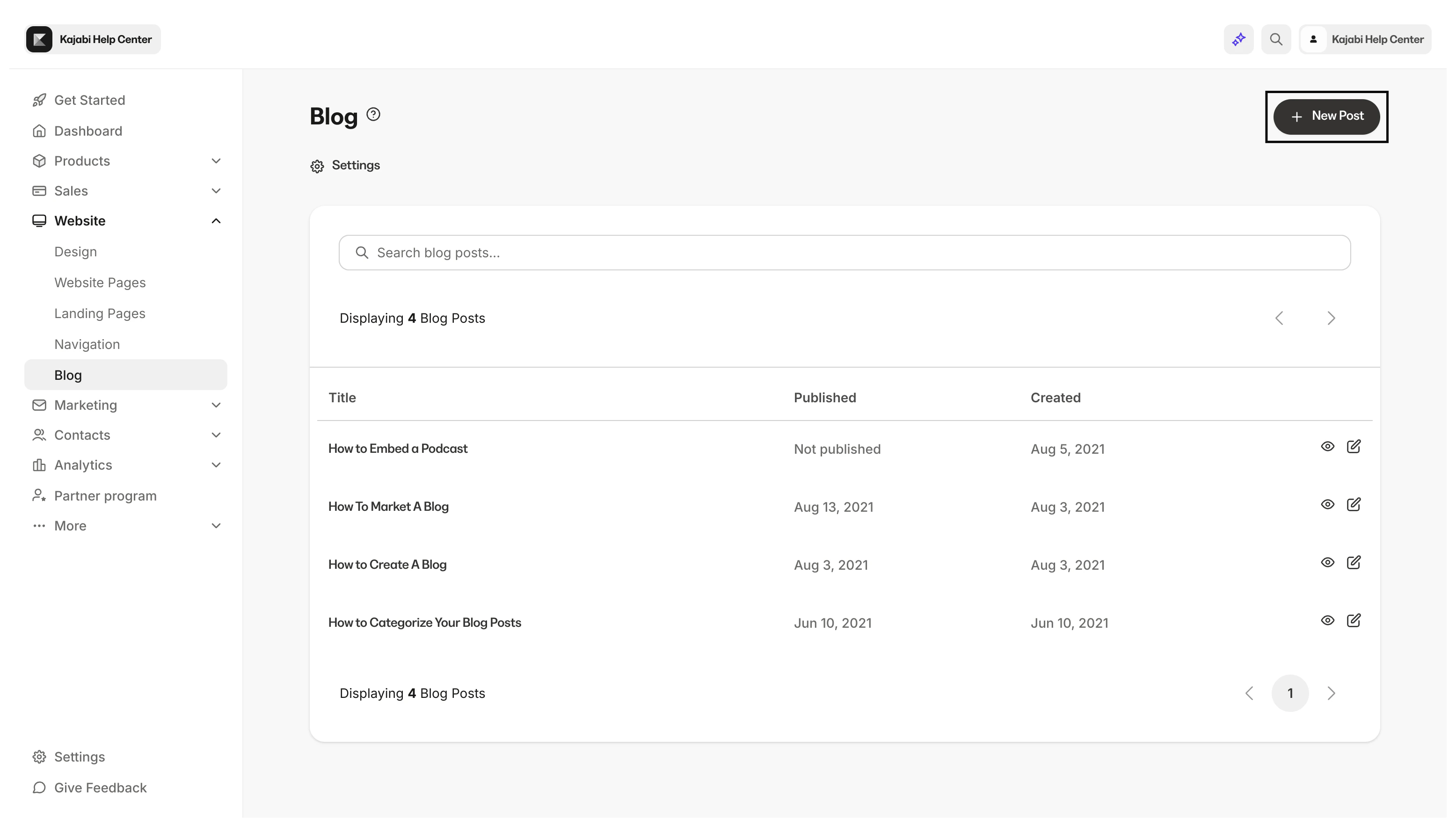
Create a Blog post
- Open the Website tab from the Dashboard
- Click Blog
- Navigate to the top right corner and click + New Blog Post
Customize a Blog post
Remember, customizing your Blog Settings sets up your SEO and Sharing information for the Blog homepage and all Blog Posts that do not contain individual SEO settings. To set up individual SEO settings for each Blog Post, read How to Configure SEO and Sharing Settings for your Blog. Read How to Create a Blog Post for more details:- Add Media to your Blog Post
- Set a specific publishing date for your Blog Post
- Create Tags to organize and categorize your Blog Posts
Design the Blog
Customize your Blog post page
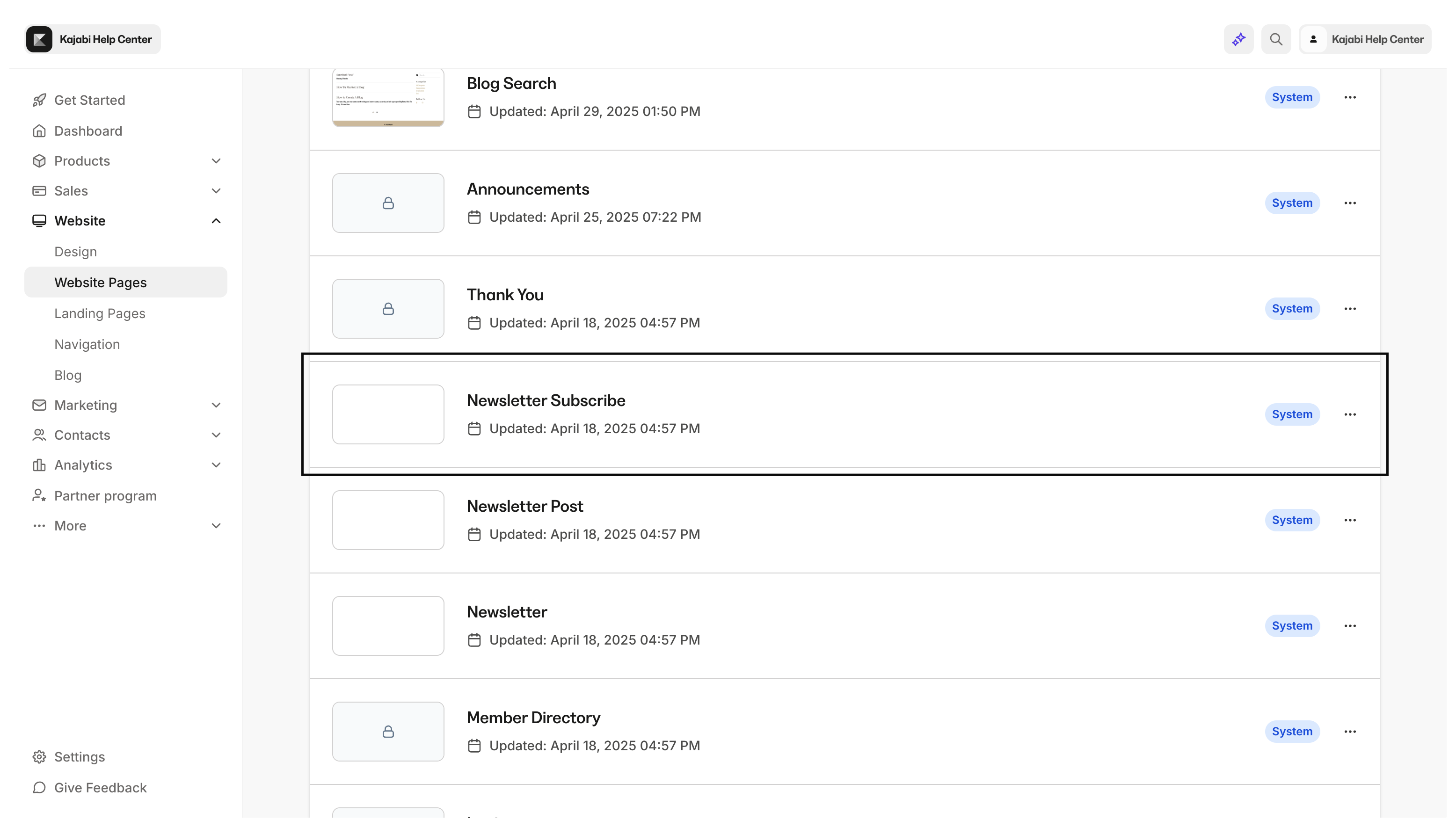
- Open the Website tab from the Dashboard
- Click Pages
- Click Customize next to Blog Post
- Call to Action (CTA)
- Image
- Opt-in
Note:
Designing your Blog Posts will automatically render across all your Blog Posts, both existing and future.
Blog page
Your blog in Kajabi is integrated onto your site as a standard website page. Customize the overall look and feel of your blog by customizing the Blog, Blog Post, and Blog Search website pages. Customize your Blog page:- From inside the editor click the Page Dropdown at the bottom of the Sidebar Editor and select Blog