

Overview
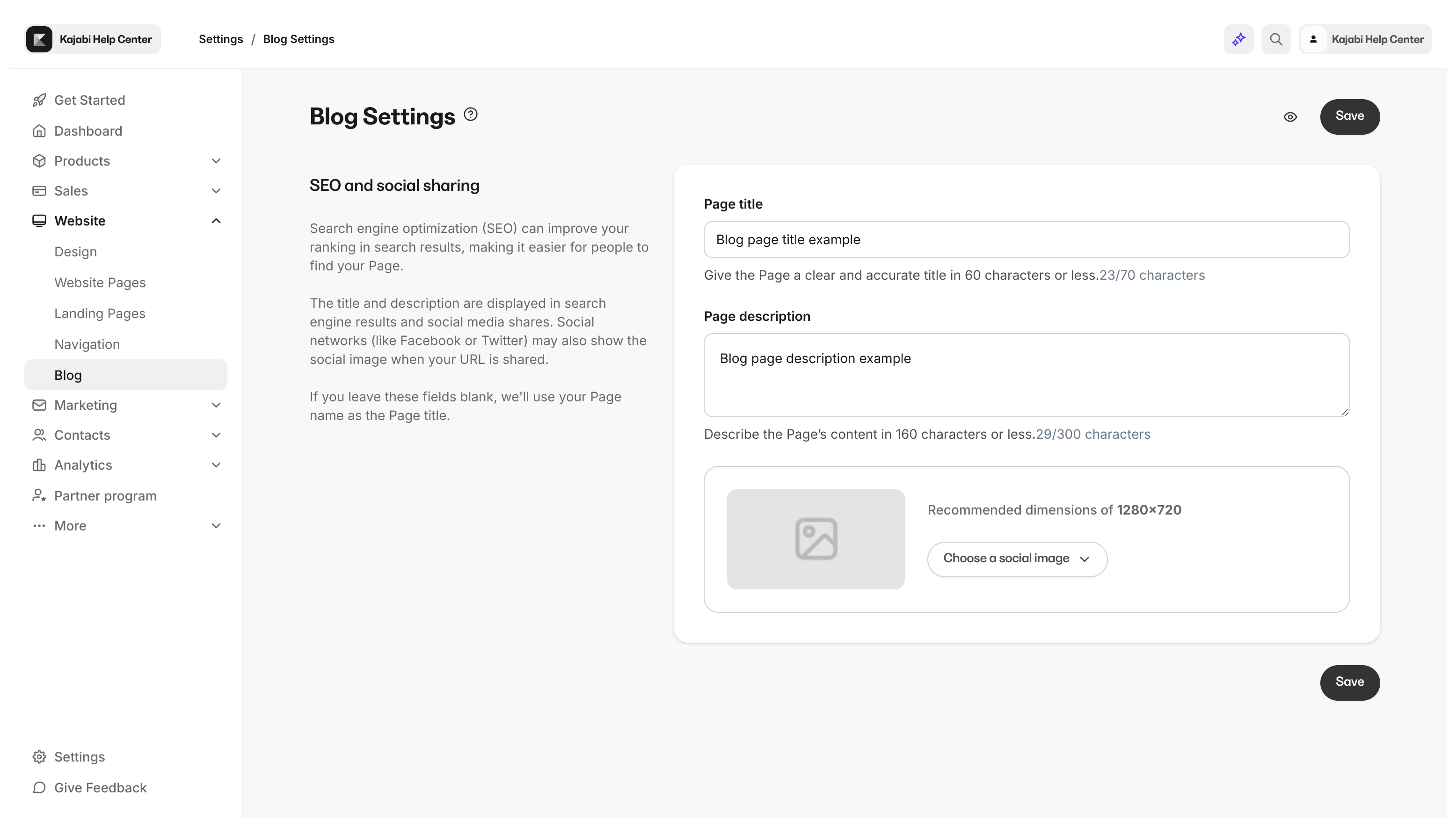
The SEO and sharing settings for your blog display information about your blog on search engines and social media websites, and may be displayed when your blog is shared by text or email. Properly configuring these settings helps increase your blog’s visibility and traffic.SEO and sharing settings for the blog page
The SEO and sharing settings for your blog will display information about your blog on search engines and social media websites and may be displayed when your blog is shared by text or email. With this in mind, it is important to understand that if you do not complete your blog SEO and sharing settings, the results will default to the SEO settings in your Site Details.Blog page settings
- Customize the Page Title for your blog
- Provide a description for your blog
- Upload an image for your blog
SEO and sharing settings for each blog post
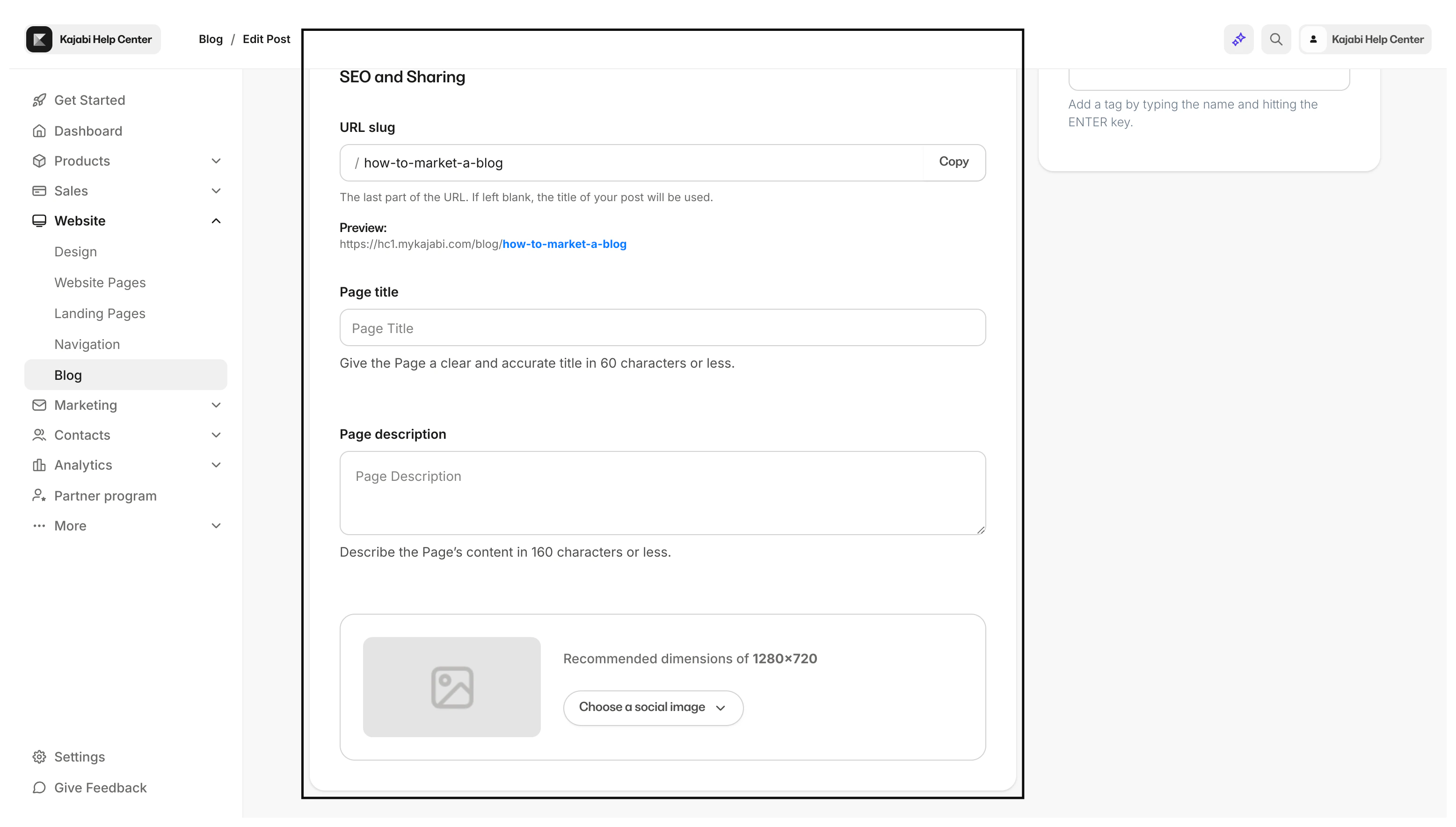
The SEO and sharing settings for your blog posts will display information about your post on search engines and social media websites and may be displayed when your post is shared by text or email. With this in mind, it is important to understand that if you do not complete your SEO and sharing settings for each blog post, the results will default to the SEO settings in your Site Details.Blog post settings
- Customize the backend of the Blog Post URL address
- Enter the Page Title for the blog post
- Provide a page description for your blog post
- Upload an image for your blog post SEO
Customize blog page SEO and sharing settings
Customize blog page settings
- Open the Website from your Dashboard.
- Then, click Blog.
- From there, click Settings:
Configure individual blog post settings
- Open the Website from your Dashboard.
- Then, click Blog.
- There, select the Blog Post you want to edit.
- Scroll down to the bottom of the page to SEO and Sharing:
Edit your blog post URL
The blog post URL is based on the title of the post by default. You can edit the URL to your preference:Note: All blog URLs will have /blog/ before the blog title.
RSS feed
Yes, all Kajabi sites will have an RSS feed for the blog automatically generated. You can find your blog’s RSS feed by starting with your domain or subdomain, adding /blog.rss, and then entering it into your browser. For example:https://your-site-name.mykajabi.com/blog.rss
Note: If you have connected a custom domain to your site, use your custom domain for your RSS feed.