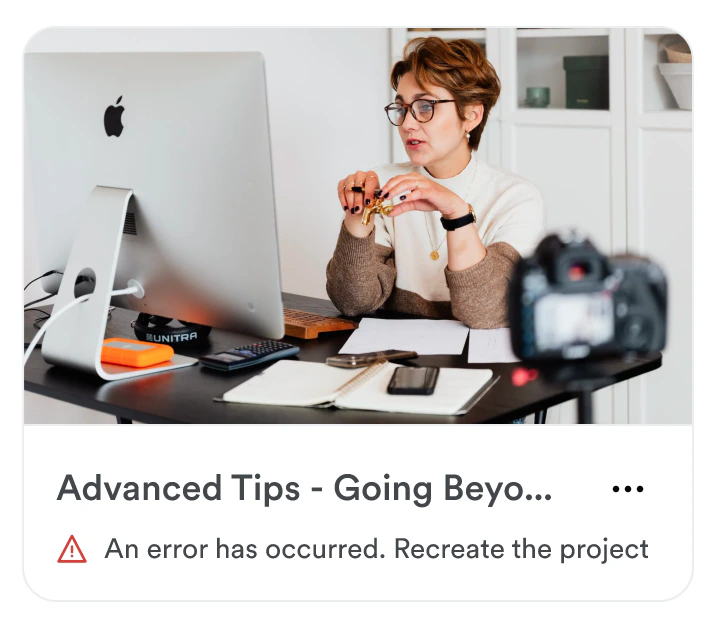
Creator Studio failed to load
This error can occur if there is a system issue or if there is an intermittent internet connection issue.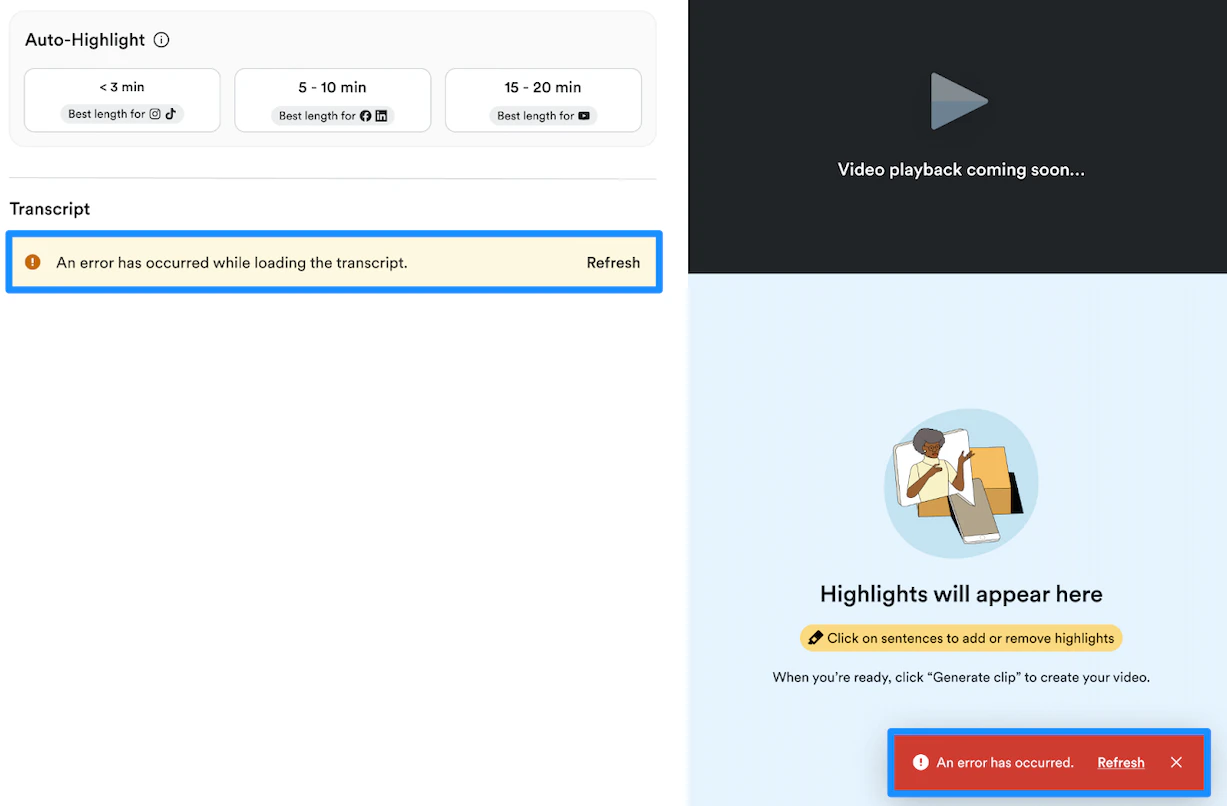
- Reload the page
- If the error persists, open a support ticket so the team can help resolve this issue for you
Project failed to transcribe
This error can occur when Kajabi is unable to transcribe your Course video or make key moment suggestions. This typically happens when an unfamiliar file format is encountered or if a speech track on the video cannot be detected. Supported file formats: MP4, MOV, AVI, and WebM If you encounter this error, you can retry creating another project with the same Course video. However, if the error persists, open a support ticket so the team can investigate the video and see if the underlying error can be resolved.Video clip failed to generate
This error can occur when there is an issue rendering your video clip. This can happen even if other clips from the project are successful due to an errant frame.