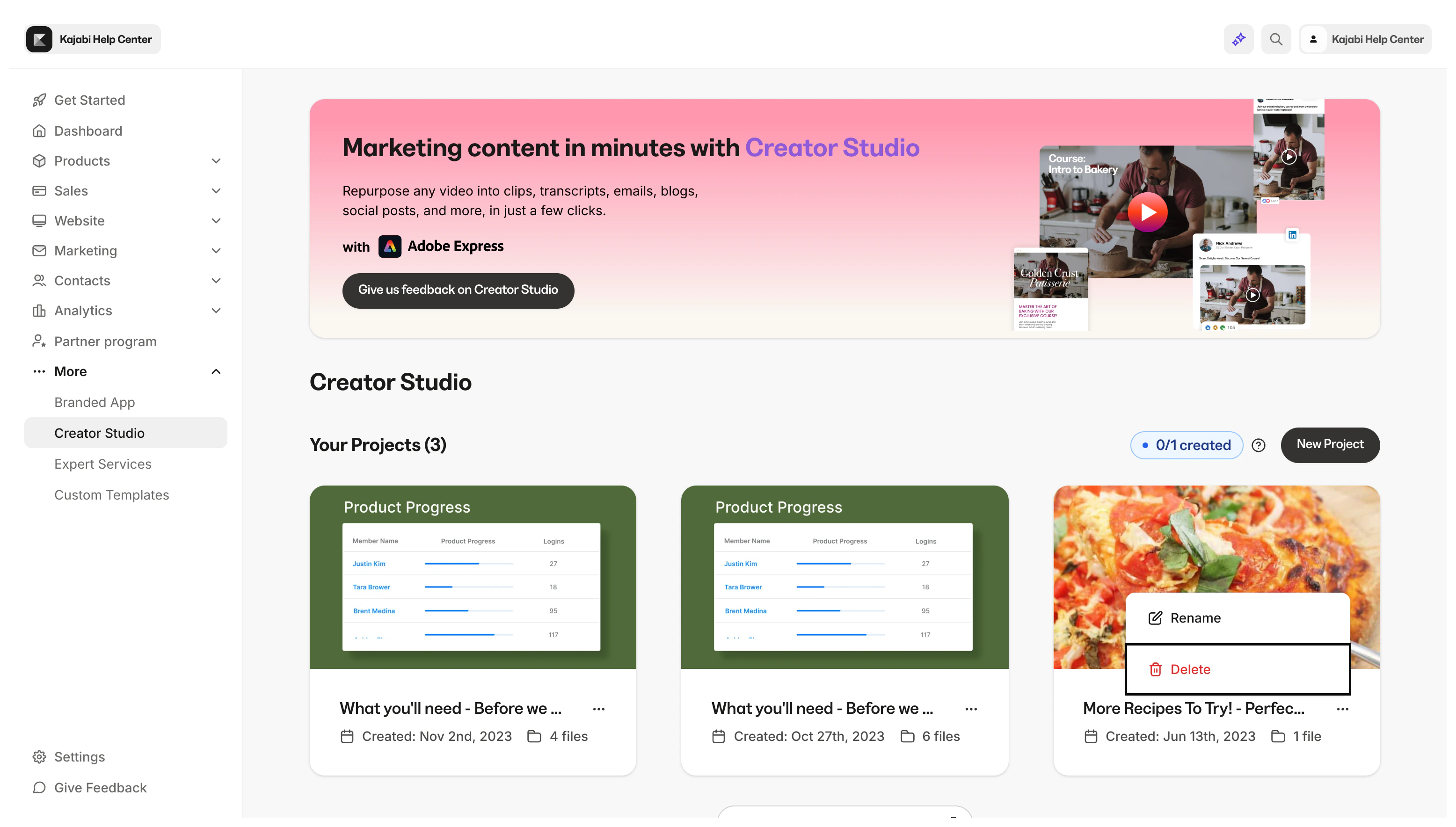
Delete projects
- Open Creator Studio from your homepage
- Hover over the project tile
- Click the … menu
- Click Delete
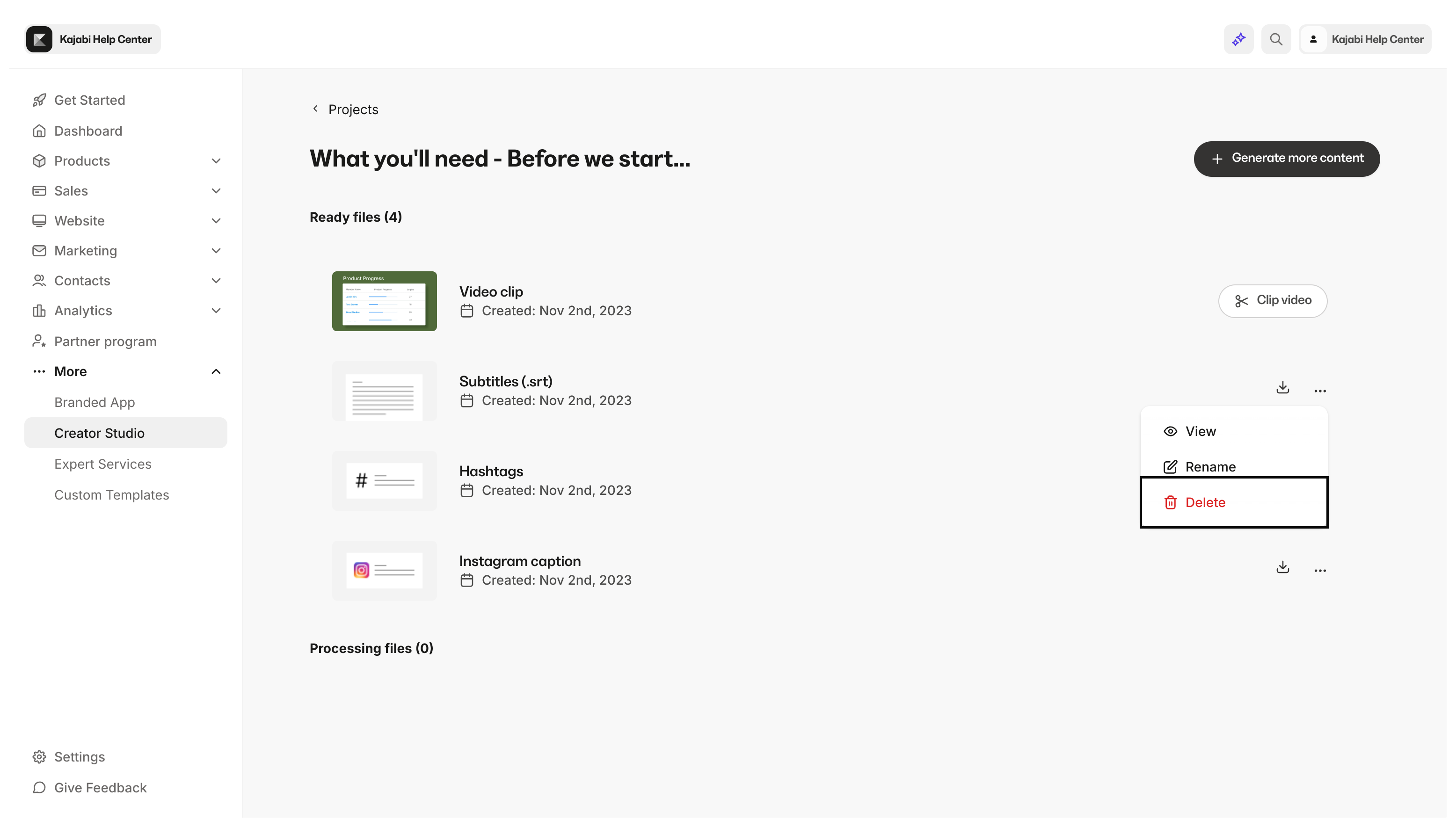
Delete clips
- Open Creator Studio from your homepage
- Select your desired project
- Open the … menu next to the clip you wish to delete
- Select Delete