Note:
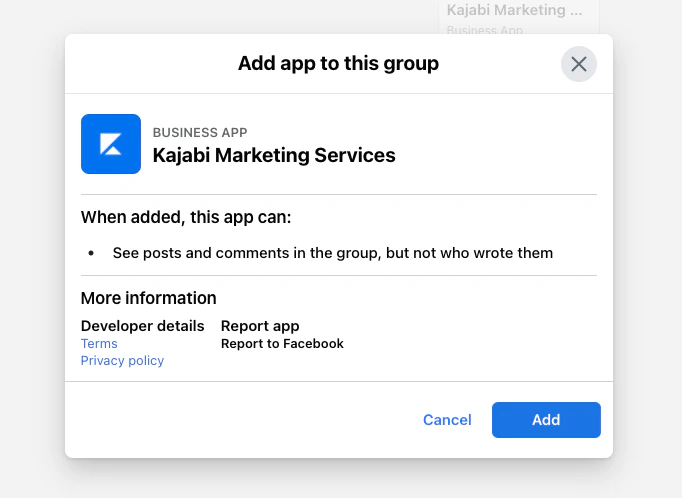
Your Creator Studio clips can be shared to a Facebook Group from Creator Studio if you have created the Group and set up the Kajabi Marketing Services app, or if you are a member of the Facebook Group that has the Kajabi Marketing Services app set up by an Admin of the Group.
Add Kajabi Marketing Services App
- Log into your Facebook account
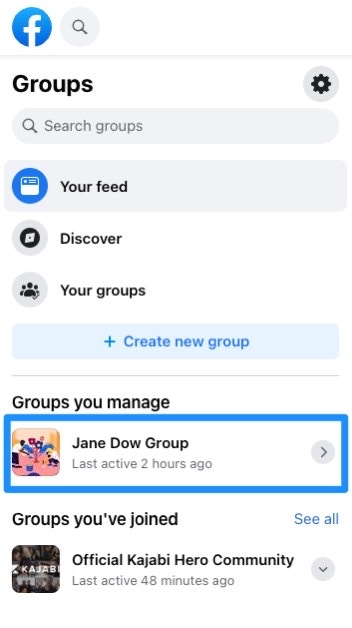
- Open Your Groups
- Select your Group
- Navigate to the sidebar
- Click Group settings
- Select the edit icon for Apps under “Manage advanced settings”
- Click Add apps
- In the sidebar, search Kajabi Marketing Services
- Select Kajabi Marketing Services
- Click Add in the pop-up modal to complete