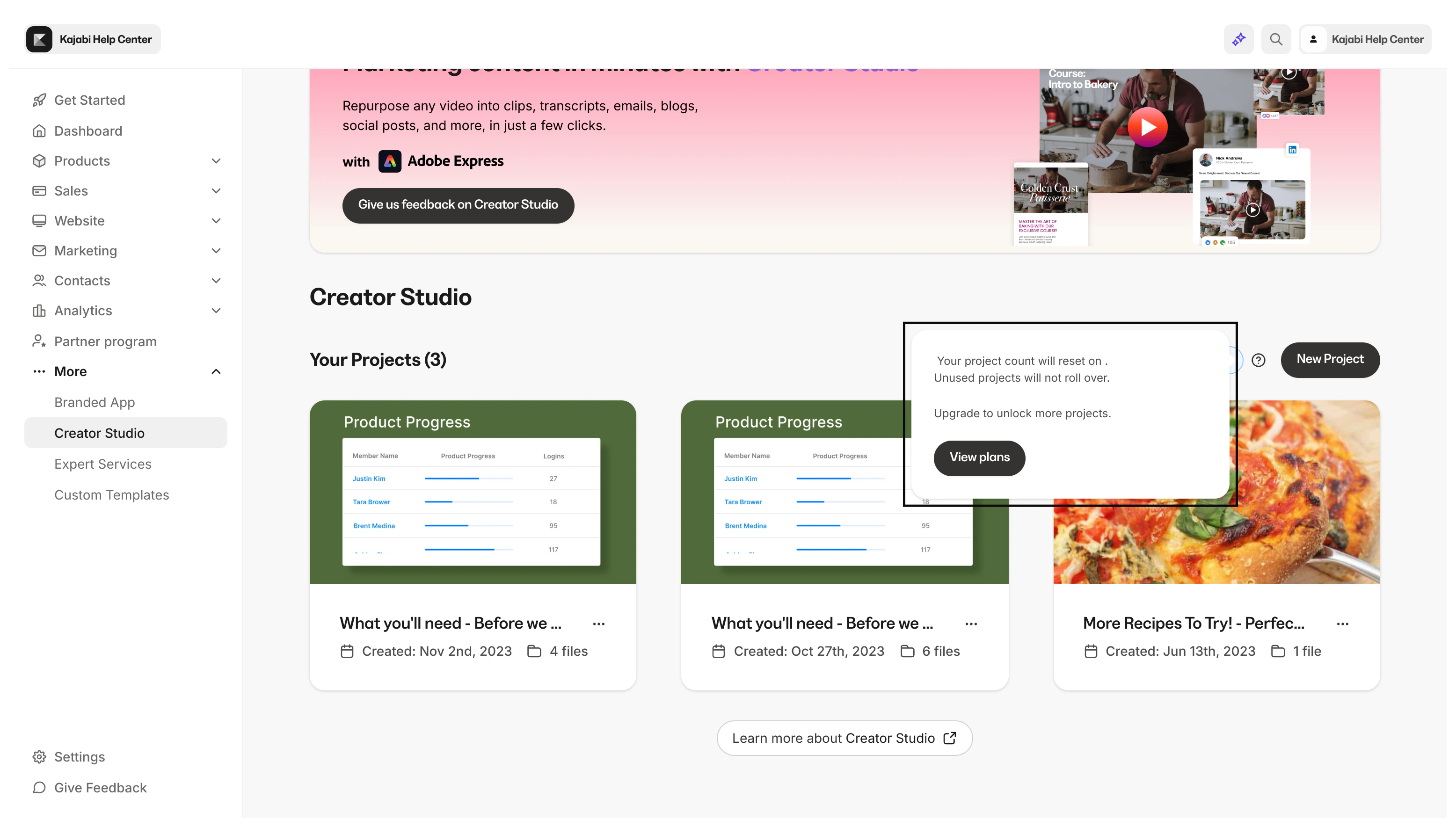
What are Creator Studio projects?
A project contains all the marketing content you create from a single, original video. You create a project by selecting New project from the Creator Studio homepage. Then, select the video you want to repurpose and the marketing content you want to create from it (e.g., landing page copy, video clips, email copy, transcripts, etc.)Creator Studio add-on plans
With Kajabi, you get access to Creator Studio Free to create unlimited content from 1 video per month and use Adobe Express to customize your content. Maximize Creator Studio by selecting from any of the following Creator Studio add-ons:- Creator Studio Basic: Generate unlimited content from 4 videos per month, and use Adobe Express to customize your content
- Creator Studio Premium: Generate unlimited content from 30 videos per month, and use Adobe Express Premium to customize your content
Adobe Express
Adobe Express is an all-in-one design, photo, and video tool to help make content creation easy. Built-in Adobe Express editing tools make it easy to level up your content without design experience. Learn more about Adobe Express.Start using Adobe Express Premium
There are 2 ways to get started using Adobe Express Premium:- When you purchase Creator Studio Premium, you will receive a code for complimentary 6 month access to Adobe Express Premium. After 6 months, email support@kajabi.com and the team can extend access
- You can also purchase Adobe Express Premium directly. Visit https://new.express.adobe.com and log in to purchase Adobe Express Premium
View remaining projects
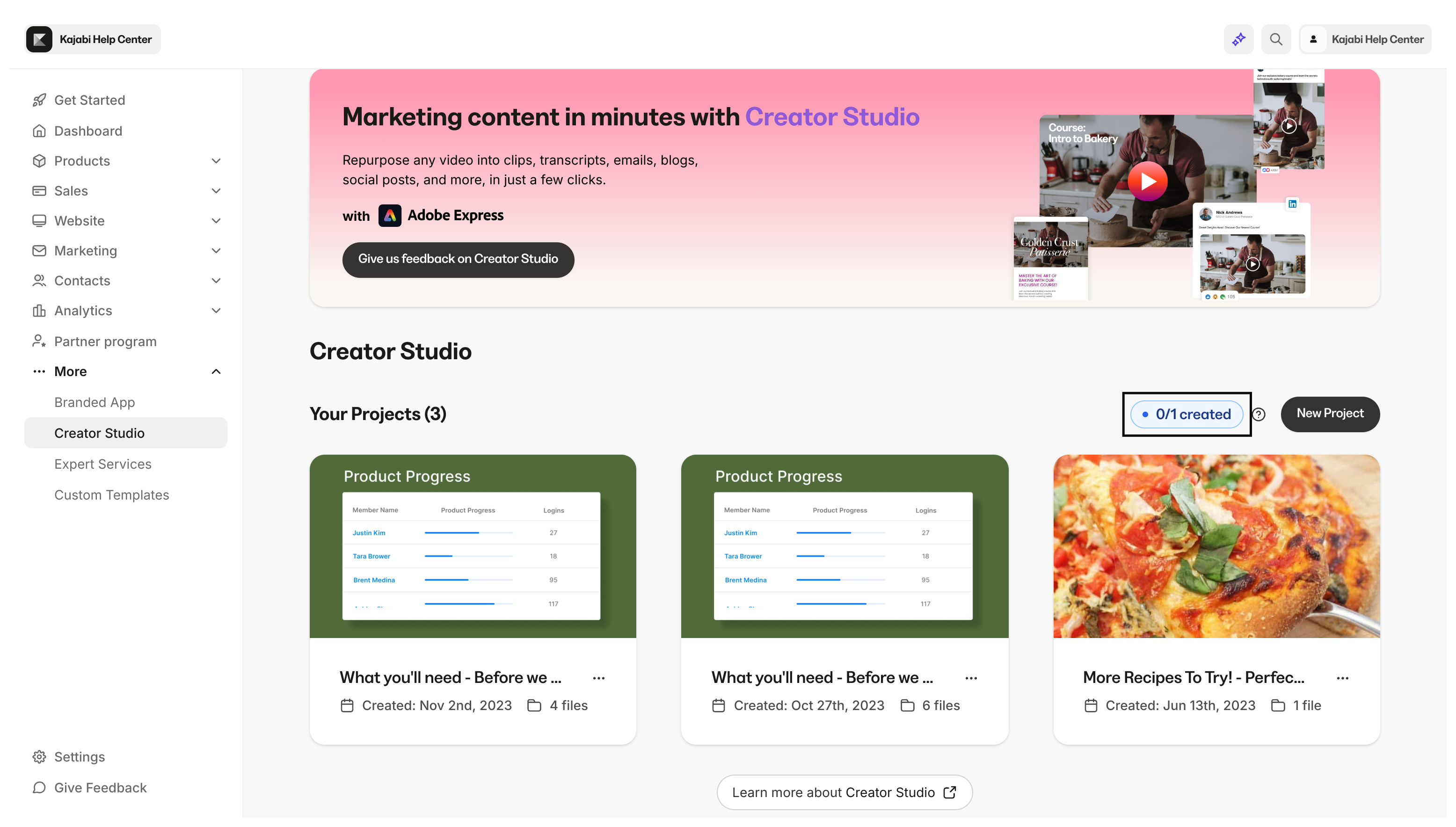
Depending on your Creator Studio plan, your available projects will vary. View your remaining projects available to plan your upcoming projects.- Open Creator Studio from your Kajabi Dashboard
- Next to the New project button, you will see the number of projects you have made this month and the number of projects you can create this month
Upgrade
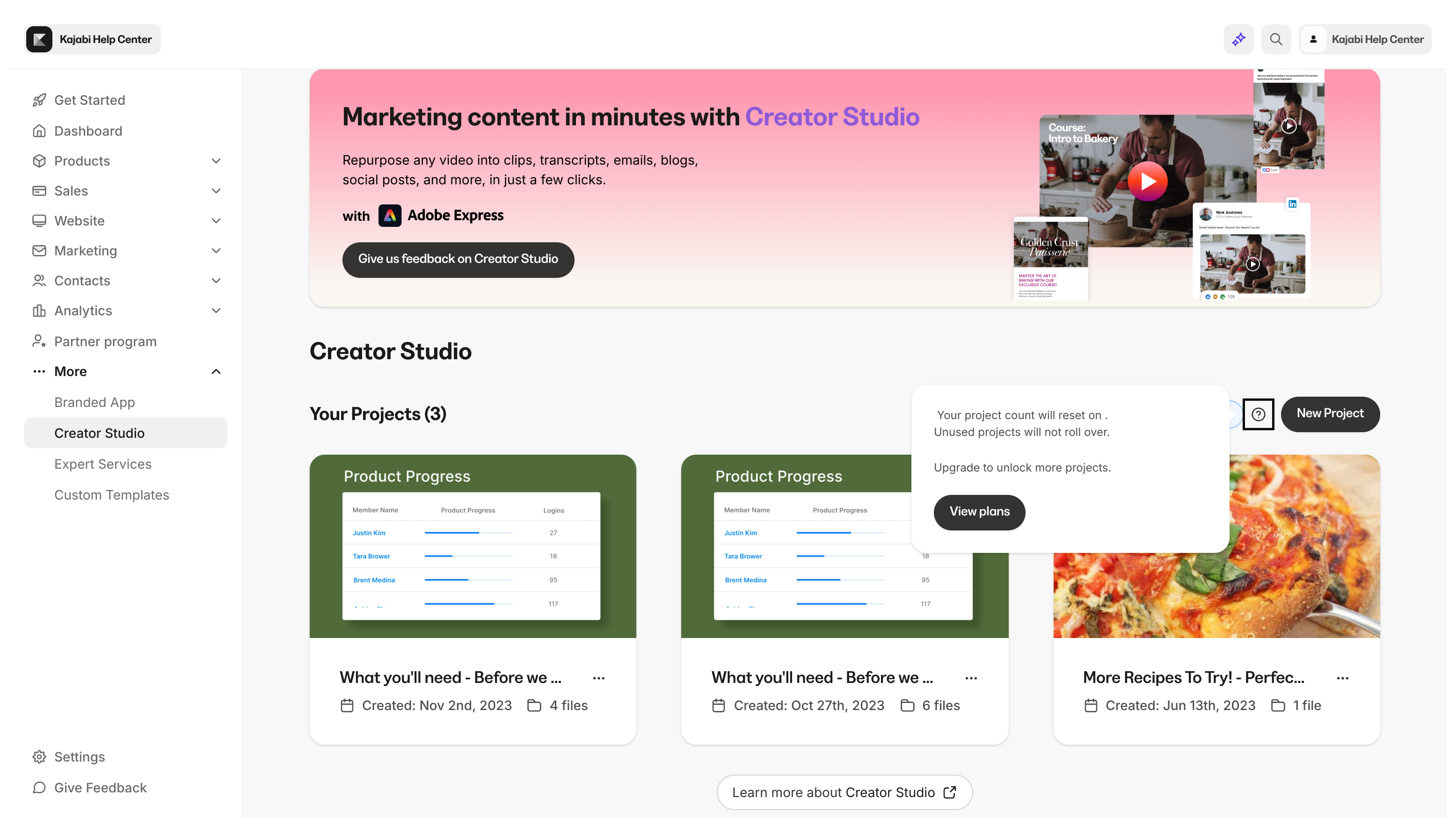
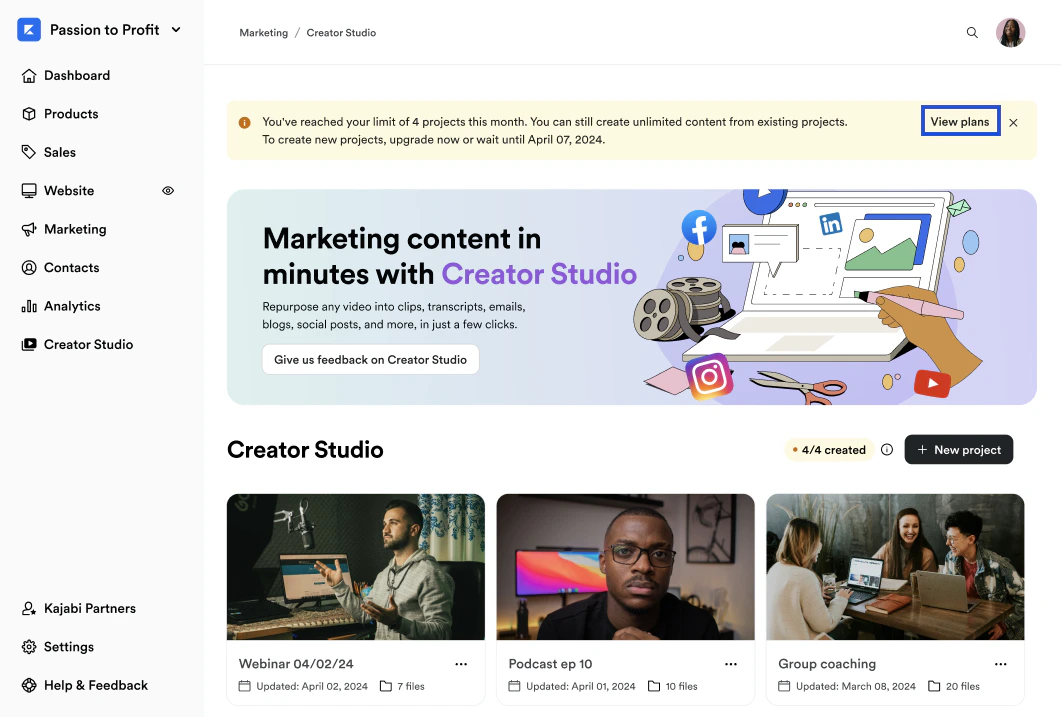
At any time, you can view Creator Studio add-on plans and upgrade.- Open Creator Studio from your Kajabi Dashboard
- Next to the New project button, click the information symbol (i)
- Click View plans
Downgrade
If you choose to downgrade your Creator Studio plan, email support@kajabi.com for assistance.Note:
If you choose to downgrade your Creator Studio Premium add-on, you will lose complimentary access to Adobe Express Premium.
FAQs
What does unlimited content mean?
Within a project, you can select New media to create unlimited pieces of content — clips, emails, blog posts, and more, at any time: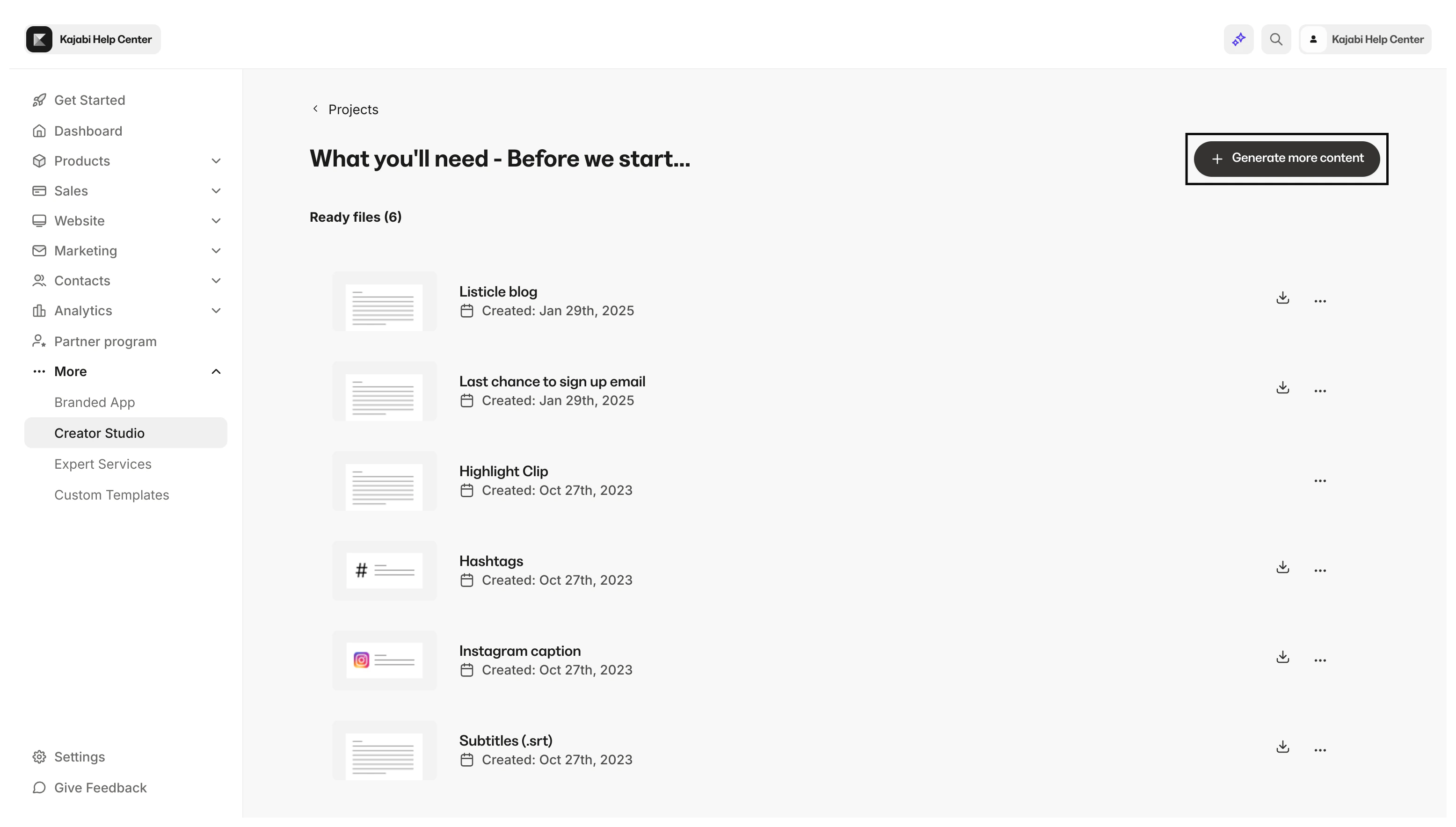
There’s an error creating my project. Does that count against my project count per month?
No, projects with errors do not count towards your limit. You can delete the project and re-create it.Do projects roll over from month to month?
No, on your Creator Studio homepage, you can view your remaining projects. Click the information symbol (i) to view when your projects will refresh: