

Automatic vs. manual grading
If your Assessment consists of multiple-choice or multiple-selection questions, you have the option to have these questions automatically graded when a user completes the Assessment. Learn how to enable automatic grading in an Assessment. Automatically graded: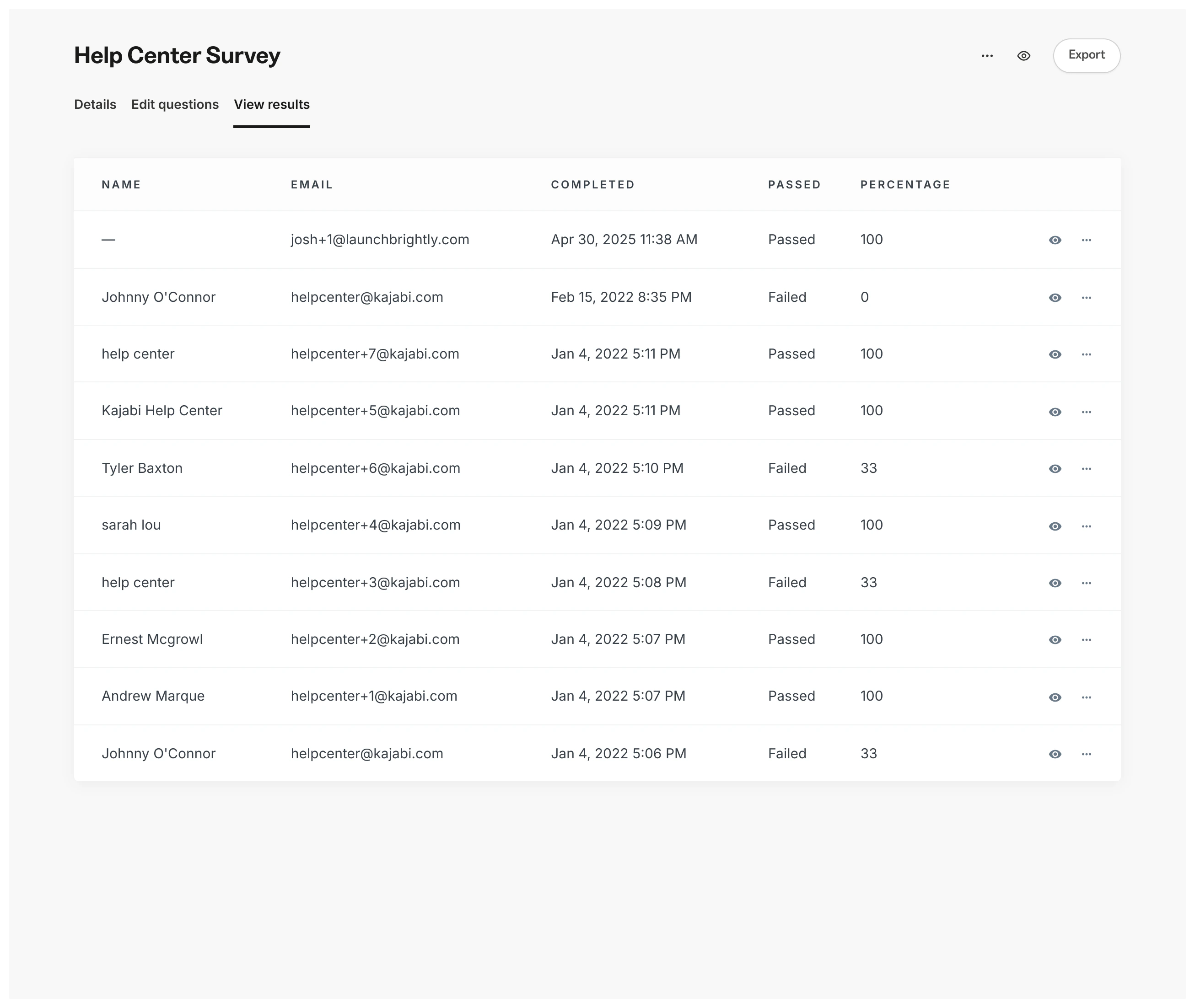
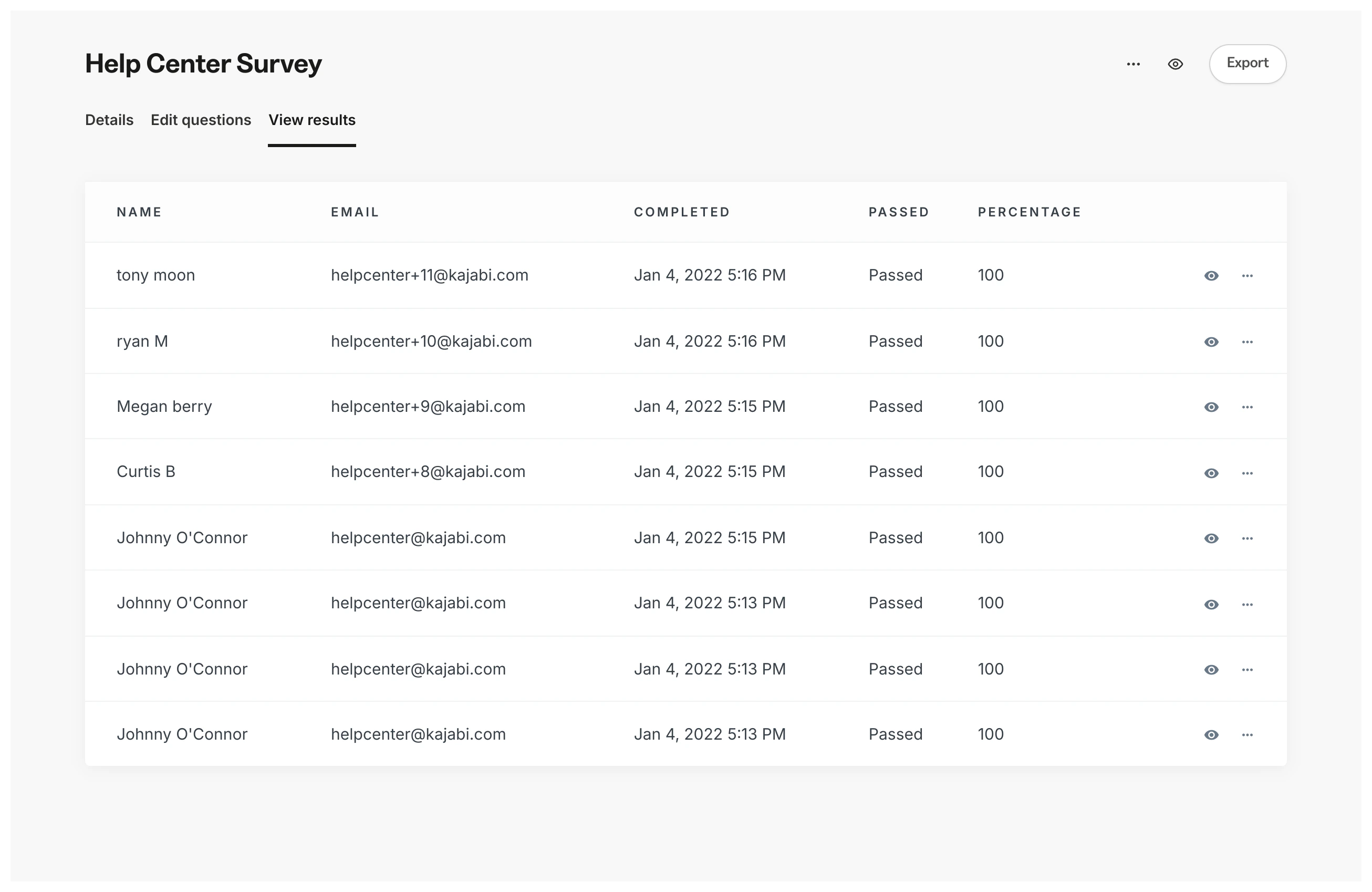
View Assessment results
To view the results of an Assessment:- Open the Contacts tab from the Dashboard.
- Select Assessments.
- Click the Title of the Assessment you wish to view.
- Select the View Results tab.
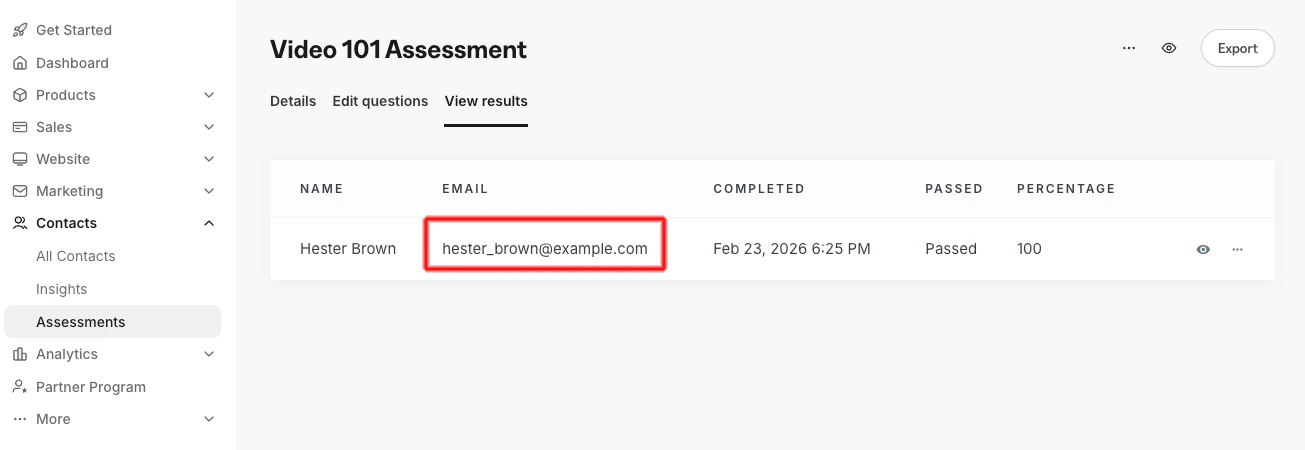
- View each contact’s responses by clicking their email address or by exporting the Assessment results:
Export Assessment results
To export results in CSV format:- Open the Contacts tab from the Dashboard.
- Select Assessments.
- Click the title of the Assessment you wish to export.
- Select the View Results tab.
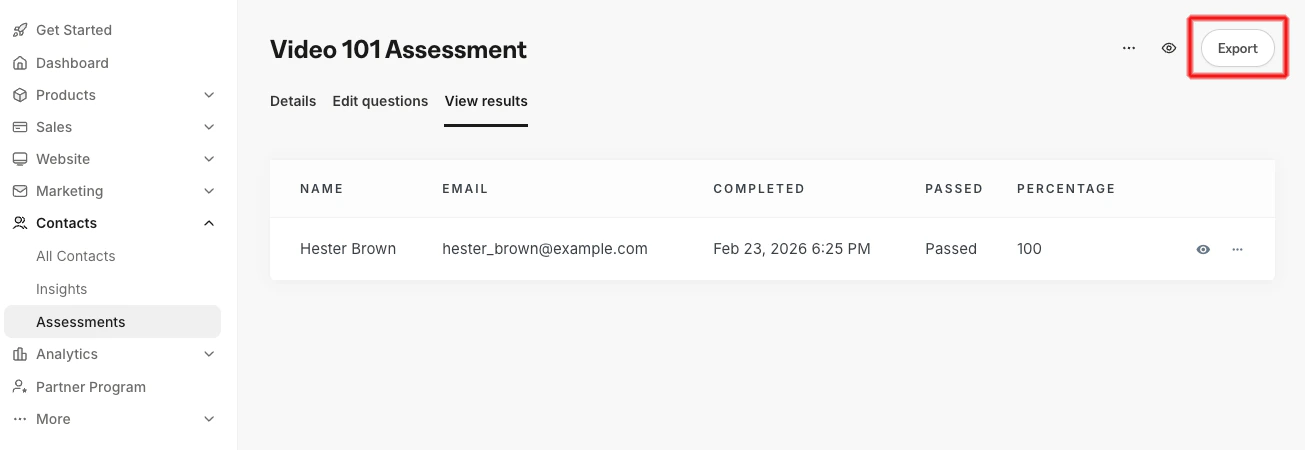
- Click the Export button at the top right of the page:


Note:
Assessments inside Courses have been sunset. They may still appear in older accounts. Quizzes are available inside Courses and Offers’ advanced functionality. Assessments may still be added to Web Pages.