Restore the default email template
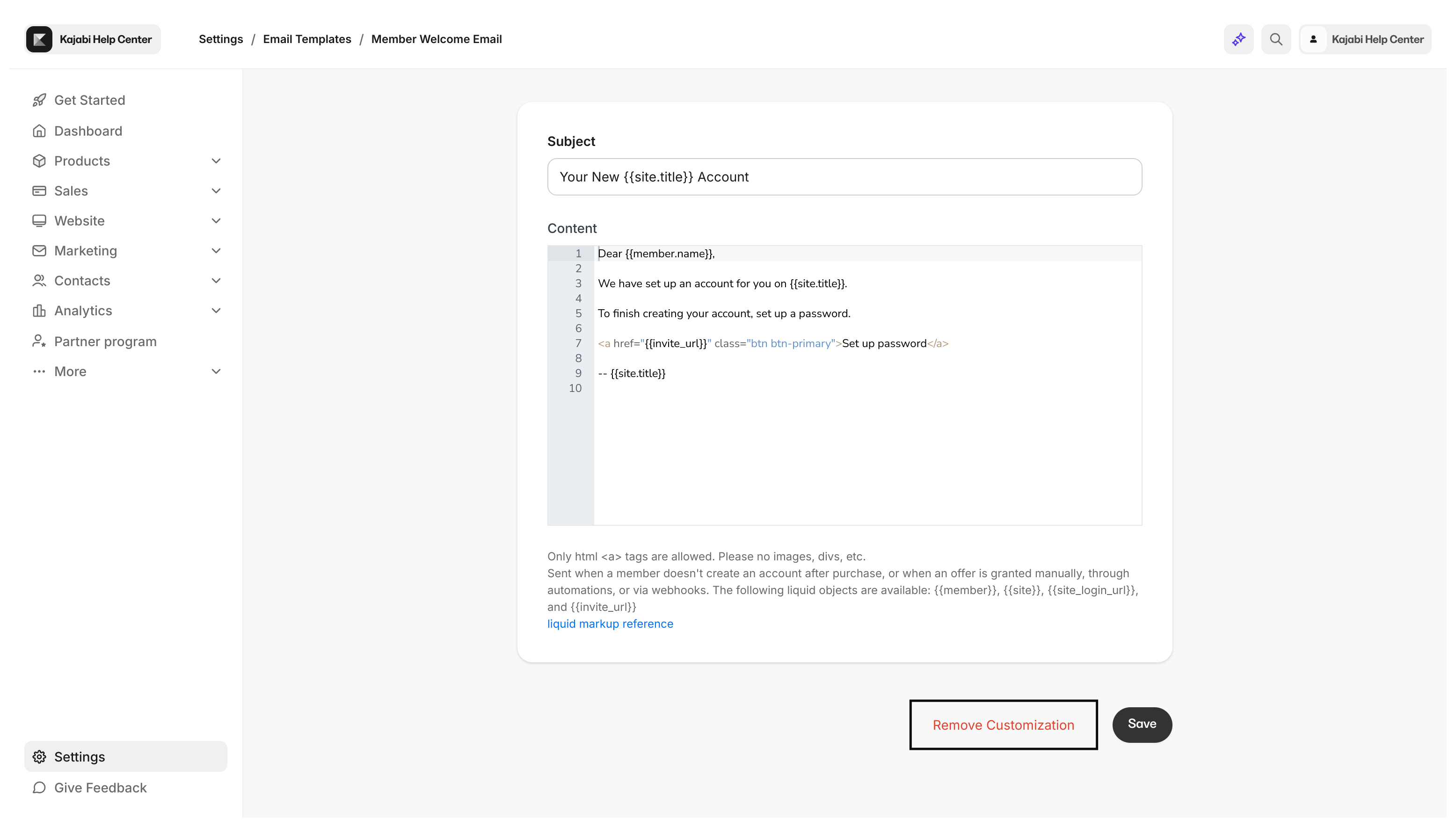
- Open the Settings tab at the bottom left-hand corner of your Dashboard.
- Then, select Email Templates from your Site Settings.
- Locate the Member Welcome Email.
- Select the pencil icon next to the email template to access the text editor of the email template.
- Then, click Remove Customization.