Basic Automations
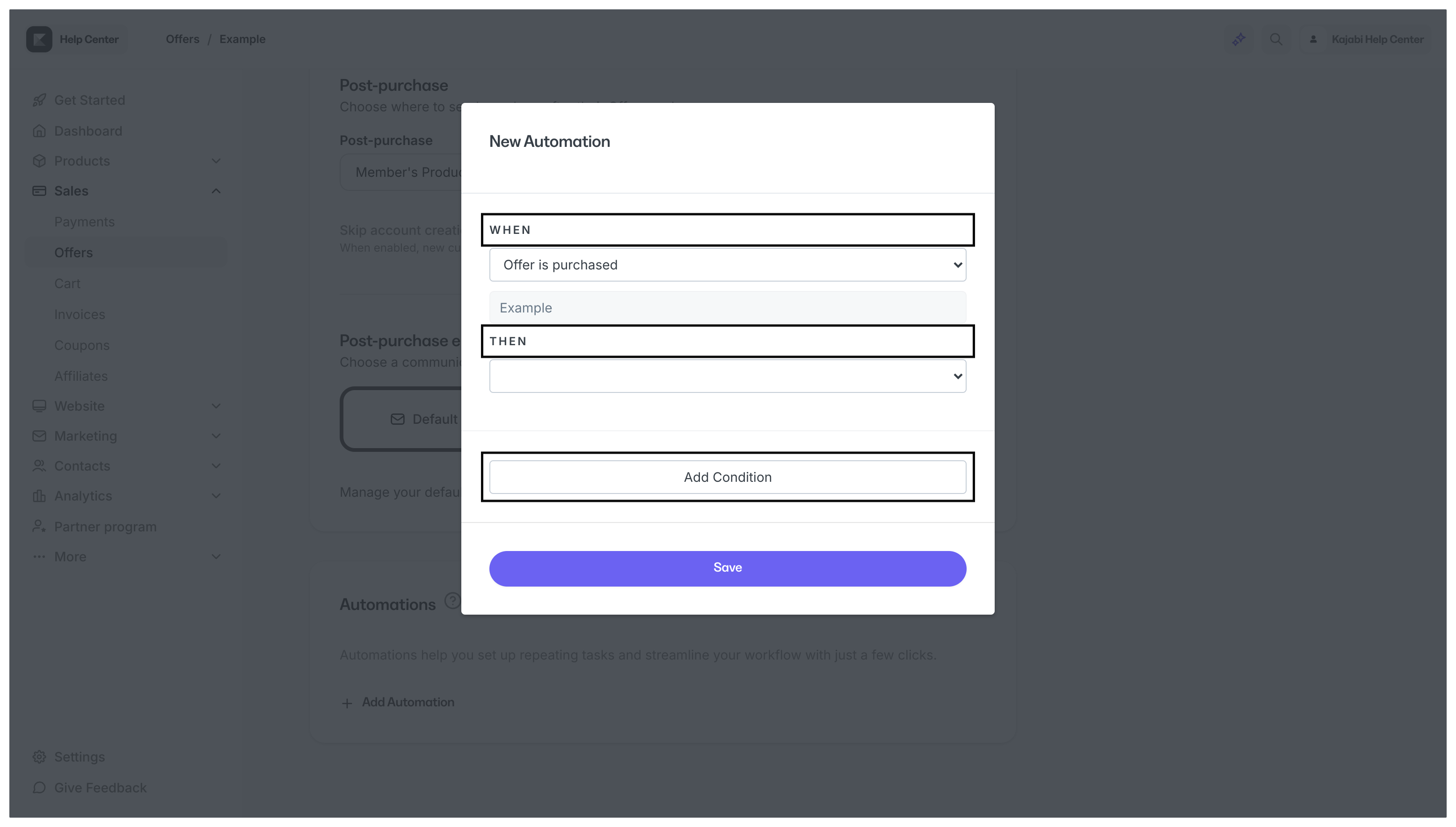
Basic Automations use the simple, yet powerful “when this happens, then this will follow” concept. For example, with Basic Automations you can add a Tag or send an Email when someone submits a Form.- Basic Automations contain the When and Then fields
- This enables you to create an Automation where When is the trigger and Then is the action that occurs once triggered
- Basic Automations can be set up within Course Lessons, Offers, Funnels, Email Campaigns, Events, Forms, Quizzes, and Certificates of Completion
Advanced Automations
Compared to Basic Automations, Advanced Automations take your Automations one step further by giving you the ability to include a conditional filter. For example, with Basic Automations you can use an Automation to add a Tag when someone submits a Form. With Advanced Automations, you can fine-tune your Automation further by adding the Tag only if the submitter selects a specific answer on that Form.- Advanced Automations contain the When, Then, and Add Condition filters
- The Add Condition filter enables you to filter your Automation further with an “Only If” condition
- This means you can create an Automation in which the When filter specifies the trigger that causes the specified action to occur in the Then field, only if the Add Condition filter applies. This gives you a vast amount of options to customize Automations to your specific needs
- Advanced Automations allow you to edit, create, and delete Automations all within the Automations section of your Marketing tab as well as within Course Lessons, Offers, Funnels, Email Campaigns, Events, Forms, Quizzes, and Certificates of Completion
Add a Basic vs. Advanced Automation
Basic Automations view
With Basic Automations enabled, your Automations section looks like this: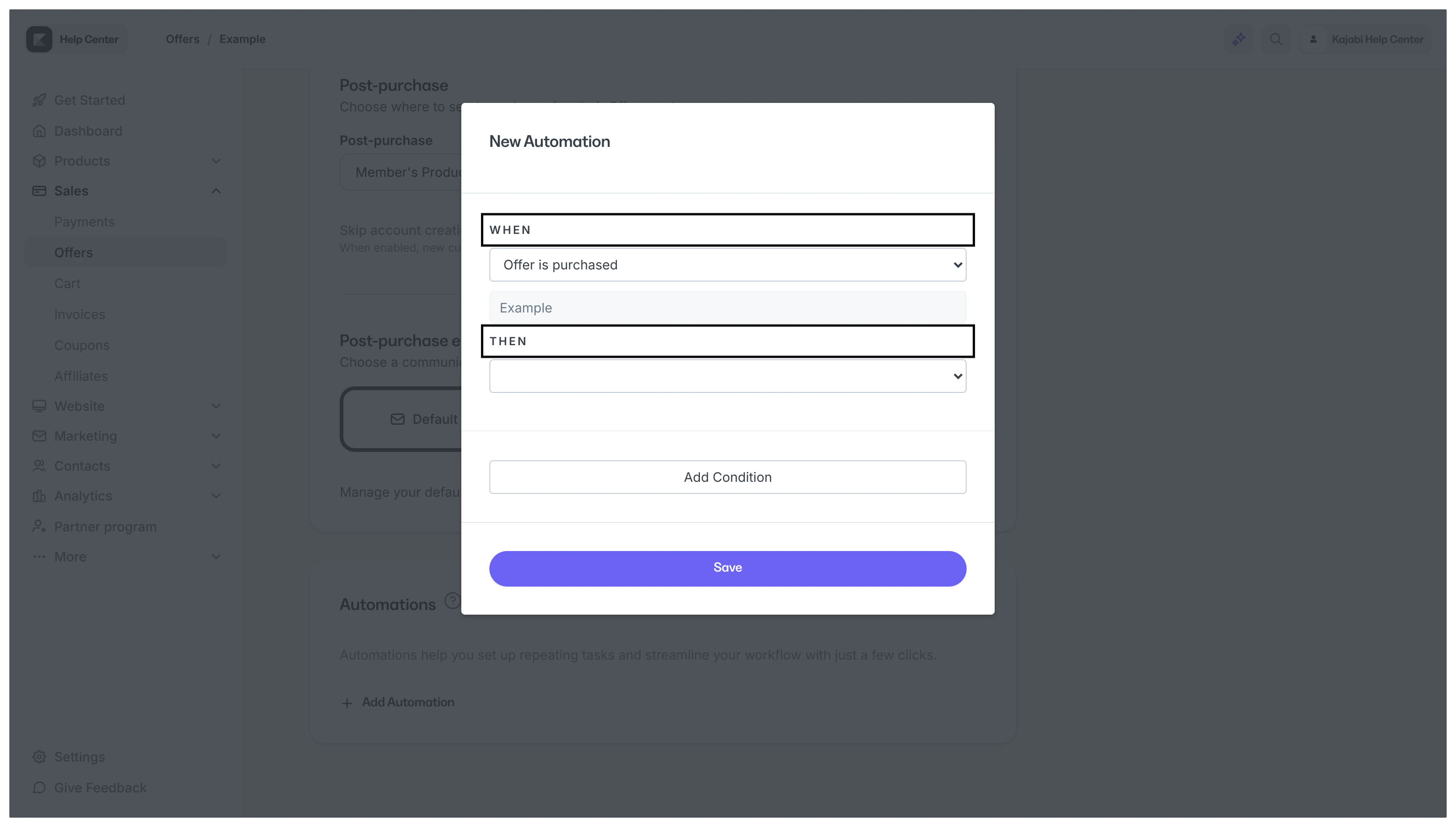
Advanced Automations view
The Automations section looks like this when Advanced Automations are enabled: