

Set up automated emails for payment failures
- Log into your Stripe account
- Click the gear icon to open your Settings
- Under the Billing section, select Subscriptions and Emails
- Then, toggle on Send emails to customers to update failed card payment methods
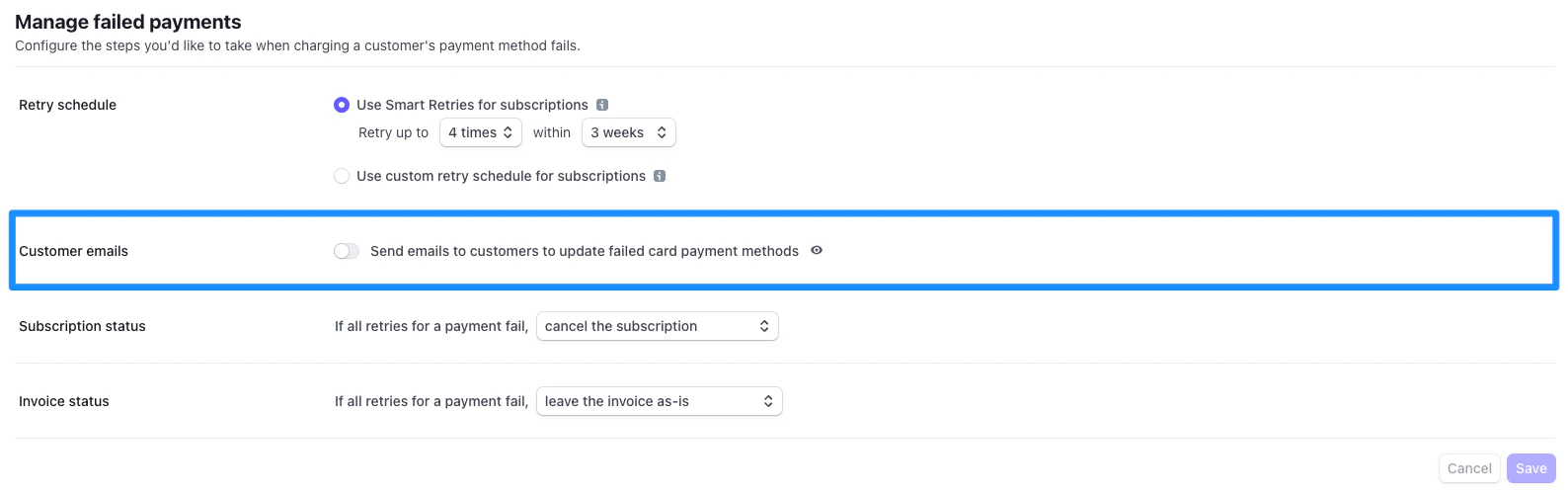
- Customize your email template by clicking the eye symbol