Connect a PayPal account to Kajabi to accept payments securely.
PayPal is a service that enables you to pay and accept payments. PayPal uses data encryption and anti-fraud technology to help keep your information secure, reducing the risk of online fraud.
Tip:
Interested in using an all-in-one payment solution with exclusive features designed specifically for the Kajabi platform instead? Check out Kajabi Payments.
Then, click Connect next to PayPal to begin the connection process:
After completing the connection, you will receive a confirmation email. However, if there is a problem with the connection, you will see a notification about the issue with your connection on the Payment Integration page.Repeat the process to integrate PayPal into your Kajabi account if your connection is unsuccessful.
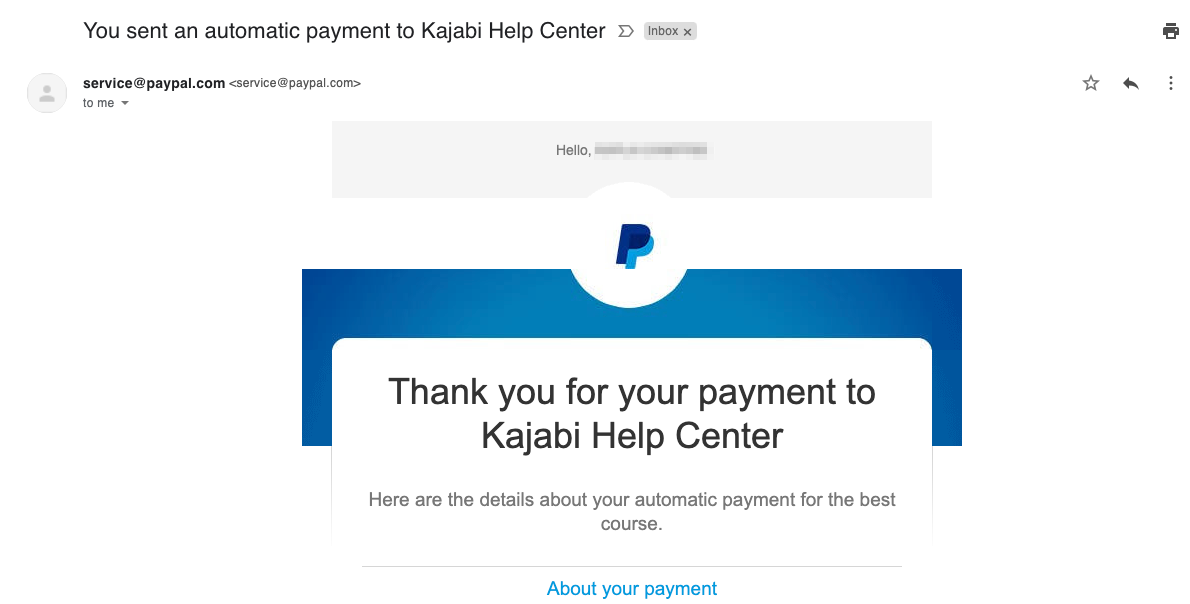
When a Member purchases an Offer with a PayPal account, they will automatically receive a digital receipt in the email inbox associated with their PayPal account or the email address used when checking out as a guest with PayPal:
Connected the wrong account, or do you need to change the PayPal account connected to Kajabi?Detach your PayPal account from Kajabi to connect a different account. Learn more