

Overview

Verifying your domain with Facebook is a required step to ensure that only verified owners can edit the way their content appears on Facebook. This guide walks you through how to verify your domain with Facebook’s Business Manager.

Domain verification

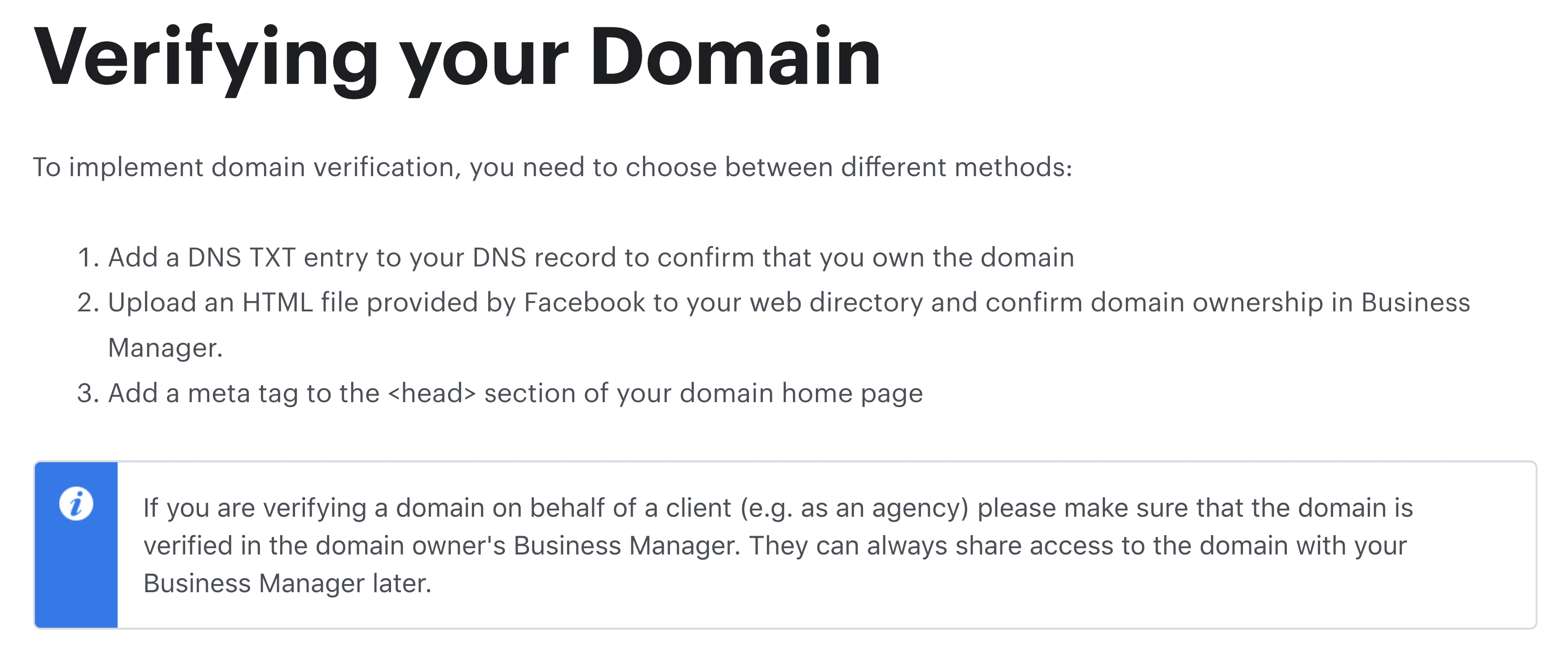
If you wish to implement Facebook tools like connecting Facebook Pixel to your site on Kajabi, Facebook requires you to verify your domain to protect and claim ownership of your website domain name. Facebook provides three different methods to verify your domain, two of which can be used for your site on Kajabi: Facebook domain verification methods Method 1 and 3 will allow you to verify your domain for your site on Kajabi. Learn to implement Facebook’s domain verification. If you choose to follow Method 3, the meta tag can be easily copied and pasted onto your header page scripts. Learn to add to your header page scripts.
My domain is not verifying with Facebook

Facebook cannot verify your domain if you have not connected a custom domain to your site.

Why do you need a custom domain to verify?

Facebook verifies the root domain for a site (e.g., kajabi.com). Without a custom domain, method 1 is unavailable because your DNS records will be inaccessible and method 3 will not allow Facebook to find and verify the root domain if you add a meta tag to your header page scripts for your Kajabi subdomain (e.g., yoursubdomain.mykajabi.com). In order to verify your domain with Facebook you will need to connect a custom domain to your site. Learn to connect a custom domain

Will your site be accessible with your Kajabi subdomain if you connect a custom domain?

Connecting a custom domain to your site on Kajabi allows your site visitors to access your site with both your Kajabi subdomain and your connected custom domain. Learn more