

Overview
Kajabi ensures that your site can be accessed through both your Kajabi subdomain and a connected custom domain. This guide explains the difference between these options and how to configure them.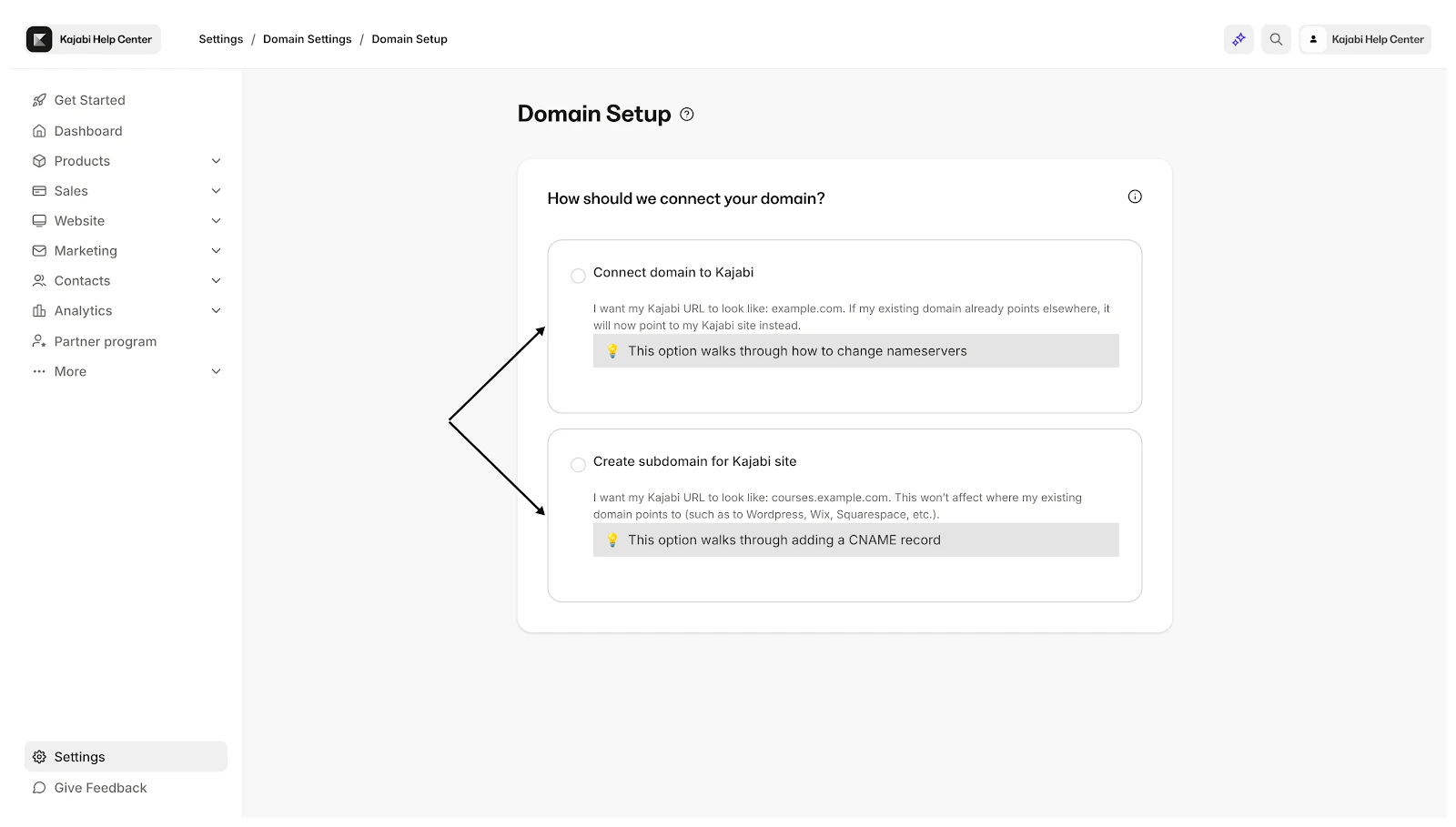
Kajabi default subdomain
When you create your account, Kajabi generates a default subdomain for you. You should use (or change) the default subdomain for your Kajabi site if your site is hosted elsewhere, like Wordpress, Wix, or Squarespace. An example of this subdomain would be the “cooking with Carl” piece of ***cookingwithcarl.***mykajabi.com. This subdomain must be unique. Meaning, just like with an email address, there cannot be two of the same subdomain under Kajabi. Subdomains must be at least 3 characters long, contain only lowercase letters, numbers, and hyphens, and cannot use reserved words such as:admin, blog, login, mail, www, staging, smtp, or ftp.
Change the default Kajabi subdomain
- Open the Settings tab from your Dashboard.
- Click Domain.
- Then, in the Kajabi default Subdomain section, edit your Kajabi subdomain.
- Click Save to apply your changes.