

Access Newsletter analytics
- Open the Products tab from your Dashboard
- Click Newsletters
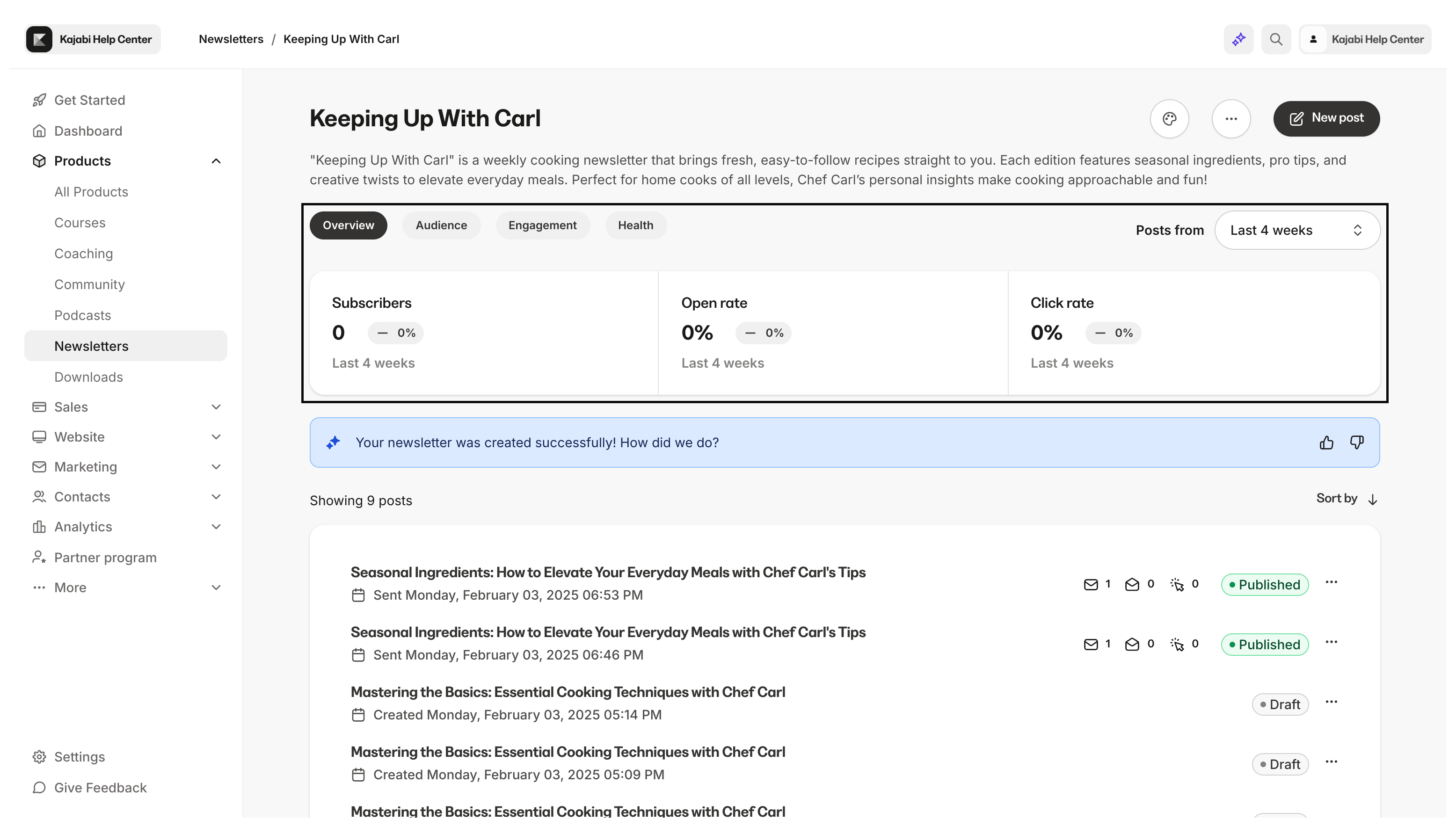
- Navigate to the top of your Newsletter Dashboard to view your Newsletter analytics
Overview metrics
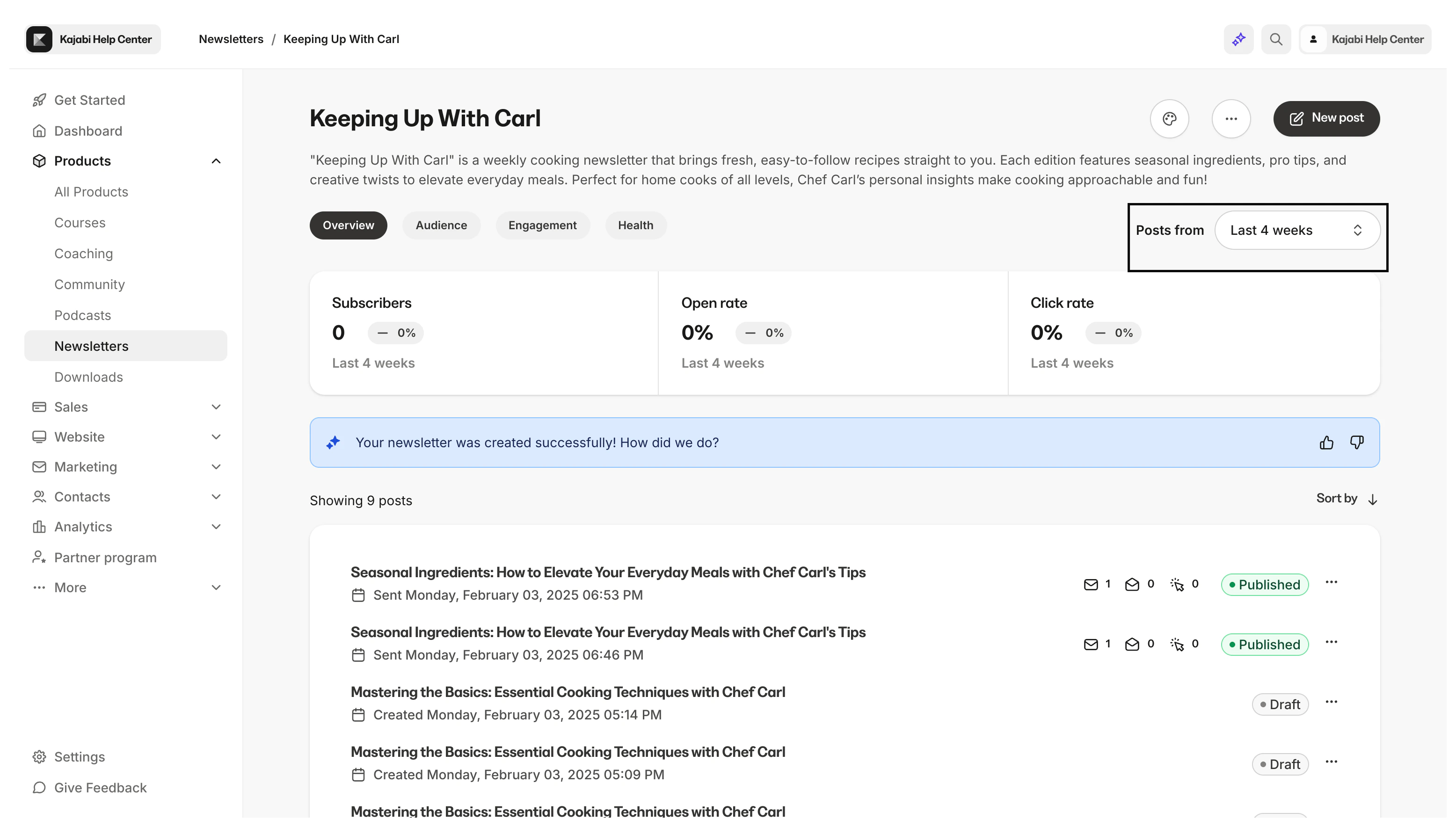
View the overview metrics for the Newsletter Posts published within your selected time frame.- Subscribers — The number of subscribers from posts published during your selected time frame
- Open rate — The percentage of Newsletter Posts opened during your selected time frame
- Click rate — The percentage of Newsletter Posts with a link that was clicked during your selected time frame
Audience metrics
View your audience metrics for the Newsletter Posts published within your selected time frame.- New subscribers — The total number of subscribers that subscribed through your published Newsletter Posts during your selected time frame
- Unsubscribes — The percentage of unsubscribes that occurred during your selected time frame
- Net subscribers — The percentage of net subscribers (subscribers minus unsubscribes) that occurred during your selected time frame
Engagement metrics
View your engagement metrics for the Newsletter Posts published within your selected time frame.- Open rate — The number of Newsletter emails opened during your selected time frame
- Click rate — The percentage of Newsletter Posts with a link that was clicked during your selected time frame
- Impressions — The number of views on the Newsletter Post from your email subscribers
Health metrics
View your health metrics for the Newsletter Posts published within your selected time frame.- Bounce rate — The number of Newsletter Posts published that did not make it to the subscribers’ email inbox as a result of a hard bounce
- Complaints — The number of complaints that occurred from Newsletter Posts published during your selected time frame
- Unsubscribes — The number of unsubscribes that occurred during your selected time frame